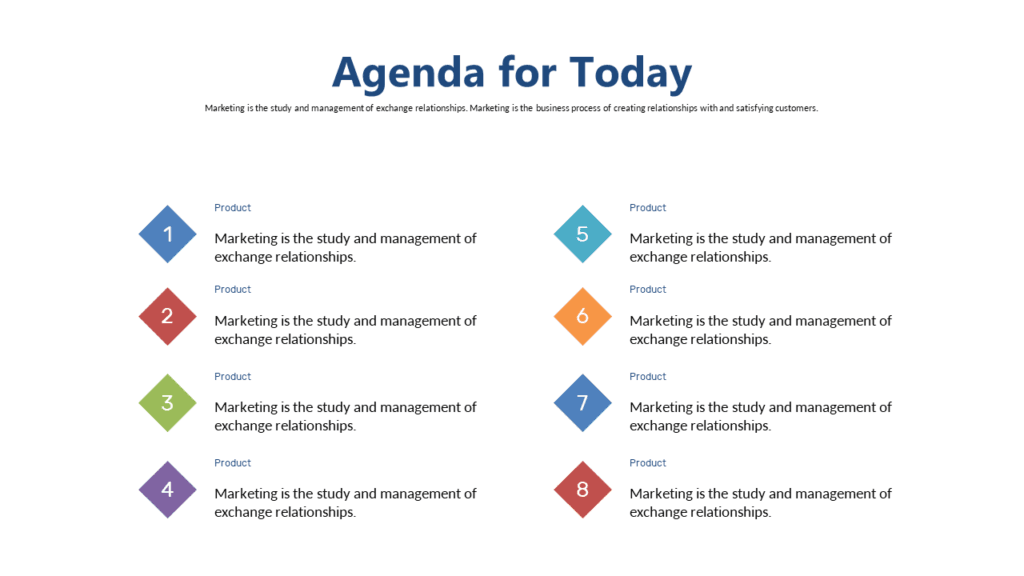
Your meeting is in under an hour. The deck is done. You just need one clean agenda slide. Here are three options — one free, two paid — all compatible with PowerPoint and Google Slides, all ready in under two minutes.
Free → Abstract icon layout, light theme. Grab it for a board meeting where you need something polished and have zero time to design.
$0.99 → Colorful speech-bubble agenda slide. Use it when you want people to actually engage with the agenda — not stare through it.
$5.99 → Full 20-slide deck in dark charcoal-gold. The right pick if you’re building the whole presentation from scratch, not just patching one slide.
Free Abstract Icon Agenda Slide — Best for Same-Day Board Meeting Prep
You’ve got a board call in 45 minutes and someone just asked, “can you send over the agenda slide?” This template was built for exactly that moment. Light background, clean icon blocks, and a layout that tells your audience what’s coming without asking them to read a wall of text. Download it. Swap the placeholder text. Done.
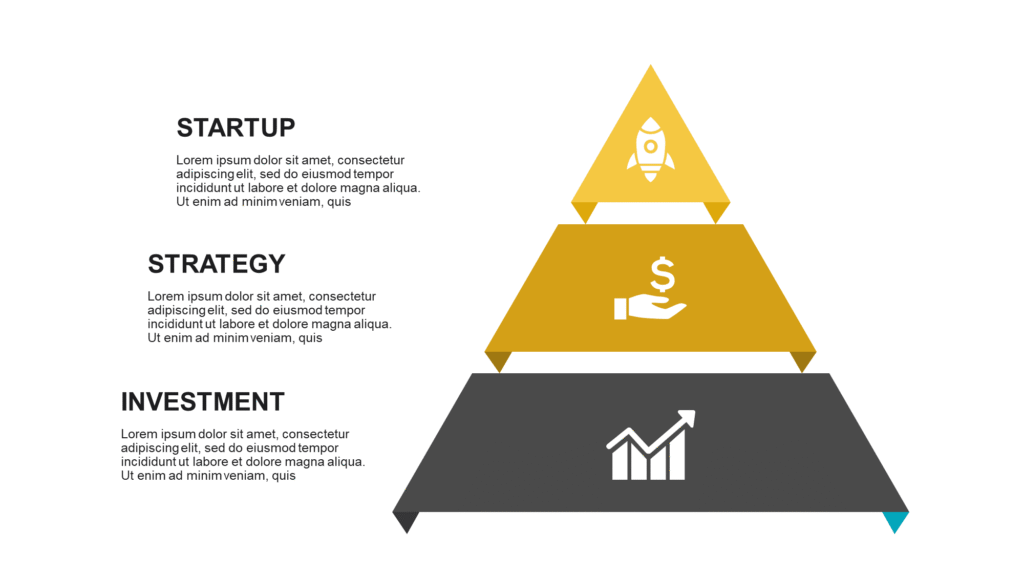
The slide uses individual icon blocks arranged in a grid. Each block carries a small abstract icon at the top and your agenda item label below it — nothing more. No decorative borders, no gradient backgrounds, no clutter. That restraint is the whole point. Senior audiences process it fast. They see the structure, they nod, you move on. The light theme also pairs cleanly with most existing decks, so you’re not fighting a color clash when you drop it in.
📁 PowerPoint + Google Slides + Browser
✏️ Fully editable
Colorful Speech-Bubble Agenda Slide — Best for Team Kickoffs and Client Meetings
Different situation entirely. You’re kicking off a project with a new client or running a team meeting where people tend to drift. A plain icon-and-text agenda slide won’t help — they’ll glaze right over it. This $0.99 slide uses colored speech bubbles to separate each discussion point, and the visual variety alone is enough to make people actually look at the agenda before the meeting starts.

Each speech bubble is a different color — you get instant visual hierarchy without adding a single design decision. The layout fits up to six agenda items comfortably. Push past six and it starts to crowd; if your agenda genuinely has eight points, group two of them. They’re probably related anyway. This is the cleaner of the two paid options if your deck already runs formal and you want one slide to stand out. It signals energy without looking chaotic.
📁 PowerPoint + Google Slides + Browser
✏️ Fully editable
How to Drop This Slide Into Your Deck
Two minutes, three steps. No design skills needed.
Step 1 — Download and open. You get a .pptx file. In PowerPoint, go to the slide panel on the left, right-click where you want to insert, and choose “Insert Slides from Another File.” Navigate to the downloaded file and pick the agenda slide. In Google Slides, go to File → Import Slides and upload the .pptx directly. It previews before import, so you’ll see exactly what you’re getting.
Step 2 — Replace the text. Click any text block and type your actual agenda item. For the speech-bubble version, each bubble is an independent text box — no grouped objects to fight with. For the icon version, the text sits directly below each icon block. Both are clean to edit.
Step 3 — Align the font. Highlight all text on the slide (Ctrl+A), then switch to your deck’s main font from the toolbar. The layout won’t break. The spacing holds. If your deck uses a brand color, recolor the bubble fills or icon backgrounds in one click using PowerPoint’s Format Shape panel.
One placement tip: put the agenda slide second in your deck, right after the title. Audiences are most attentive at the start. Framing the agenda early cuts the number of “wait, what are we covering next?” interruptions later.
Need the Full Deck? — Dynamic Stepwise Presentation in Charcoal Gold
If you’re not patching one slide into an existing deck — you’re building the whole thing — this is worth a look. Twenty slides, dark charcoal background, gold typography and accents. It’s built for investor pitches, C-suite updates, and strategy presentations where you need the room to feel the weight of what you’re saying.


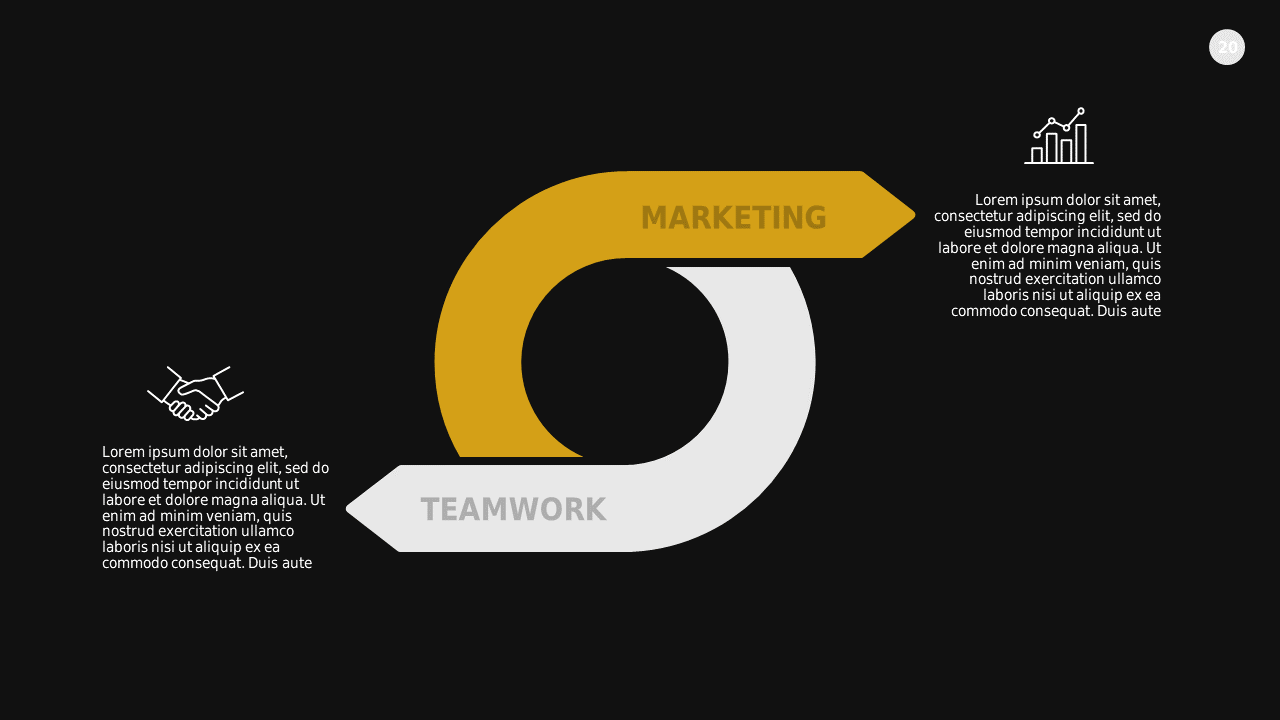

The deck includes an agenda layout, stepwise flow diagrams using arrow sequences, a dashboard slide, animated photo sections, and a maps slide. The charcoal-gold color combination projects cleanly — no washout under fluorescent lighting, which is the quiet problem with most light-themed decks in conference rooms. One honest note: if your brand is built around pastel tones or a light corporate palette, this deck will clash. It’s a standalone statement piece, not a chameleon.
🗂️ 20 Slides
📁 PowerPoint + Google Slides + Browser
✏️ Fully editable
Quick Questions
Should I use icons or text blocks in an agenda slide?
Icons work better for senior audiences and fast-paced meetings where people skim slides. They communicate structure at a glance. Text blocks work better in academic, legal, or technical settings where the actual wording of each agenda item matters. If you’re presenting to executives, use the icon layout. If you’re running a compliance meeting where people need to remember the exact item titles, text blocks are safer.
How many agenda items fit on one slide without it looking crowded?
Four to six, ideally. Fewer than four and the slide looks sparse — it suggests your meeting doesn’t have enough substance. More than six and you’re giving people a task list, which sets the wrong tone. If your agenda genuinely has eight items, merge two. They’re almost always related. The speech-bubble slide here handles six cleanly. Push to seven and the bubbles start to compress in a way that undermines the whole point of using bubbles.
Can I reuse a single downloaded slide across multiple decks?
Yes. One purchase covers personal and commercial reuse — no per-presentation license, no attribution requirement. Download once, drop it into as many decks as you need. The same applies to the free template. SlideSwift doesn’t put a use cap on downloads.
Want to browse more agenda slides individually? The slide library has the full collection filtered by category:
Pick your slide — starts free