
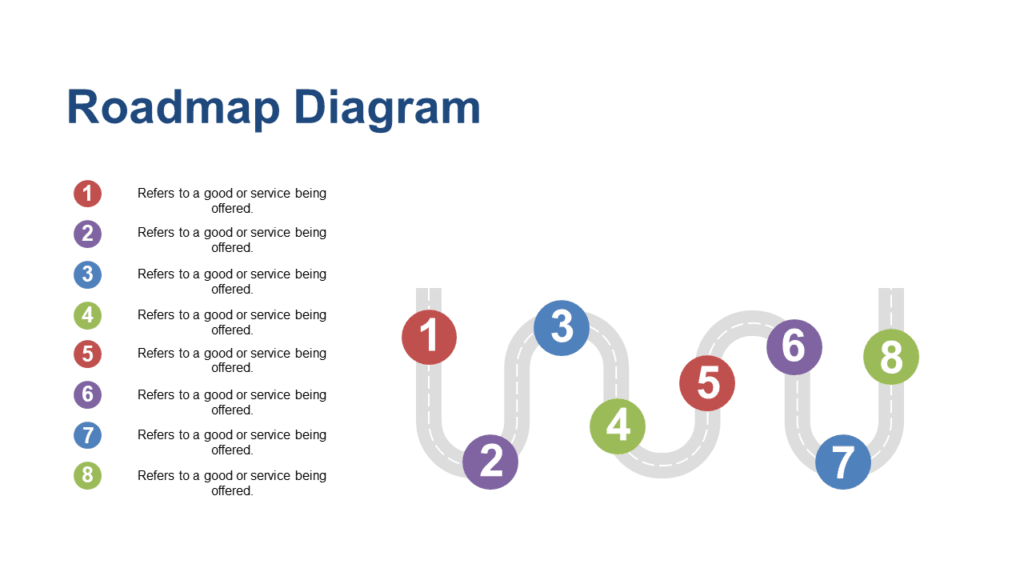
Best Roadmap Template PowerPoint — Editable & Ready to Present
Finding the right roadmap template PowerPoint can save hours of work. Every product manager, founder, and consultant has been in this situation. You have a stakeholder meeting in a few hours and someone needs to see the roadmap. You open PowerPoint, stare at a blank slide, and spend the next forty minutes trying to get a curved path diagram to look professional rather than thinking about the actual plan you are trying to communicate.
A well-designed roadmap template PowerPoint solves this completely. Instead of building the layout from scratch, you start with slides that are already structured, already designed, and already presentation-ready. You fill in your milestones, your phases, your initiatives — and you are done.
Every roadmap deck on SlideSwift is a complete focused collection built specifically for roadmap presentations. Not a generic business template with one roadmap slide buried somewhere. A deck where every slide is designed around communicating direction, timeline, and strategic priorities clearly to any audience.
Edit directly in your browser after purchase — no software needed. Or download the PPTX and open it in PowerPoint or Google Slides. Either way, your roadmap presentation is ready in minutes.
Why Building a Roadmap Slide From Scratch Always Takes Longer Than Expected
Roadmap slides look deceptively simple. A path, some milestones, a few labels. But building one from PowerPoint shapes that actually looks professional — with consistent sizing, proper alignment, readable labels at every point, and a visual flow that guides the eye — takes far longer than it should.
The curved roadmap format is especially difficult to build from scratch. Getting the path shape right, attaching labels cleanly to each curve, making sure milestone markers are evenly spaced — these are design problems, not content problems. A roadmap template PowerPoint handles all of this upfront so you can focus on what the roadmap actually says rather than how it looks.
Best Roadmap Template PowerPoint Decks on SlideSwift
Each deck below is a complete focused collection — every slide built around roadmap presentations. Fully editable in PowerPoint, Google Slides, and directly in your browser after purchase. No software needed. All decks are 16:9 widescreen, Light theme, instant download.
Creative Curved Roadmap PowerPoint Templates
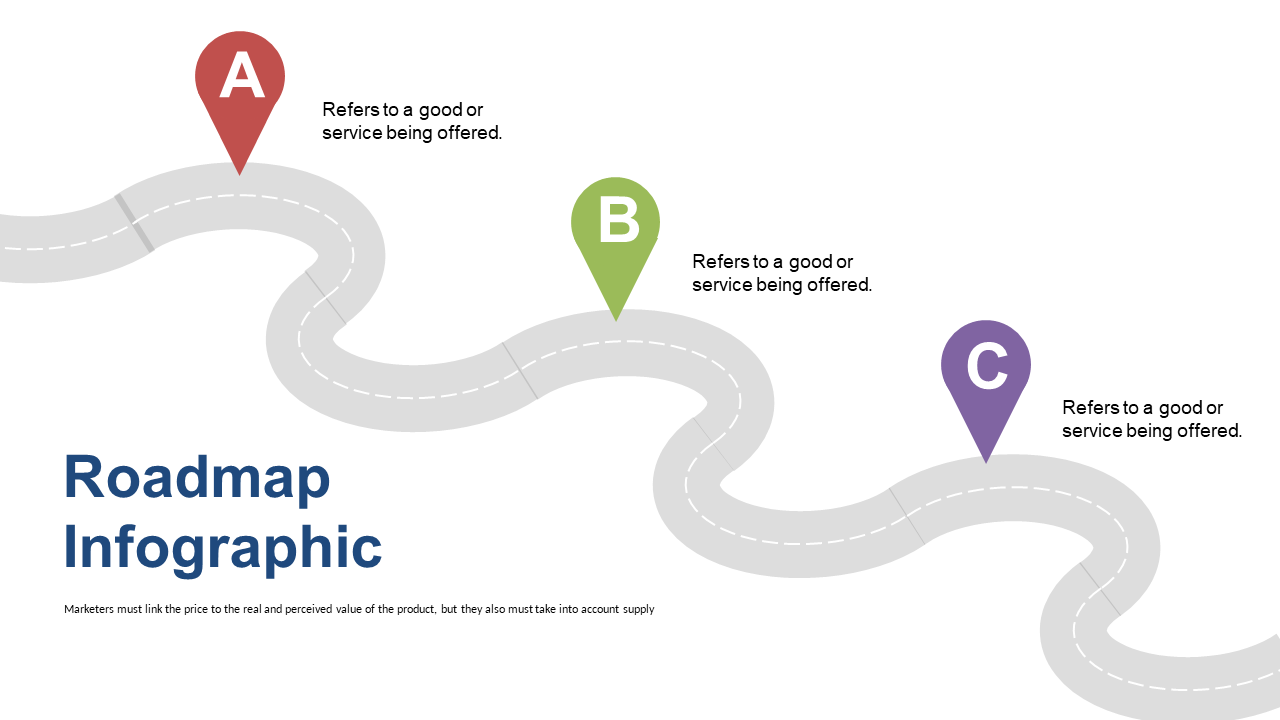
A compact 5-slide curved roadmap deck designed for quick, high-impact presentations. Each slide uses a creative curved path layout to guide the audience through your product stages, strategic milestones, or project phases in a visual flow that is immediately readable. Good for founders and product managers who need a roadmap slide that stands out without spending hours on design. At $3.99 for a focused ready-to-use roadmap deck, it is the fastest way to get a professional roadmap into your presentation today.
Price: $3.99 | Slides: 5 | Theme: Light | Format: 16:9 Widescreen
Professional Curved Roadmap PowerPoint Templates
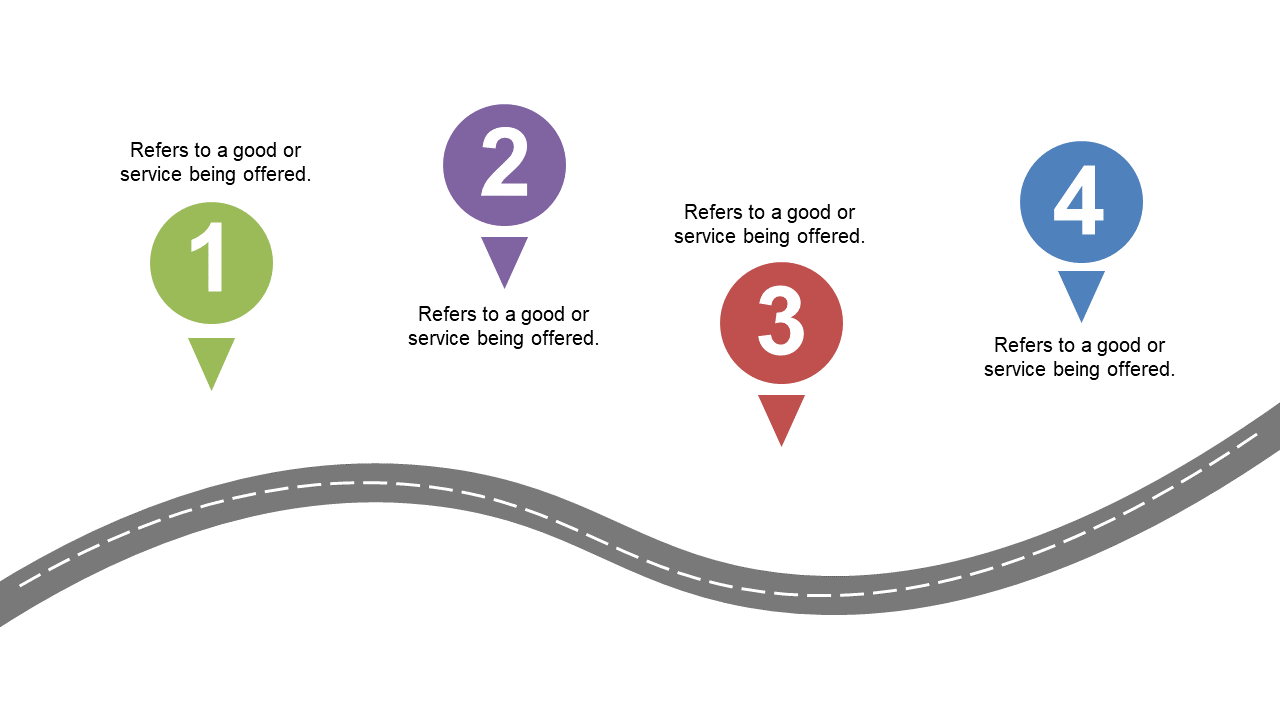
A comprehensive 20-slide curved roadmap deck built for product managers, organizational leaders, and consultants who need a full roadmap presentation — not just one slide. Covers product planning, strategic execution, and organizational planning across multiple layouts so you can choose the format that fits your specific roadmap structure. Every slide in the deck is independently editable — change the path color, rename the milestones, add or remove stages without touching anything else. Built for presentations where the roadmap is the main event, not a supporting slide.
Price: $5.99 | Slides: 20 | Theme: Light | Format: 16:9 Widescreen
Editable Curved Roadmap PowerPoint Templates
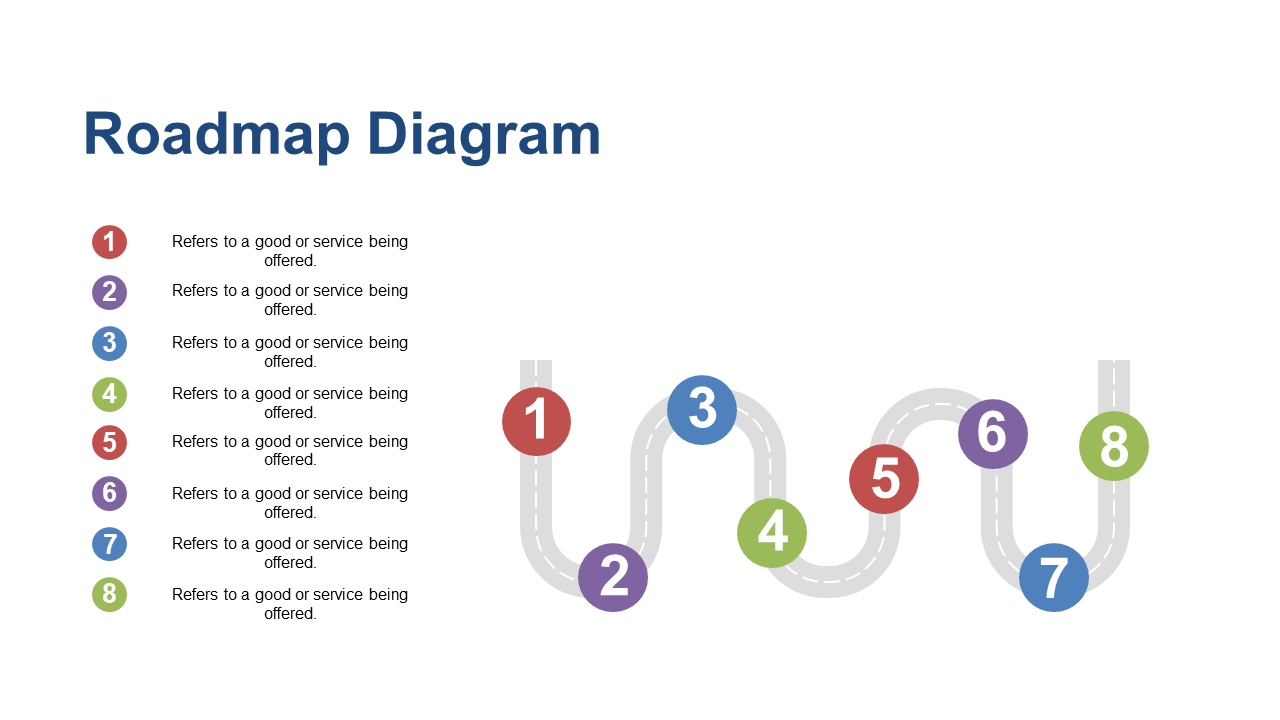
A versatile 20-slide curved roadmap deck focused on maximum editability — every path element, milestone marker, label, and connector is a separate editable PowerPoint shape. No grouped objects that break when you try to move them. No locked elements that resist editing. Built for teams and individuals who update their roadmap regularly and need to make changes quickly before every stakeholder meeting. Works equally well for product roadmaps, project phase presentations, strategic planning timelines, and organizational planning decks.
Price: $5.99 | Slides: 20 | Theme: Light | Format: 16:9 Widescreen
See all Roadmap PowerPoint decks →
Only Need One Roadmap Slide? Pick Exactly What You Need.
Sometimes your presentation is already built and you just need one roadmap slide to drop into it — not a complete deck. The SlideSwift Roadmap Slide Library has individual roadmap slides available at $0.99 per slide. No subscription, no minimum order. Pick the one layout that fits your presentation, mix it with slides from other categories if you want, and download exactly what you need.
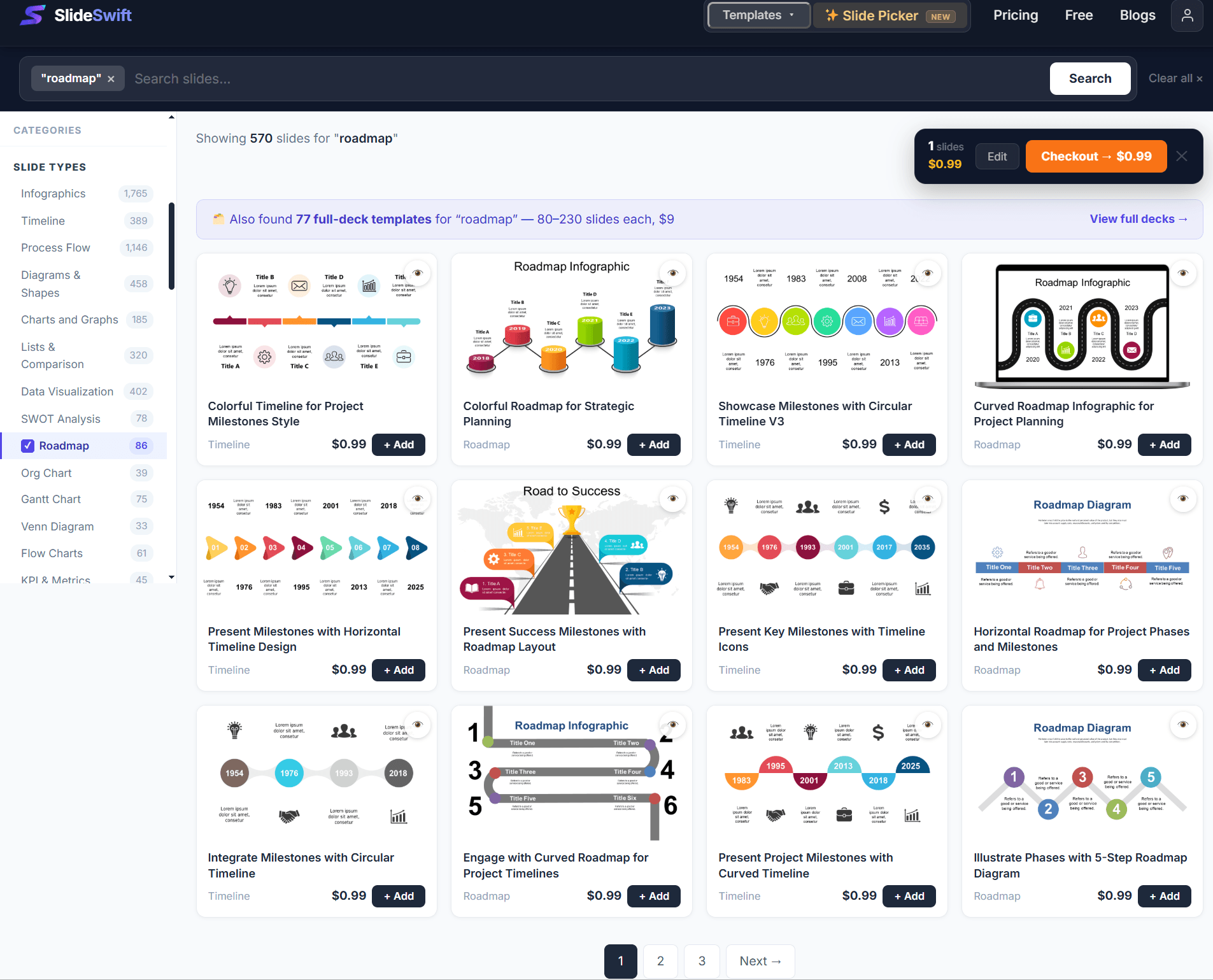
Browse individual roadmap slides from $0.99 — no subscription, pick exactly what you need.
How to Customize a Roadmap Template PowerPoint in 10 Minutes
Every element in a SlideSwift roadmap template is an independent editable PowerPoint shape. Here is how to make the key changes quickly:
Rename milestones: Click any milestone label text box and type your own stage name — “Discovery”, “Beta Launch”, “Market Expansion”, whatever fits your plan. The label is a regular text box with no special formatting attached.
Change the path color: Click the curved path shape, right-click → Format Shape → Fill → choose your brand color. The path updates instantly across the entire slide.
Add a new milestone: Copy any existing milestone group (the marker shape plus its label), paste it, and drag it to the right position on the path. Resize to match the others if needed.
Remove a milestone: Click the marker and its label, press Delete. Done. The path stays intact because it is a separate shape from the markers.
Change the number of stages: For decks with more or fewer stages than you need, duplicate or delete milestone elements. The curved path is designed to accommodate additions and removals without breaking the layout.
Once you know where the elements are, updating a roadmap slide from one quarter to the next takes about five minutes.
Can I Edit This Without Installing PowerPoint?
Yes. After purchase, every SlideSwift roadmap template PowerPoint opens directly in a built-in online editor in your browser — no PowerPoint installation required. Edit the milestone labels, change the path colors, update the stage names, and export your finished file without leaving the page where you bought it.
If you prefer working in PowerPoint, download the PPTX file and every roadmap element is fully editable there. For Google Slides, upload the PPTX to Google Drive and open it with Google Slides — the curved path shapes, milestone markers, and labels all transfer cleanly and are fully editable from there too.
What Should a Roadmap Slide Actually Include?
The most effective roadmap slides tend to be simpler than people expect. Here is what works consistently across different audiences and contexts:
Three to five stages maximum. More than five stages on one slide creates a slide that is too small to read from the back of the room and too complex to absorb in the thirty seconds most audience members spend on any single slide. If your roadmap has more stages, consider splitting it across two slides — one for the near term, one for the longer view.
Stage names, not task lists. Each milestone on the roadmap slide should be named for the outcome or phase, not for the individual tasks inside it. “Product Launch” is a stage name. “Write documentation, fix bugs, create demo video” is a task list that belongs in your project tool, not on your roadmap slide.
Time context. Whether you use quarters, months, or relative terms like “Near Term / Mid Term / Long Term”, the audience needs some sense of timing. A roadmap without time context is just a list of things you plan to do — it does not communicate sequencing or priority.
Current position indicator. Show where you are now. A “We are here” marker, a color-coded completed section, or a simple visual divider between done and upcoming makes the slide instantly more useful in a meeting.
Roadmap Template PowerPoint for Different Audiences
The same roadmap content often needs to be presented differently depending on who is in the room. Having an editable template makes this practical — keep one master file and adjust for each audience.
For investors: Focus on outcomes and timing relative to funding. Three to four major milestones, clear dates, and a connection between the roadmap and the business opportunity. One clean slide is almost always more effective than three detailed ones.
For the board: Connect each stage to a strategic objective. Show that the roadmap reflects priorities the board already knows about and supports. Avoid operational detail — they care about direction and resource allocation, not task-level planning.
For the product team: You can go deeper here. Show the feature areas, the dependencies between stages, the specific initiatives inside each phase. The people executing the plan need enough detail to understand their own role in the sequence.
For clients: Focus on the milestones that affect them directly — delivery dates, review points, launch timing. A client roadmap slide should answer “what does this mean for me and when” clearly and simply.
Browse All Roadmap Templates — Complete Decks From $3.99
The next time you need to present your product plan, your strategic roadmap, or your project phases, you should not be spending valuable preparation time fighting with PowerPoint shapes.
Start with a roadmap template PowerPoint that is already built for the job. Fill in your stages, update your milestones, and spend your time on the content — the decisions behind the plan, the priorities, and the story you want to tell.
Browse all Roadmap PowerPoint template decks on SlideSwift →