
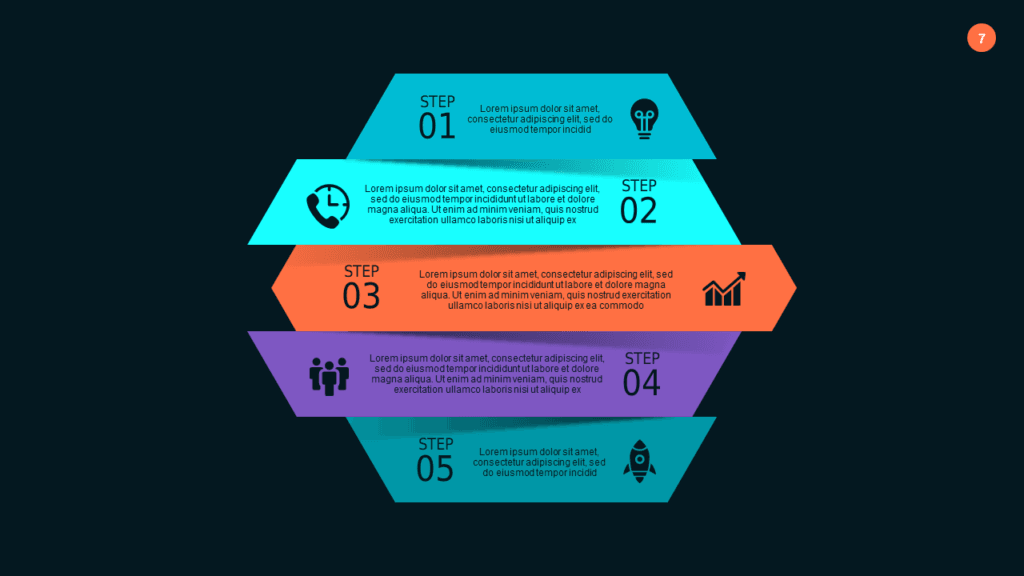
Best Process Flow Diagram PowerPoint Templates for Business Presentations
You know exactly what the process looks like in your head. Five stages, two decision points, one feedback loop. The problem is getting it out of your head and onto a PowerPoint slide that doesn’t look like it was built by someone who just discovered SmartArt for the first time.
A proper process flow diagram PowerPoint template skips the two hours of wrestling with connectors, alignment guides, and arrow sizing — and gets you straight to a slide that actually communicates the workflow. The decks below are built for exactly this: dark-theme, professional, and editable in under 20 minutes.
Each one is a complete focused deck — not a single diagram slide. Open it in your browser right after purchase and start editing immediately, or download as PPTX for PowerPoint and Google Slides. No design software needed at any point.
Why Building a Process Flow Slide From Scratch Is Such a Pain
PowerPoint’s built-in process tools — SmartArt, connector lines, arrow shapes — look like they were designed for PowerPoint 2007. The moment you try to build anything more complex than a basic five-box horizontal sequence, you’re manually dragging connector endpoints, fighting with auto-layout, and watching your carefully aligned diagram shift every time you resize a shape.
Visio is the tool that actually handles complex process mapping well. But Visio costs extra, most teams don’t have a license, and everything still needs to land in PowerPoint anyway — which means you’re exporting a screenshot that looks pixelated on a 4K projector in the conference room.
The other real issue is consistency. When you build a process flow from scratch, every slide looks slightly different from the last — different arrow weights, off-center labels, colors that are almost but not quite the same hex value. A template solves all of that upfront. You get a consistent visual language across the entire deck from the first slide to the last.
Best Process Flow Diagram PowerPoint Decks on SlideSwift
Complete focused decks for process visualization — linear step-by-step flows, circular recurring processes, and directional arrow diagrams. All dark-theme, all fully editable. Starting at $3.99. Edit in browser or download as PPTX for PowerPoint and Google Slides.
Neumorphic Process Flow Diagram PowerPoint Template — Teal Modern (Dark)
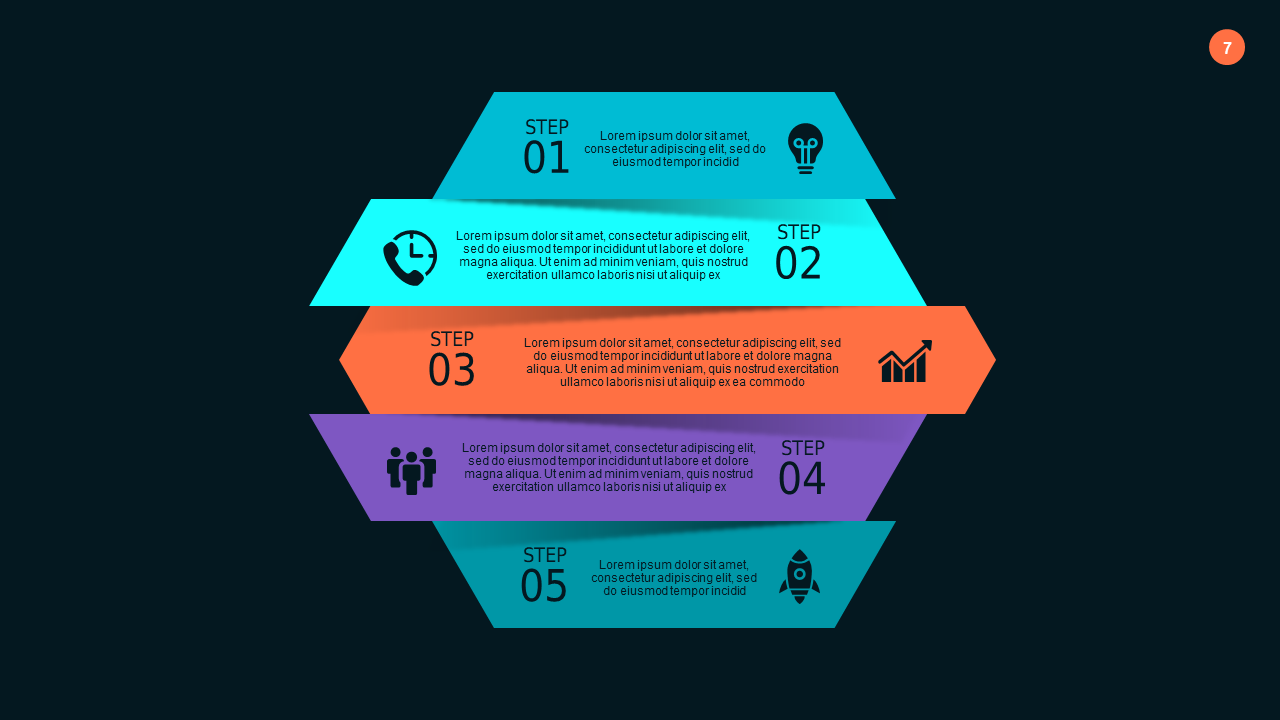
Fourteen slides built around linear, step-by-step process visualization. The neumorphic dark design with teal accents keeps focus on the process itself rather than the slide aesthetics — which is exactly what you want when walking a room through a workflow. Inside you get flowchart layouts, timeline-style process diagrams, and step-breakdown slides that make it easy to isolate each phase for discussion. Good fit for operations managers presenting SOPs, project managers outlining delivery phases, or consultants mapping a recommended workflow for a client. Clean and modern — and when the process changes next month (because it always does), updating it takes minutes, not hours.
Price: $3.99 | Slides: 14 | Theme: Dark | Format: 16:9 Widescreen
Circular Process Flow Set 4 PowerPoint Template — Teal Modern (Dark)
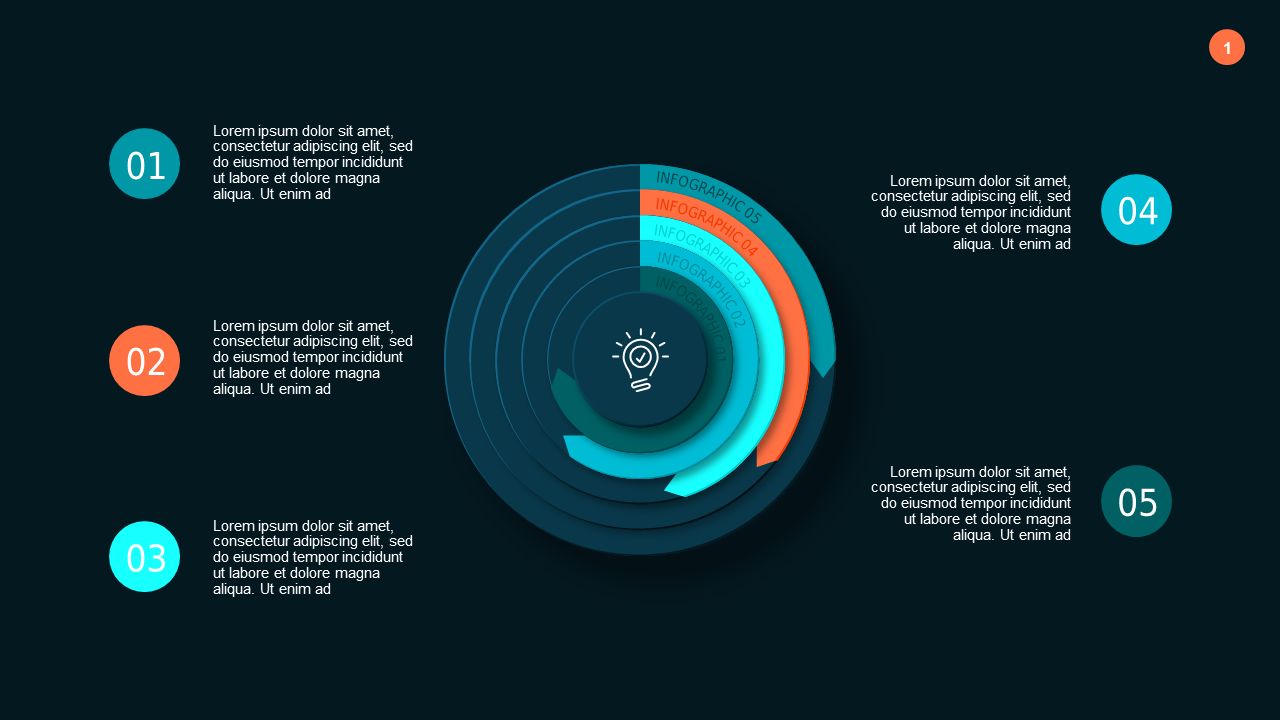
Nineteen slides for processes that loop — feedback cycles, continuous improvement frameworks, iterative workflows, recurring operational processes. Where the linear deck shows a start-to-finish sequence, this one shows a system that repeats. Circular diagrams make it immediately clear to the audience that this process doesn’t end — it feeds back into itself and improves over time. The 19 slides range from simple four-step cycles to more complex interdependent flows with multiple entry points. If you’re presenting a product development sprint cycle, a quality management loop, or any recurring business process where the point is that it never actually stops, this is the right visual structure to reach for.
Price: $3.99 | Slides: 19 | Theme: Dark | Format: 16:9 Widescreen
Arrows & Steps PowerPoint Templates
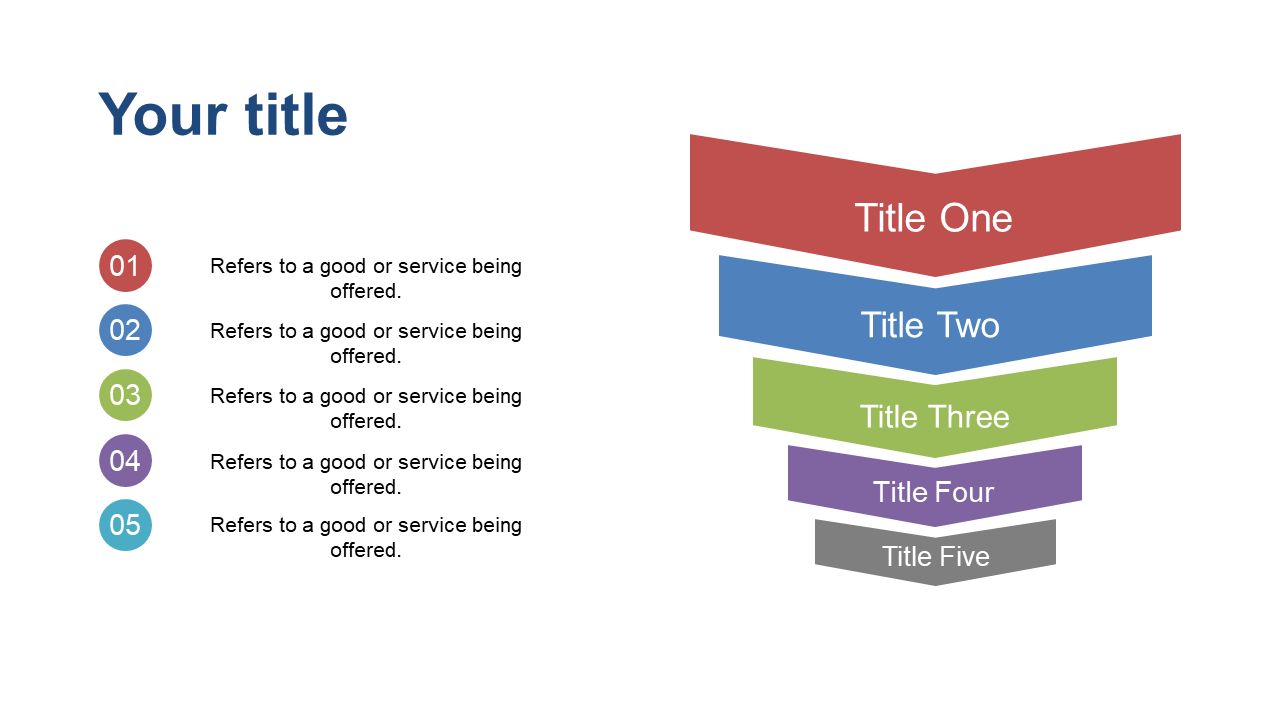
Fourteen slides built around directional flow — arrows that show movement, progression, and decision paths. Where the first two decks are about mapping a process in structural detail, this one is about communicating momentum and direction. Step diagrams outline sequential actions clearly, arrow graphics show progress over time, and decision-point flowcharts handle the branching logic in approval or review processes. At $4.99, it’s the right pick when your presentation needs to convey forward motion — go-to-market rollouts, phased implementation plans, or approval workflows where the audience needs to understand what comes next and why it comes in that order.
Price: $4.99 | Slides: 14 | Theme: Dark | Format: 16:9 Widescreen
See all Process Flow decks on SlideSwift →
Only Need One Process Flow Slide? Pick Exactly What You Need.
Your existing deck is already 18 slides. You don’t need a 19-slide process flow pack — you need one circular diagram for slide 7 and nothing else. Buying a full deck for a single slide doesn’t make sense.
The SlideSwift Slide Library has over 7,400 individual slides at $0.99 each. No subscription, no minimum order. Search for process flow, pick the specific layout — circular, linear, arrow-step — and it’s yours. Mix it with slides from other categories and build exactly the deck you need for a few dollars total.
Browse process flow slides in the Slide Library — from $0.99 →
Linear, Circular, or Arrows — Which Layout Does Your Process Actually Need?
This is worth thinking through before you open any template, because the wrong diagram type makes a perfectly good process explanation land badly in the room.
Linear flowchart (sequential steps): Use this when your process has a clear start and a clear finish — onboarding a new hire, submitting a project for approval, executing a marketing campaign. The audience needs to see stages in order, left to right. The Neumorphic Process Flow deck is built for exactly this.
Circular diagram (recurring process): Use this when the process repeats or feeds back into itself — product development sprints, quarterly business reviews, continuous improvement cycles. Showing it as a circle communicates the ongoing nature of the process visually without needing a single line of explanation. The Circular Process Flow deck handles this well.
Arrows and directional flow: Use this when the point is momentum — moving from phase to phase, showing a rollout in motion, illustrating an approval chain. Arrows work best for go-to-market plans, phased implementation timelines, and anything where the audience needs to feel the forward direction of the work. The Arrows & Steps deck is built for this specific use case.
Decision-point flows: If your process branches — “if X, proceed to step 4; if Y, loop back to step 2” — you need a layout with visible branching logic. The flowchart slides in both the linear and arrows decks include decision-point layouts for this.
Can I Edit These Without Installing Any Software?
Yes — every SlideSwift template opens in a built-in browser editor right after purchase. Edit text, swap colors, rearrange slides — all from your browser, nothing to install. This is how most people handle quick updates right before a meeting without opening PowerPoint at all.
If you prefer to work in PowerPoint, download the PPTX. Every shape, connector, and arrow is a fully editable PowerPoint object — not a flattened image or a locked group. Works on Mac and PC.
For Google Slides: download the PPTX and upload it to Google Drive. Open with Google Slides and the formatting transfers cleanly. The dark theme holds up well in Google Slides without color drift or layout shifts on import.
What Actually Makes a Process Flow Slide Work in a Meeting?
A process slide that looks great on screen but falls apart the moment someone asks a follow-up question is a content problem, not a design problem. Here’s what separates the ones that actually hold up:
Label the steps, not just the boxes: “Step 3” tells the room nothing. “Step 3: Stakeholder Sign-off” is better. “Step 3: Stakeholder Sign-off — 2 business days” eliminates half the follow-up questions before they’re even asked.
Show where decisions happen: Most processes aren’t purely linear. There are approval gates, exception paths, and if-then branches. If your slide doesn’t show these, someone in the room will ask — and you’ll end up drawing on the whiteboard anyway. Build the branching in from the start.
One process per slide: The most common mistake is cramming two related processes onto one slide because they technically fit. They don’t fit — they just look crammed and impossible to read from the back of the room. Give each process its own slide and use the space to add the labels and context that make it useful.
Use color to show status or ownership: Teal for completed steps, gray for upcoming, orange for blocked — this is information the room actually needs in a status review. The dark-theme templates in these decks make color-coded status particularly crisp on screen.
Browse All Process Flow Templates — Complete Decks From $3.99
The three decks above cover the main scenarios: a linear step-by-step flowchart for sequential processes, a circular diagram deck for cyclical workflows, and an arrows-and-steps deck for direction-focused, momentum-driven presentations. All dark-theme, all fully editable, all ready within 20 minutes of purchase.
If you need a light-theme version, a different color, or more slides, the catalog has more options built for the same use case.