

Best Infographic PowerPoint Templates — Save Hours on Every Presentation
There is a moment every presenter dreads. You have solid data, a clear message, and a presentation due tomorrow — but the slides look like a spreadsheet with bullet points. Nothing visual, nothing that sticks.
The right infographic PowerPoint template changes that completely. Instead of spending hours trying to turn numbers into visuals from scratch, you start with slides that are already designed to communicate clearly. Your job becomes filling in the content — not building the layout.
Every infographic template on SlideSwift is a complete focused deck built specifically for visual data storytelling. Not a generic business template with one infographic slide buried on page eighteen. A deck where every slide is designed to make your information easier to understand, faster to absorb, and more likely to be remembered after the meeting ends.
Edit everything directly in your browser after purchase — no PowerPoint installation needed. Or download the PPTX and open it in PowerPoint or Google Slides. Either way, your infographic presentation is ready in minutes.
Why Generic Slides Fail at Communicating Data
A bullet point list tells your audience what you know. An infographic shows them why it matters.
Research consistently shows that people retain visual information far more effectively than text-only content. But building a properly designed infographic in PowerPoint from scratch — the icon alignment, the color hierarchy, the flow between elements — takes design skills and time that most professionals simply do not have available the night before a presentation.
A focused infographic template solves this. Every element is already in place. The visual logic is already built in. You replace the placeholder content with your own data and the slide looks like it was designed by someone who does this for a living.
Best Infographic PowerPoint Template Decks on SlideSwift
Each deck below is a complete focused collection — every slide designed around infographic presentations. Fully editable in PowerPoint, Google Slides, and directly in your browser after purchase. No software needed. All decks are 16:9 widescreen, Light theme, instant download.
Trophy Achievement Steps Infographic PowerPoint Template

A focused 5-slide infographic deck built around achievement milestones and success pathways. Designed for business leaders, educators, and marketers who need to showcase progress, stages, or step-by-step achievements in a visually compelling way. Each slide uses trophy and achievement iconography to guide the audience through your success story — ideal for quarterly reviews, award presentations, onboarding decks, and strategic milestone updates. At $3.99 for a complete ready-to-use infographic deck, it is the fastest way to turn your achievement story into a slide your audience will actually remember.
Price: $3.99 | Slides: 5 | Theme: Light | Format: 16:9 Widescreen
Blue Circular and Heart-Shaped Process Diagrams PowerPoint Template
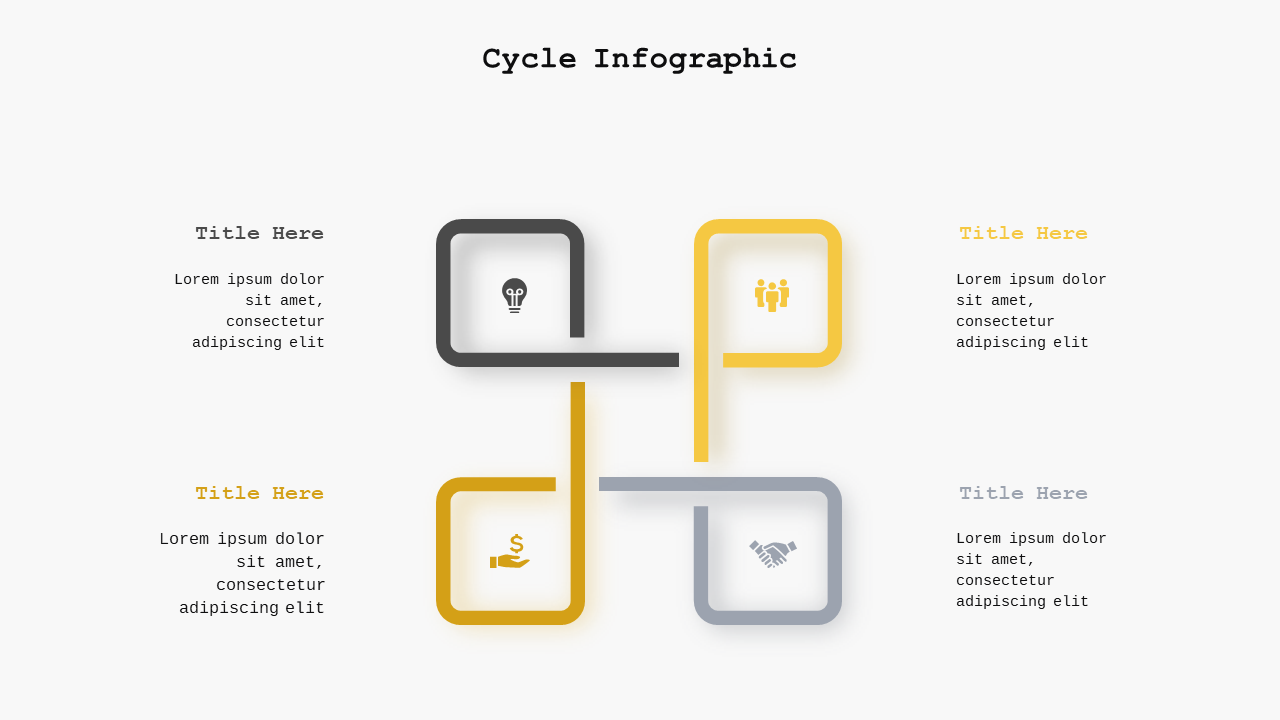
A versatile 7-slide infographic deck featuring circular and heart-shaped diagram layouts that make complex processes and relationships immediately visual. Perfect for marketing strategists, corporate trainers, and educators who need to illustrate workflows, relationship dynamics, or strategic frameworks without the audience getting lost in text. The circular format naturally communicates cycles, interdependencies, and continuous processes in a way that linear slide layouts simply cannot. Fully editable — swap in your own labels, data, and colors in minutes.
Price: $5.99 | Slides: 7 | Theme: Light | Format: 16:9 Widescreen
Infographic Data Representation PowerPoint Template
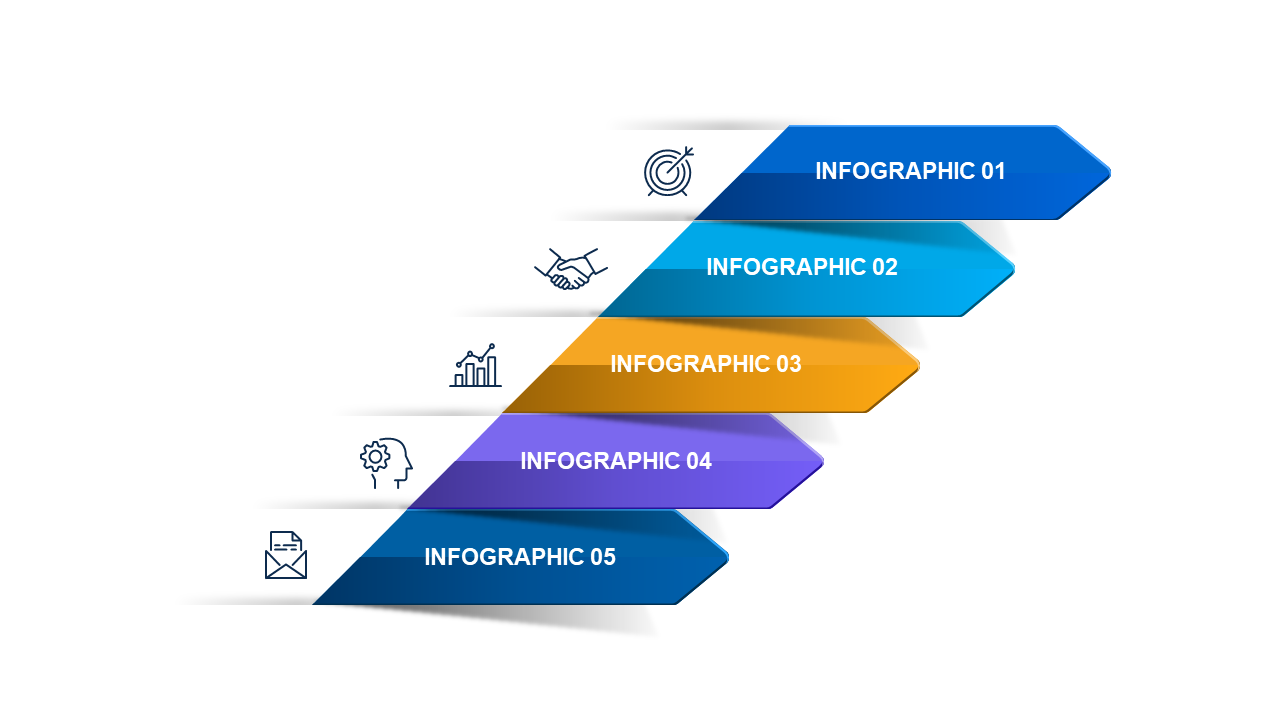
A clean 7-slide data representation deck built for professionals who need to present complex information in a simplified, impactful way. Designed specifically for data storytelling — turning numbers, comparisons, and insights into visuals that your audience can understand immediately. Works equally well for marketers presenting campaign results, educators explaining research findings, and analysts sharing performance data with leadership. At $3.99 for a focused data infographic deck, it removes the design barrier between your data and your audience.
Price: $3.99 | Slides: 7 | Theme: Light | Format: 16:9 Widescreen
See all Infographic PowerPoint decks →
Only Need One Infographic Slide? Pick Exactly What You Need.
Sometimes your presentation is already built and you just need one infographic slide to drop into it — a process diagram, a data visualization, a comparison layout. The SlideSwift Slide Library has individual infographic slides available at $0.99 per slide.
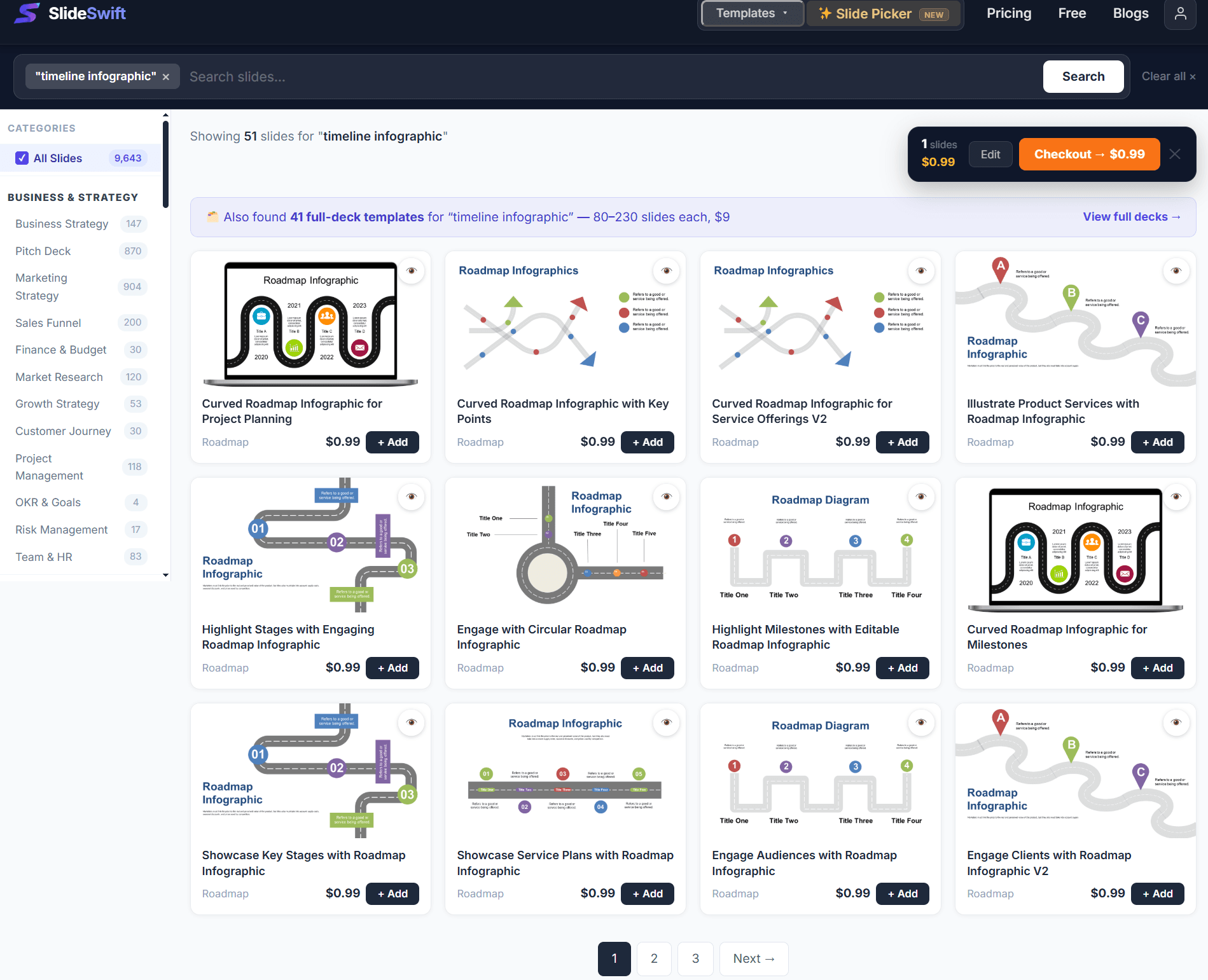
Browse 7,400+ individual slides from $0.99 — no subscription, pick exactly what you need.
No subscription, no minimum order. Pick the one layout that fits your presentation, mix it with slides from other categories, and download exactly what you need — nothing more.
How to Edit an Infographic Template in PowerPoint
Replace placeholder text: Click any text label, title, or data point and type your own content. Every text element is a regular PowerPoint text box — no special steps needed.
Update icons: All icons in SlideSwift infographic templates are vector-based PowerPoint shapes — not flat images. Click any icon, right-click → Format Shape → Fill → change the color to match your brand. Resize without any quality loss.
Change colors: Click any shape, right-click → Format Shape → Fill → choose your color. For consistent color changes across a whole slide, use PowerPoint’s Replace Color feature or simply change your theme colors.
Add or remove data points: Copy any existing element group (icon + label + value) and paste it to add more data points. Delete the group to remove one. The layout adjusts naturally because each element is independent.
Update charts: For slides with bar charts or pie charts, double-click the chart to open the built-in data editor and enter your own numbers. The chart updates automatically.
Can I Edit These Without Installing PowerPoint?
Yes. After purchase, every SlideSwift infographic template opens directly in a built-in online editor in your browser — no PowerPoint installation required. Edit the labels, update the data, change the colors, and export your finished file without leaving the page where you bought it.
If you prefer PowerPoint, download the PPTX file and every element is fully editable there. For Google Slides, upload the PPTX to Google Drive and open it with Google Slides — all icons, shapes, and layouts transfer cleanly and remain fully editable.
What Makes a Good Infographic Slide?
One clear message per slide. The most effective infographic slides answer one question or make one point. If a slide is trying to show three different things at once, split it into three slides. Clarity beats comprehensiveness every time.
Visual hierarchy. Your audience’s eye should naturally land on the most important information first. This means the key number, insight, or conclusion should be visually dominant — larger, bolder, or more prominent than the supporting details.
Consistent iconography. Mixing different icon styles on the same slide creates visual noise. SlideSwift templates use a consistent icon set throughout each deck so you do not have to think about this — it is already done.
Readable at distance. A slide that looks great on a laptop screen can be impossible to read when projected in a conference room. Test your slides in presentation mode before the actual meeting — any text smaller than 18pt will struggle at distance.
Browse All Infographic Templates — Complete Decks From $3.99
The next time you need to present data, explain a process, or make a complex idea visual, you should not be spending hours fighting with PowerPoint shapes and icon alignment.
Start with a focused infographic deck that is already built for the job. Replace the placeholder content with your own, and spend your preparation time on the message — not the layout.
Browse all Infographic PowerPoint template decks on SlideSwift →