✦ Slide Picker: Pick individual slides from 7,486+ designs — $0.99/slide. No subscription. Mix any category. Explore → | ✏ Edit Online After Purchase — No software needed
Home›Presentation Essentials›Two Column Icons for Complementary Information

Two Column Icons for Complementary Information

✨ Slide Library 🛡 7-Day Money-Back Guarantee ✏️ Edit in Slide Editor 🔒 Available after purchase PowerPoint Google Slides

Product Description

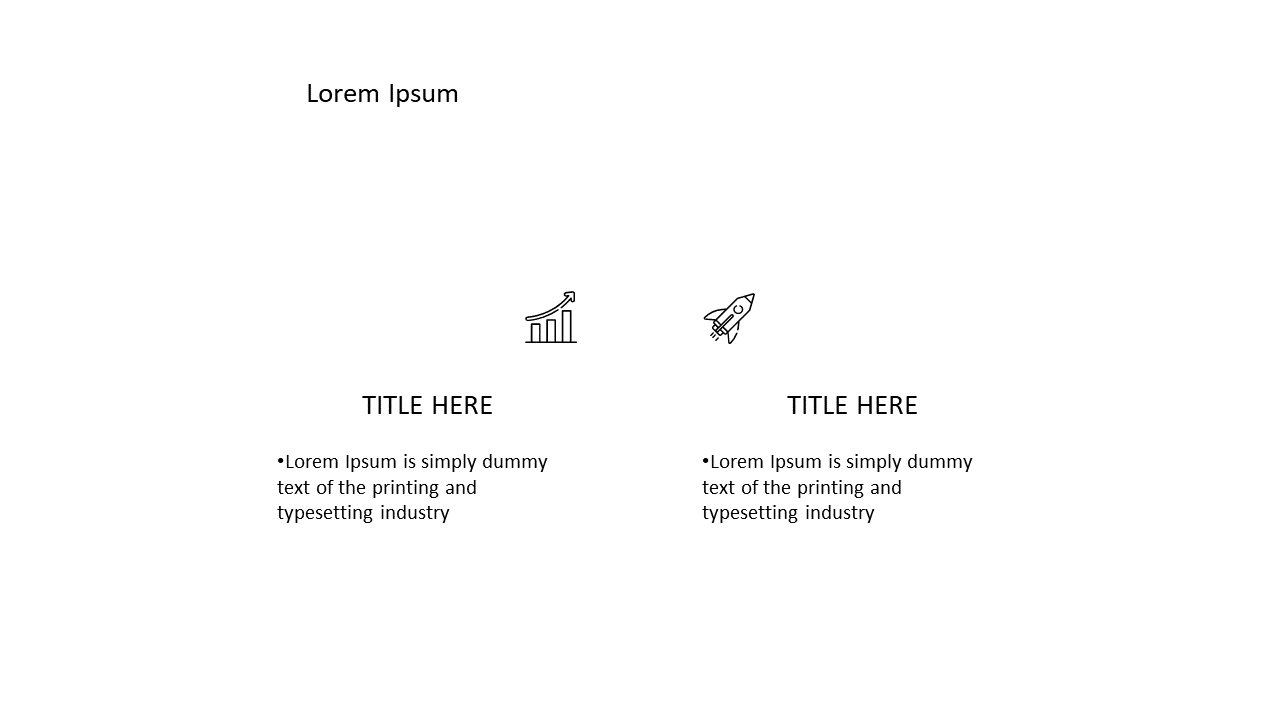
In a world overflowing with information, clearly presenting key ideas can be a challenge. This slide provides a clean layout with two distinct columns, allowing you to showcase complementary information or contrasting ideas effectively. Each column is accompanied by an icon, making your content visually engaging and easy to digest. Perfect for highlighting important points, this slide helps keep your audience focused and informed.
As a communications manager, you can use this slide to display related statistics side by side, making it easier for your audience to understand your message. An executive may find this layout useful for comparing two strategic initiatives, helping stakeholders understand the options at a glance. For consultants, this slide serves as an excellent tool to present case studies that highlight different approaches to problem-solving.

Customization is straightforward; you can easily edit the icons and text to fit your specific needs.

$0.99 —

add this single slide to any deck from the SlideSwift Slide Library. No subscription needed. Mix slides from any category to build your perfect deck.

$0.99 – Purchase Checkout

Added to cart

✅ Instant delivery ✅ Fully editable ✅ PowerPoint & Google Slides
Category:
$0.99
Per slide · No minimum · Pay only for what you pick
Checkout →
✓ $0.99/slide No minimum order
✓ Mix any category No subscription
✦ Upgrade to Full Deck
Get all 20 Presentation Essentials slides
$5.99 one-time
Essential Icons & Graphics PowerPoint Templates Essential Icons & Graphics PowerPoint Templates Essential Icons & Graphics PowerPoint Templates
🌗Light & Dark themes both included
✏️Edit in browser — no software needed
🔍Preview all 20 slides in PDF before buying
🛡7-Day Money-Back — zero risk
⚡Instant download — lifetime access

More Presentation Essentials Slides

Add more from this category to your custom deck