By Category
💼Business 📊Infographics □Minimal 🕐Timelines ✨Neumorphic 🗑Diagrams 🔄Flow Charts ✨Glassmorphism 🎨Creative 🌍Abstract 🔄Cycle Diagrams 💎Isometric 🖼Illustrations 📱Social Media 🗺MapsBy Slide Type
🚀Pitch Deck 📌Roadmap 🔍SWOT Analysis 📅Timeline 📈Gantt Chart 🏢Org Chart 📋Funnel ⚖Comparison 📄Case Study 📋Agenda ⭐Icons & Lists 👏Thank YouBusiness & Strategy
💼Business Strategy 📣Marketing Strategy 🎯Sales Funnel 💡Startup 💰Finance & Budget 🔍Market Research 📈Growth Strategy 🗺️Customer Journey 📋Project Management ⭐OKR & Goals ⚖️Risk Management 👥Team & HRSlide Types
📊Infographics ⏱️Timeline 🔄Process Flow ◇Diagrams 🔁Cycle Diagrams 📉Charts & Graphs ☰Lists & Comparison ⚖️SWOT Analysis 🗺️Roadmap 🏢Org Chart 📅Gantt Chart 🔀Flow Charts 📈KPI & Metrics 📋Agenda ✨Icons & Graphics
When you’re tasked with explaining complex processes or workflows, clarity is key—but it’s all too easy to lose your audience in a sea of text and cluttered visuals. You need a way to present these ideas that not only looks professional but also guides your audience through each stage of the process. With this template, you can turn complicated information into easy-to-understand visuals, ensuring that your message resonates.
This template is perfect for project managers presenting timelines, operations teams illustrating their workflows, or marketing professionals showcasing campaign processes. Whether you’re leading a team meeting, pitching a new strategy to executives, or conducting a training session, the adaptable design helps you communicate effectively across any industry. Each slide is crafted to enhance your points, making it ideal for both in-person presentations and virtual meetings through platforms like Zoom.
When you download this template, you’ll receive 20 meticulously designed slides that are ready to go in minutes. Editing is simple—just plug in your information, and you’re set. At just $3.99, this polished solution not only saves you time but also elevates your presentation with a clean and professional feel that works perfectly in any setting.
🛡 7-Day Money-Back Guarantee

Yes — every element in the Cycle Diagrams slides including text, colors, icons, shapes, and layouts is 100% editable in Microsoft PowerPoint 2016 and above. No design skills or additional software required.
Yes. Import the downloaded Cycle Diagrams PPTX file into Google Slides from Google Drive. All layouts, fonts, and formatting transfer correctly — no manual fixes needed.
You get one fully editable PPTX file (Light theme) — downloadable immediately after payment. No subscription, no waiting. Open it in PowerPoint or Google Slides and start editing right away. A full PDF preview of all slides is also available before you purchase so you know exactly what you are getting.
This template includes 20 professionally designed Light theme slides. Each slide covers a different layout so you can pick exactly the ones that fit your presentation without redesigning anything from scratch.
Library Decks are curated slide collections focused on one specific use case — no filler slides, just the exact layouts you need. Every slide in this deck is directly usable for Cycle Diagrams presentations without editing around off-topic content.
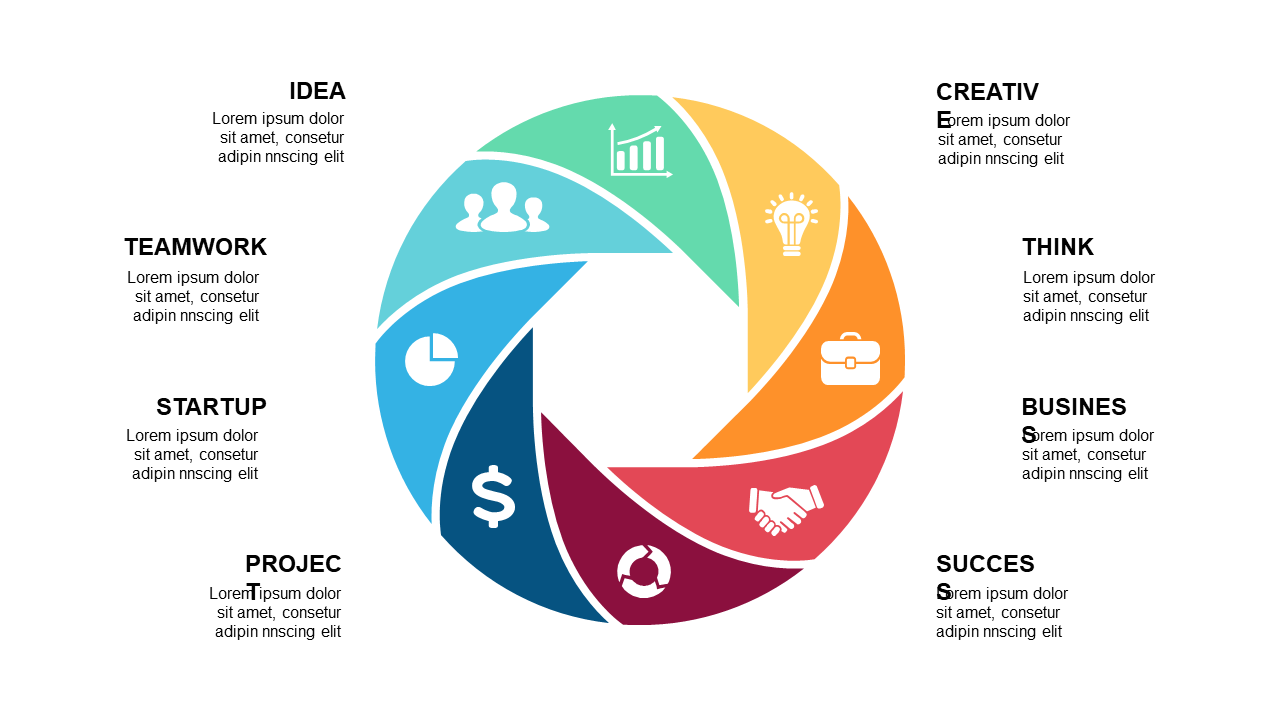
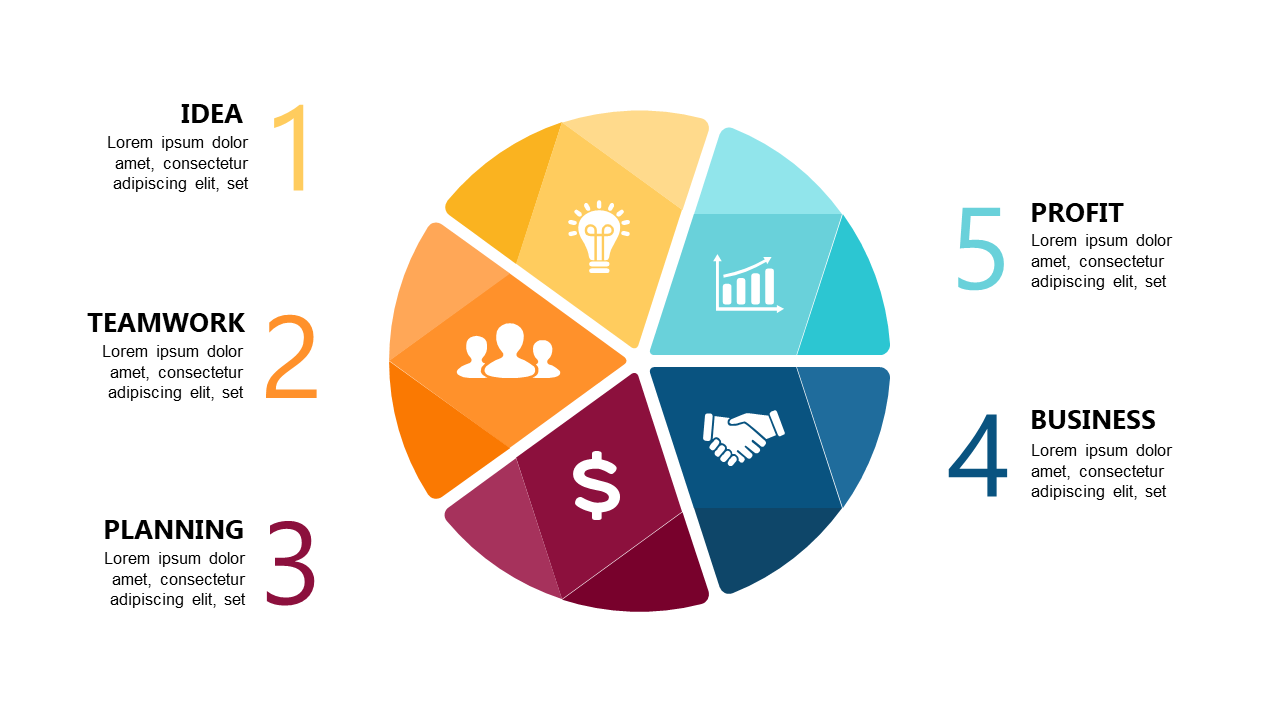
Yes — each segment and label in these Cycle Diagrams slides is a separate editable shape. Duplicate segments to add stages or delete them to simplify the cycle. Works for process cycles, feedback loops, and lifecycle diagrams.
Yes — your $5.99 purchase includes a full commercial license for the Cycle Diagrams template. Use it for client presentations, business pitches, agency projects, and paid work with no attribution or royalty requirements.
Contact us and we will fix it within 24 hours — whether the file is not downloading, not opening, or not matching what you saw. Before purchasing, you can also preview every slide as a PDF so there are no surprises. If we cannot resolve the issue, we will make it right.