Present Monthly Agenda for March and April

Product Description
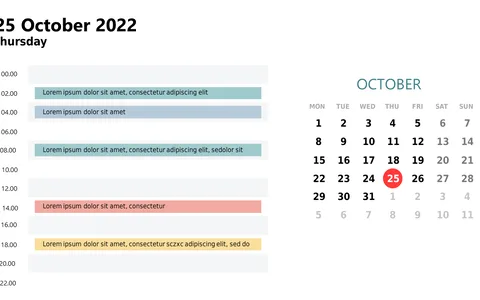
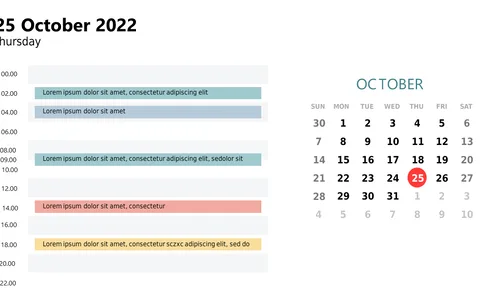
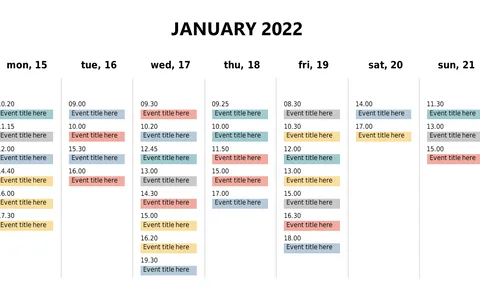
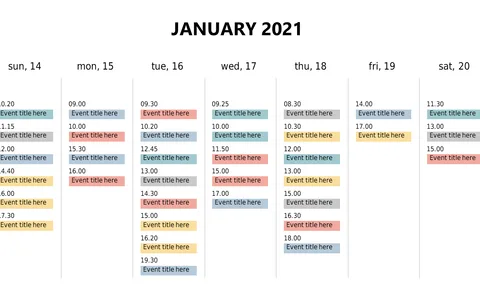
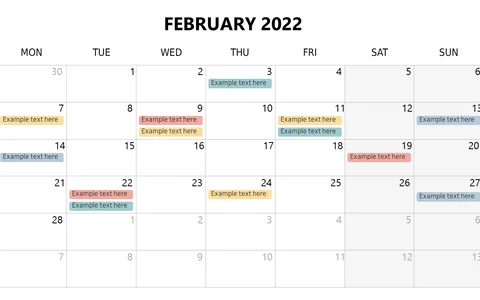
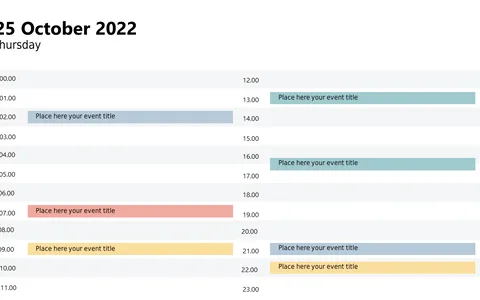
Keeping everyone aligned on multiple agendas can be a daunting task, particularly when trying to remember various important dates. This slide provides a side-by-side comparison of March and April calendars, helping your audience visualize key deadlines at a glance and facilitating smoother communication.
This layout is perfect for team leaders managing cross-department projects or executives presenting quarterly plans. Similarly, it serves as a valuable resource for educators who want to keep students informed about upcoming events. Utilize this slide in planning meetings or when addressing larger groups to ensure clarity and focus.
For just $0.99, you can download this slide instantly and customize it to match your specific agenda. It’s fully editable in PowerPoint and Google Slides, making it easy for you to make quick adjustments as needed.
$0.99 – Purchase Checkout
Added to cart