✦ Slide Picker: Pick individual slides from 7,486+ designs — $0.99/slide. No subscription. Mix any category. Explore → | ✏ Edit Online After Purchase — No software needed
Home›Animated Photo Slides›Modern App Showcase Layout – Ocean Blue

Modern App Showcase Layout – Ocean Blue

☀️ Light
Preview PDF
Preview 1
Preview 2
Preview 3
Preview 4
Preview 5

Product Description

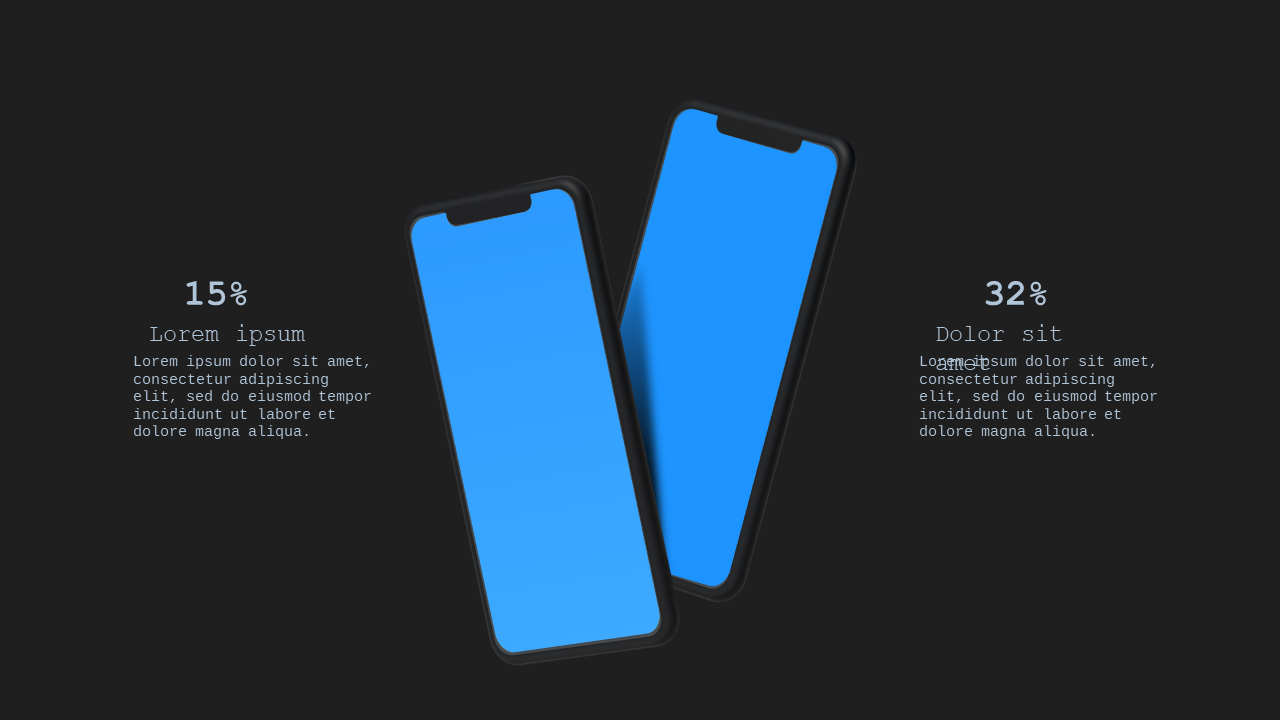
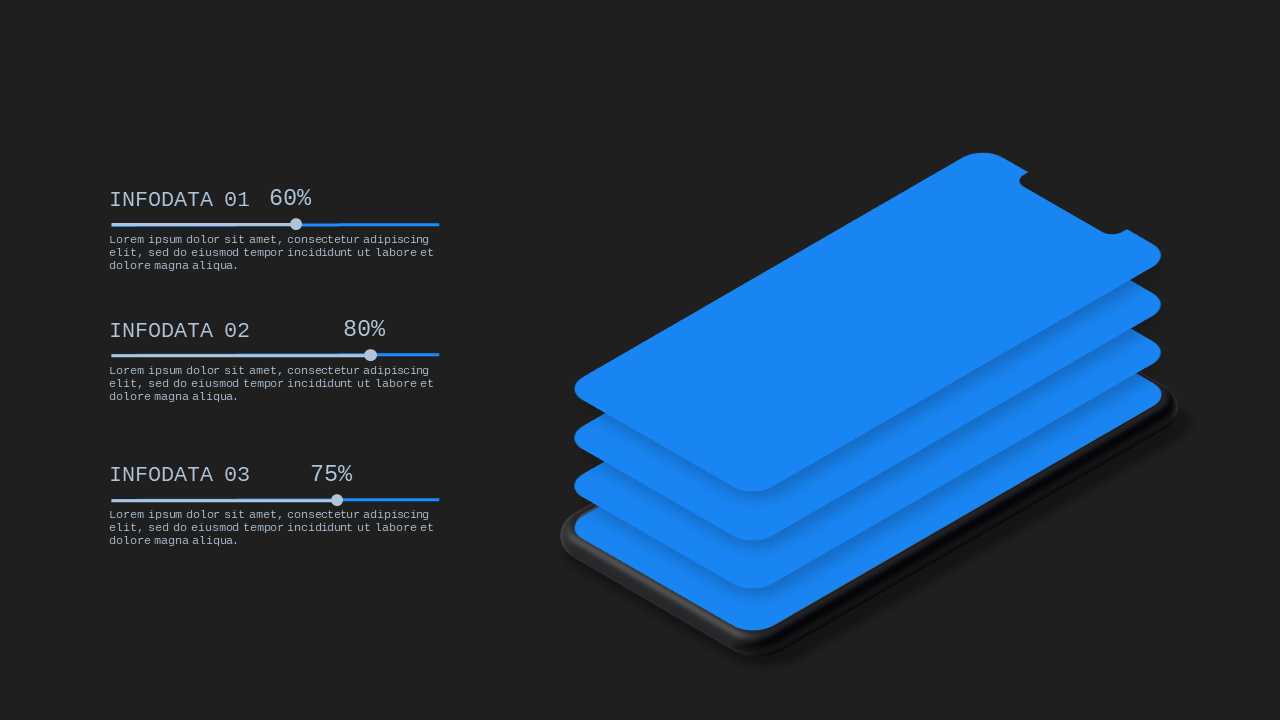
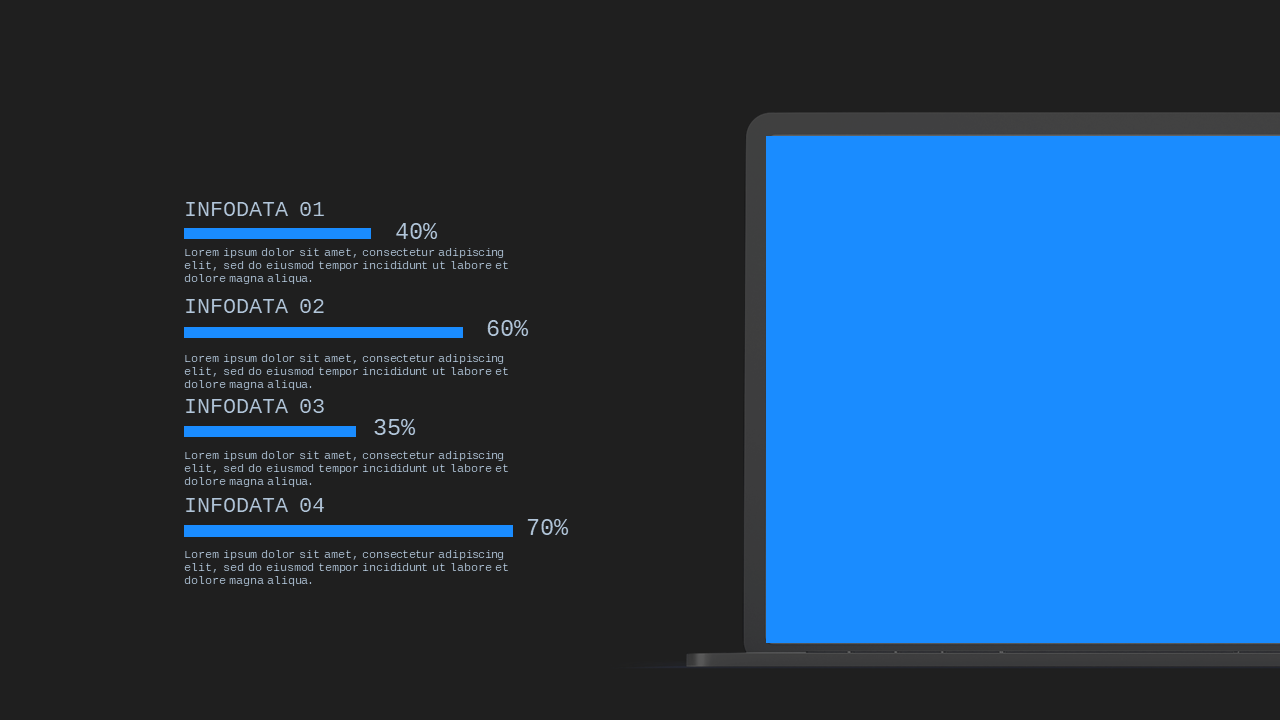
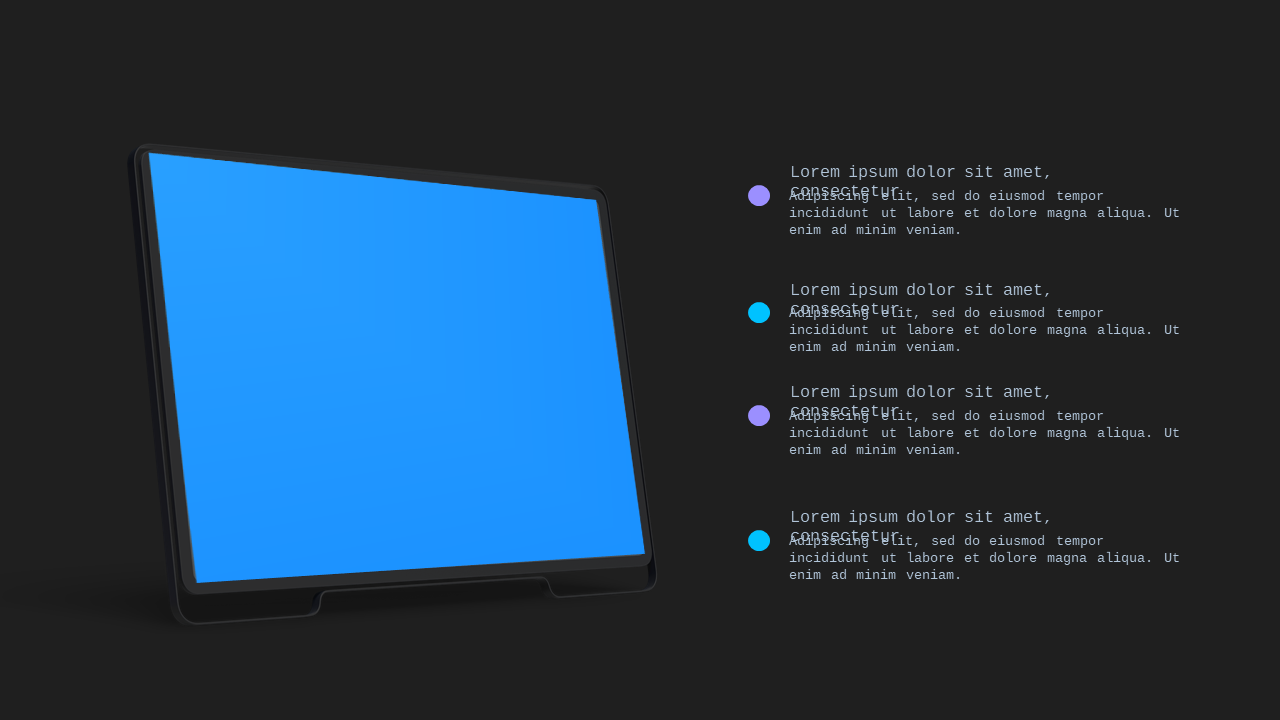
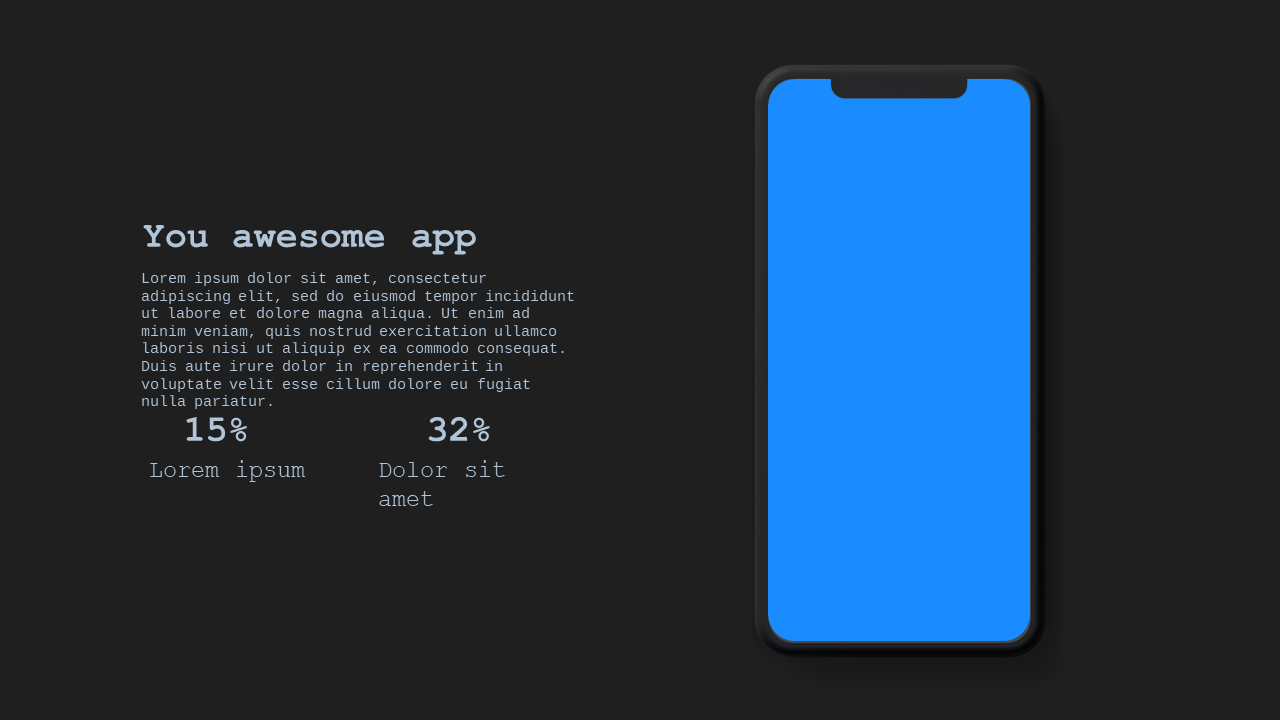
When you’re under pressure to deliver a standout app presentation, generic slides won’t cut it. You need a professional solution that not only captivates your audience but also reflects the quality of your app. The Modern App Showcase Layout offers 20 polished slides specifically designed for your needs, ensuring that even tight deadlines won’t stand in your way.

Inside, you’ll find an Ocean Blue color palette that exudes professionalism, making your presentation visually appealing and cohesive. This template includes a variety of layouts designed for optimal engagement, including device mockups, feature spotlights, user journey maps, and comparison diagrams. With placeholder graphics and text, you can easily customize the slides to fit your content and showcase your app’s unique selling points. There are also sections for testimonials and analytics to add credibility to your pitch.

This template is perfect for app developers preparing for an investor pitch, marketers creating a client proposal, or startups gearing up for a product launch. It’s also great for consultants looking to present innovative solutions to clients. You can purchase this professional template for a one-time fee of just $5.99. Enjoy instant download, making it ready to edit in PowerPoint right away, so you can focus on your message.

Tags:
$5.99
One-time purchase · Instant download

🛡 7-Day Money-Back Guarantee

Theme ☀️ Light
Color Ocean Blue
Format PPTX / Google Slides
Slides Light: 20 slides
Aspect Ratio 16:9 Widescreen
Last Updated Jun 7, 2026
Downloads 0+
Not sure yet?
Preview all slides (PDF)
Opens a PDF preview of all slides (20 slides) · you get an editable .pptx file (Light theme) after purchase

Frequently Asked Questions