✦ Slide Picker: Pick individual slides from 7,486+ designs — $0.99/slide. No subscription. Mix any category. Explore → | ✏ Edit Online After Purchase — No software needed
Home›Presentation Essentials›Instructional Slide for Image Replacement in Presentations

Instructional Slide for Image Replacement in Presentations

✨ Slide Library 🛡 7-Day Money-Back Guarantee ✏️ Edit in Slide Editor 🔒 Available after purchase PowerPoint Google Slides

Product Description

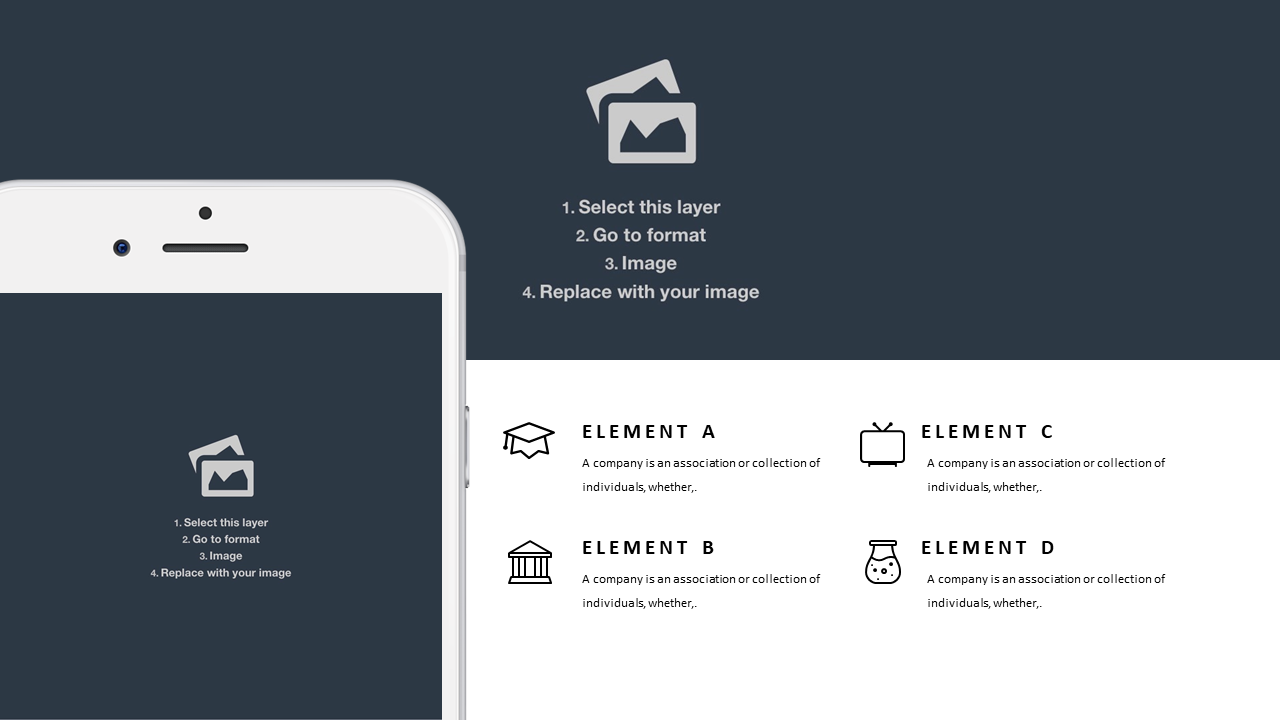
Updating images in your presentations shouldn’t be a hassle, yet many find it difficult to maintain a consistent and professional look. This instructional slide provides a clear and concise guide for replacing images, ensuring that your visuals support rather than distract from your core message.

Perfect for educators, trainers, and corporate presenters, this slide can be used in workshops where you teach colleagues about presentation design or when you’re onboarding new team members and want to emphasize best practices. It’s also useful for marketing teams seeking to enhance their pitch decks.

Available for just $0.99, this slide is an instant download and is easily editable in both PowerPoint and Google Slides. You can get started on improving your presentations in just a few minutes.

$0.99 – Purchase Checkout

Added to cart

✅ Instant delivery ✅ Fully editable ✅ PowerPoint & Google Slides
Category:
$0.99
Per slide · No minimum · Pay only for what you pick
Checkout →
✓ $0.99/slide No minimum order
✓ Mix any category No subscription
✦ Upgrade to Full Deck
Get all 20 Presentation Essentials slides
$5.99 one-time
Visual Laptop Mockup Slide PowerPoint Templates Visual Laptop Mockup Slide PowerPoint Templates Visual Laptop Mockup Slide PowerPoint Templates
🌗Light & Dark themes both included
✏️Edit in browser — no software needed
🔍Preview all 20 slides in PDF before buying
🛡7-Day Money-Back — zero risk
⚡Instant download — lifetime access

More Presentation Essentials Slides

Add more from this category to your custom deck