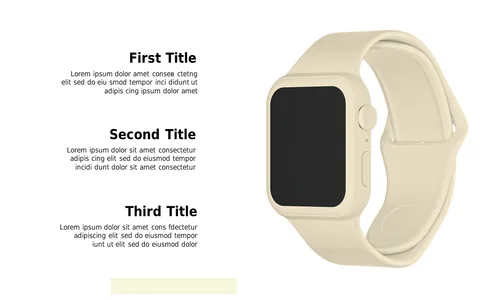
Summarize Topics with Icon-Based Quadrant Layout

Product Description
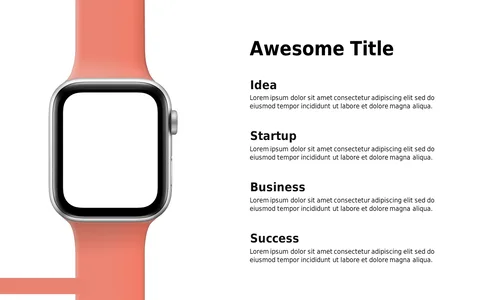
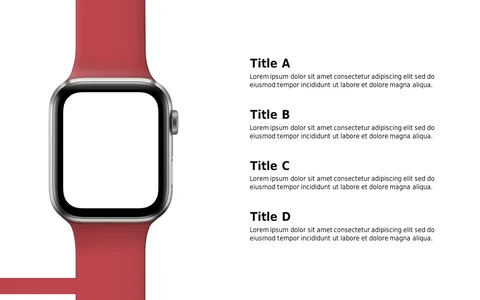
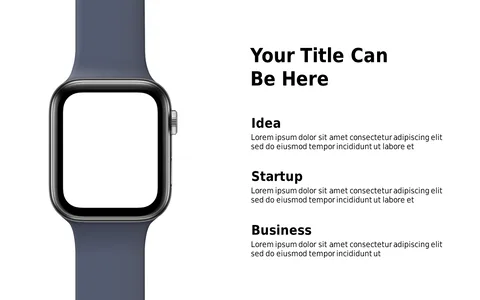
Finding a way to present multiple themes or aspects of a project can be a challenge, especially when you want to keep your audience engaged. The icon-based quadrant layout allows you to summarize various topics in a visually appealing manner, making complex information easier to digest. It’s designed to help you convey your ideas clearly without overwhelming your audience.
This slide is particularly beneficial for team leaders during project kick-offs or status updates, where you might need to cover services, goals, or roles quickly. Marketing professionals can also use it during campaign planning sessions to outline different strategies at a glance. Whether you’re in tech, healthcare, or finance, this layout adapts to your specific content needs.
For just $0.99, you can download this slide and start editing right away. It’s fully compatible with both PowerPoint and Google Slides, so
you can customize the icons and text in minutes to fit your unique presentation needs.
$0.99 – Purchase Checkout
Added to cart