Illustrate Decision-Making Processes with Flowcharts
Product Description
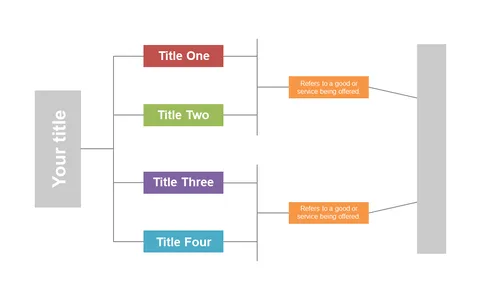
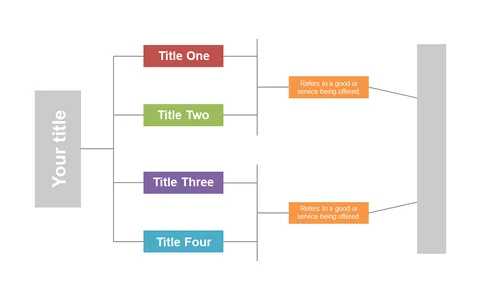
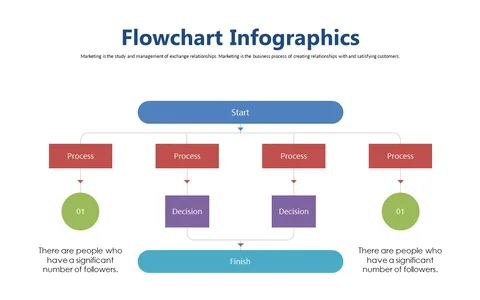
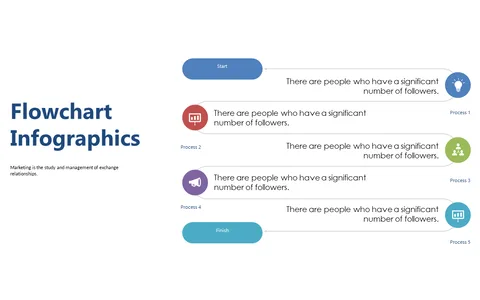
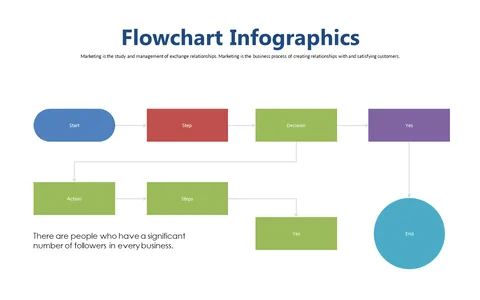
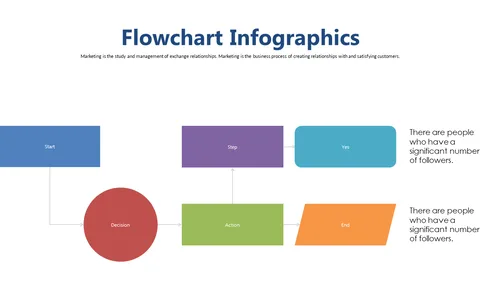
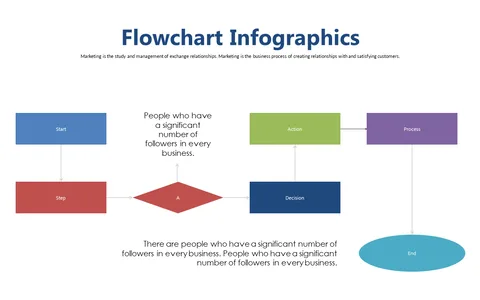
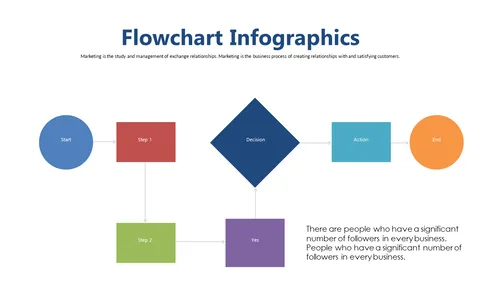
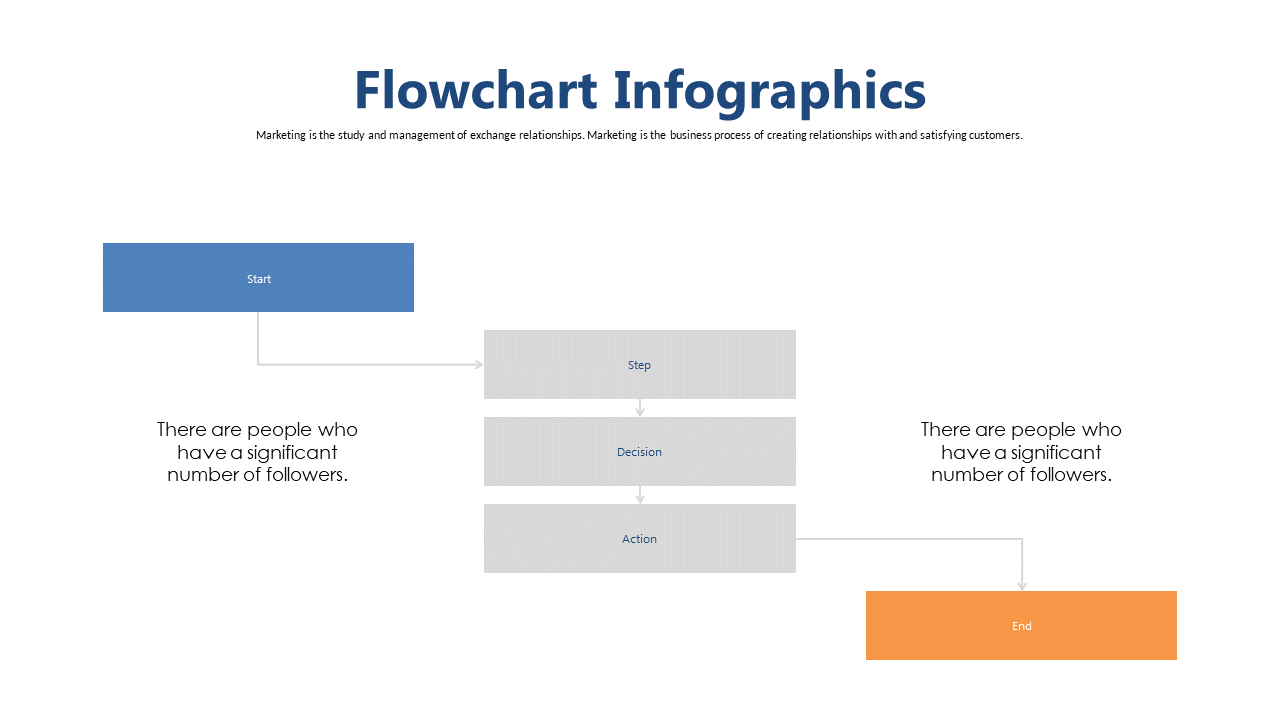
When you’re presenting complex information, clarity is essential, particularly in decision-making contexts. This flowchart slide organizes critical decision points into a user-friendly layout, helping your audience to follow along without any confusion.
Consultants, team leaders, and project managers will find this slide invaluable during client presentations, team workshops, or strategic planning sessions. It’s tailored for environments where clear decisions are critical, spanning various industries from tech to finance.
For only $0.99, you can instantly download this slide, which is fully editable in PowerPoint and Google Slides. Customizing it to fit your specific requirements is quick and easy, allowing you to enhance your presentation on the spot.
$0.99 – Purchase Checkout
Added to cart