✦ Slide Picker: Pick individual slides from 7,486+ designs — $0.99/slide. No subscription. Mix any category. Explore → | ✏ Edit Online After Purchase — No software needed
Home›Lists & Comparison›Editable Current vs Future Comparison PowerPoint Templates

Editable Current vs Future Comparison PowerPoint Templates

☀️ Light
Preview PDF
Preview 1
Preview 2
Preview 3
Preview 4
Preview 5

Product Description

Have you ever faced the challenge of presenting clear comparisons but found your options lacking? Busy professionals often struggle with generic-looking slides that fail to communicate their ideas effectively, especially when time is limited. The Editable Current vs Future Comparison PowerPoint Templates are designed to resolve this issue head-on, giving you a tool to showcase differences effectively without the hassle of extensive design work.

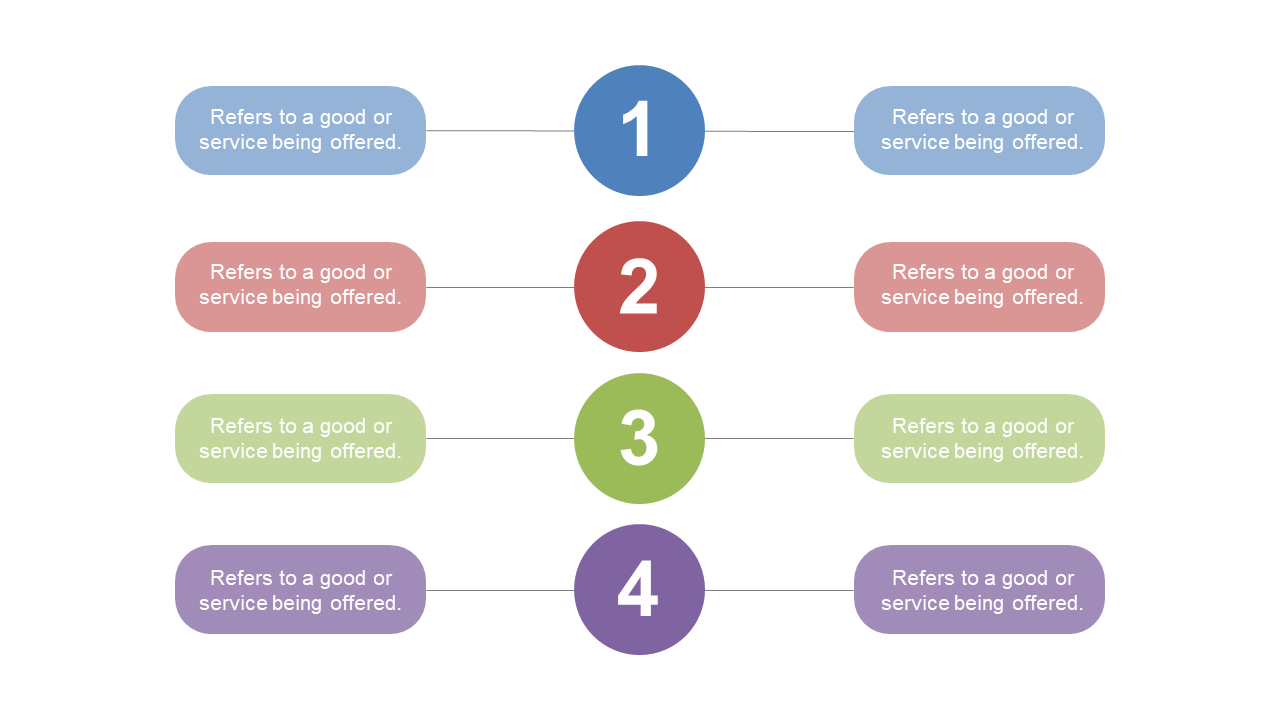
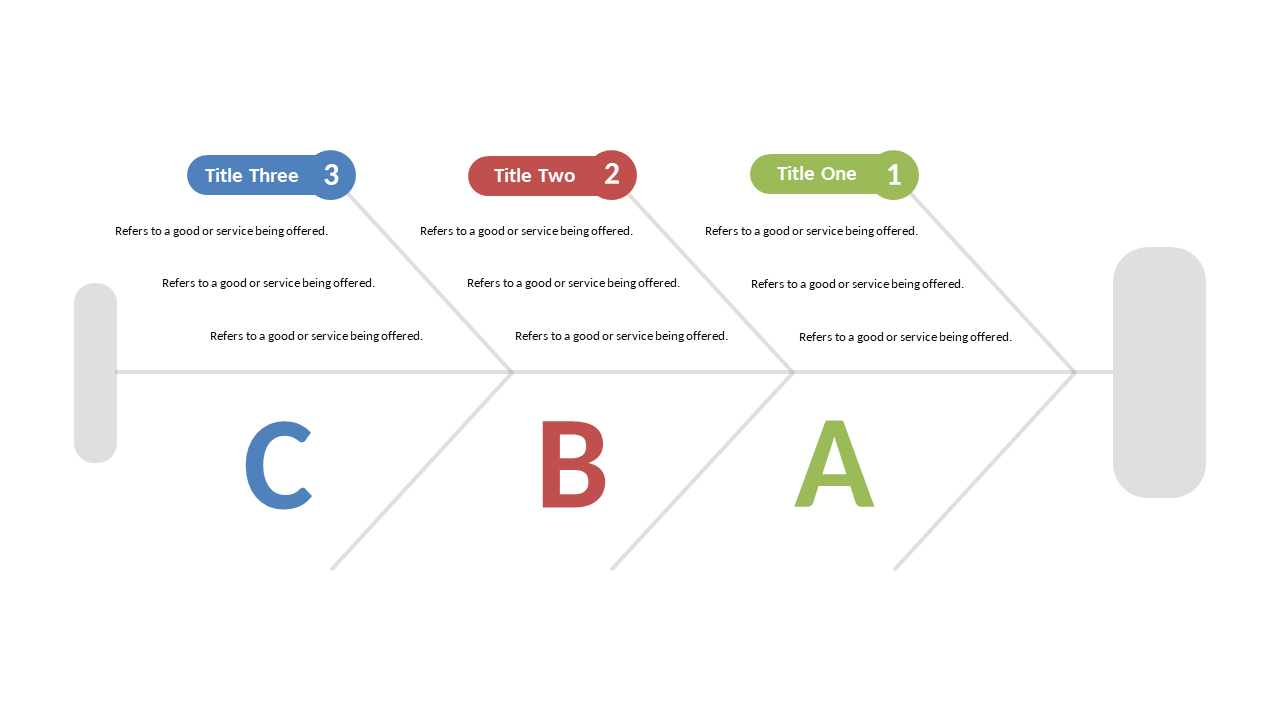
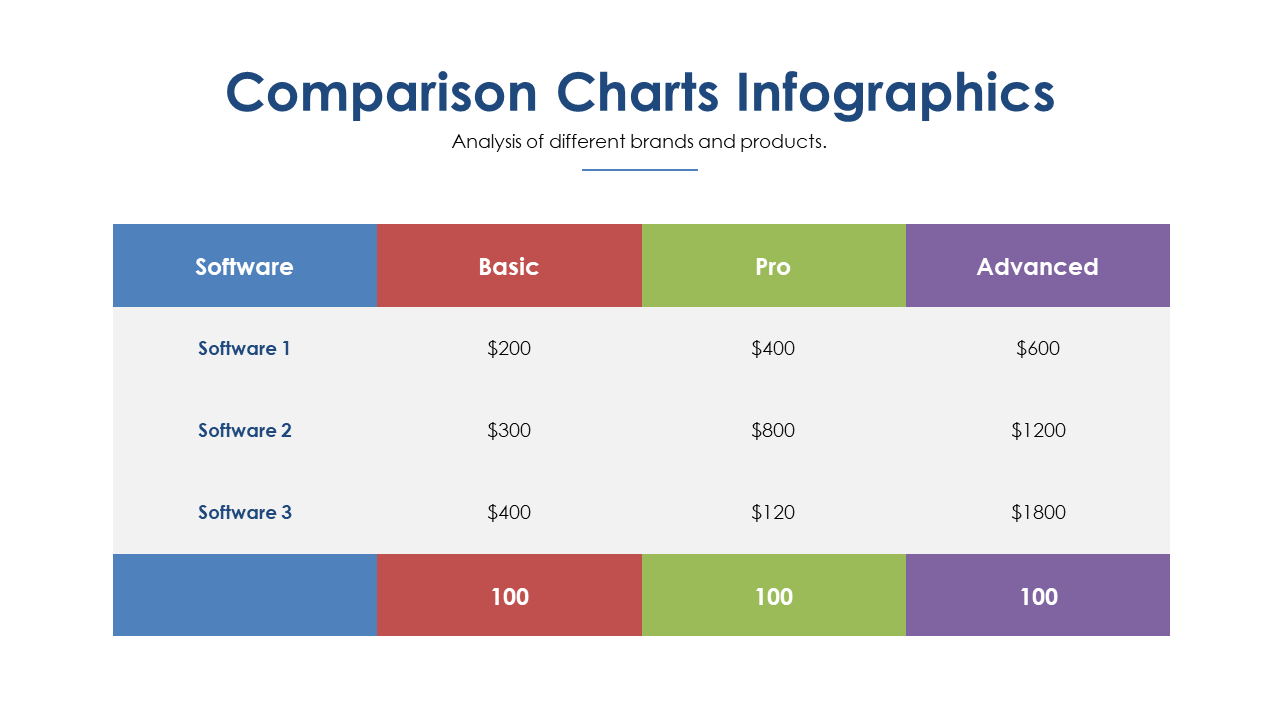
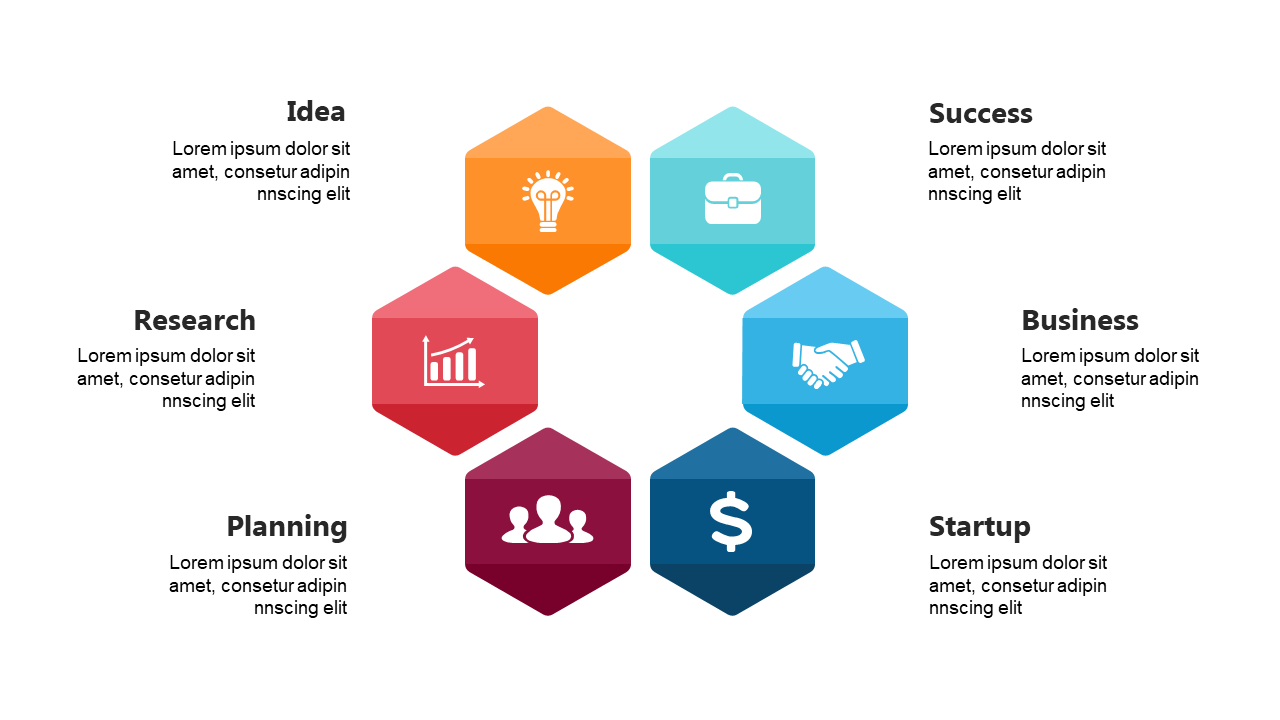
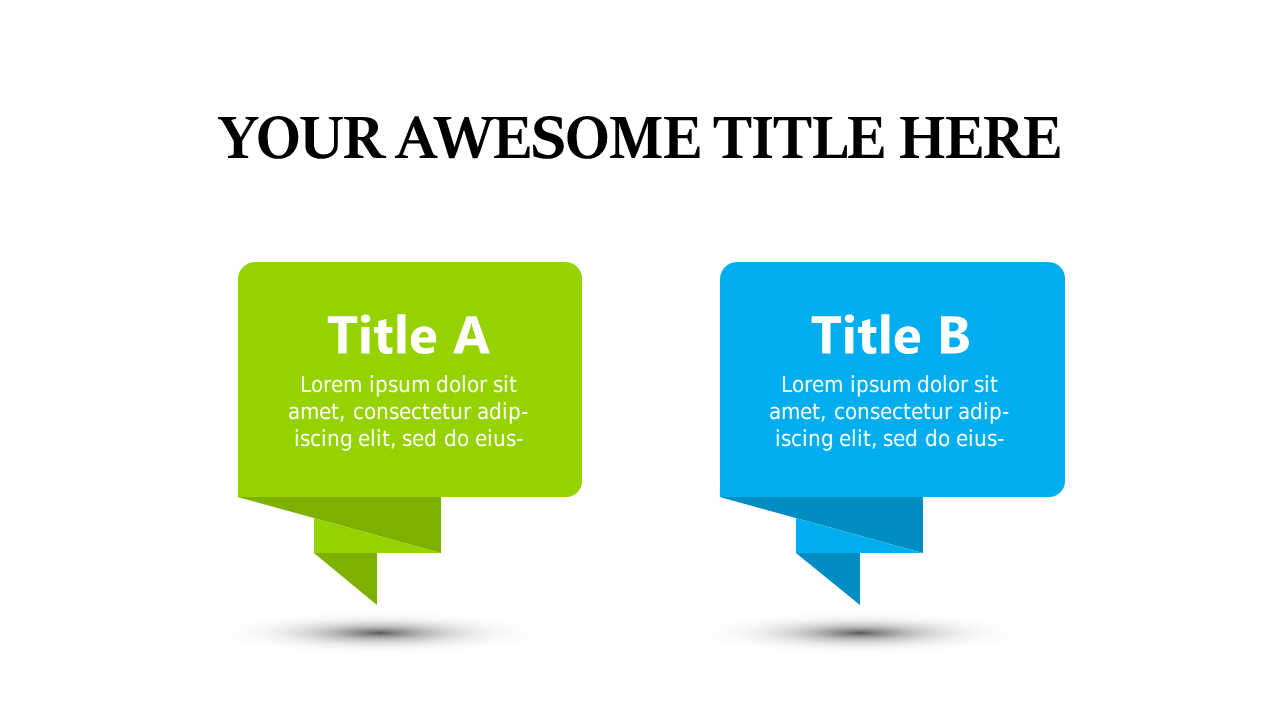
Inside, you’ll find 20 slides featuring a clean, professional layout designed to highlight key comparisons. The default color palette ensures your content looks cohesive and polished, while multiple layouts include comparison tables, grids, and timelines that provide the flexibility you need to display information side-by-side. You’ll also find space for visuals, making it easy to incorporate charts and graphs that illustrate your points clearly. Whether you’re detailing features, benefits, or strategic options, these templates make it easy to create impactful presentations with minimal effort.

These slides are ideal for a variety of roles, such as a project manager preparing for a board meeting, a marketing consultant creating a proposal, or a startup founder outlining future goals for investors. They help you convey complex information simply and attractively. For just $5.99, you can instantly download these templates and start editing in PowerPoint today. Make your presentation prep quicker and more efficient with this essential tool.

$5.99
One-time purchase · Instant download

🛡 7-Day Money-Back Guarantee

Theme ☀️ Light
Format PPTX / Google Slides
Slides Light: 20 slides
Aspect Ratio 16:9 Widescreen
Last Updated Sep 9, 2026
Downloads 0+
Not sure yet?
Preview all slides (PDF)
Opens a PDF preview of all slides (20 slides) · you get an editable .pptx file (Light theme) after purchase

Frequently Asked Questions