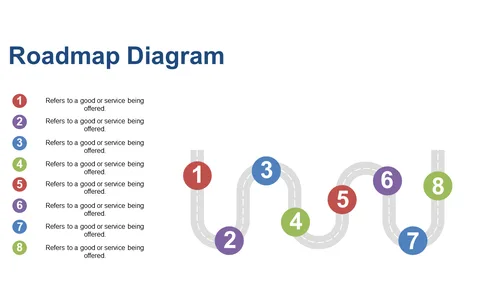
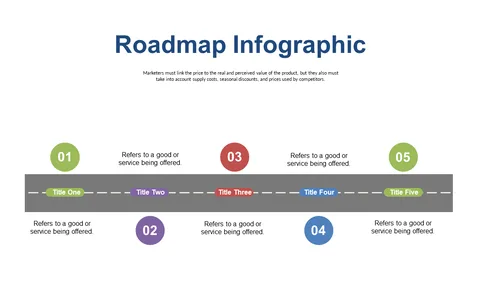
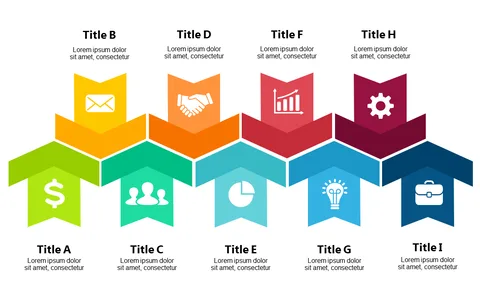
Editable Circular Progress Chart PowerPoint Templates
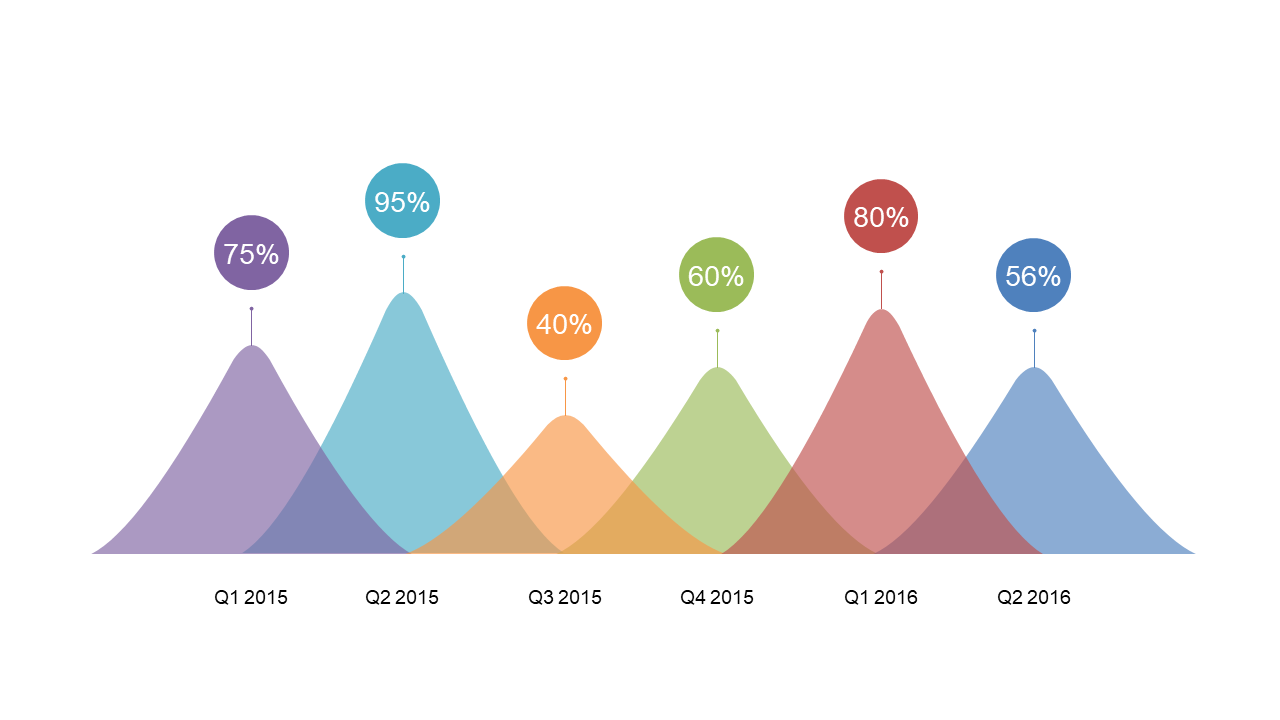
Product Description
Keeping your audience engaged while presenting data can be a real challenge, especially when you have complex metrics to cover. If your slides are cluttered or difficult to read, you risk losing your audience’s attention and sending them into information overload. A polished and professional presentation is key to conveying your message clearly and effectively.
This editable Circular Progress Chart template is perfect for project managers presenting KPI metrics in quarterly reviews, marketing analysts sharing campaign performance at team meetings, or financial professionals summarizing budget progress in investor updates. Its clean design works beautifully in corporate settings, whether you’re presenting in-person or over Zoom, ensuring your data stands out without overpowering your narrative.
Inside, you’ll find 20 customizable slides ready to enhance your next presentation. Editing is straightforward, allowing you to replace data and adjust colors to fit your branding in just a few minutes. For only $3.99, this template is an easy investment for anyone looking to create visually appealing and informative presentations without the hassle.
🛡 7-Day Money-Back Guarantee