Introduce Initiatives with Circular Icons

Product Description
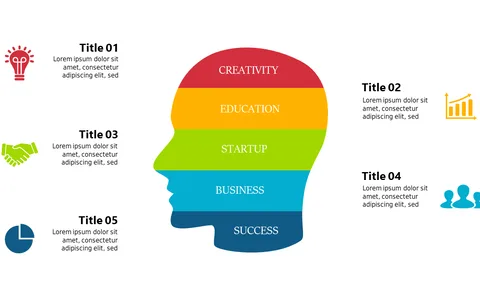
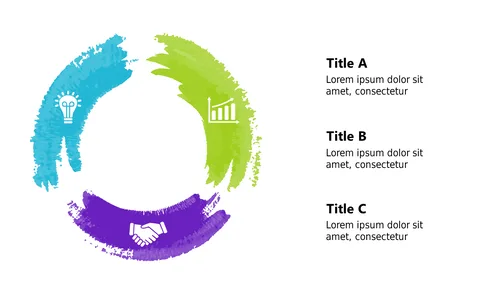
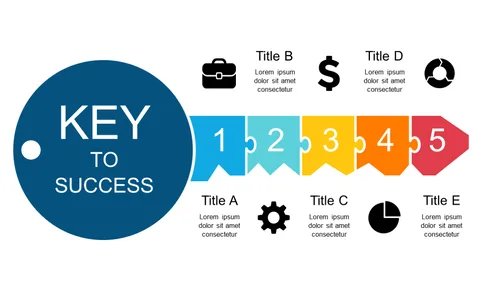
Sometimes, the challenge of effectively communicating multiple initiatives can leave your audience confused. This slide helps you avoid that pitfall by offering a clear, circular layout of icons, each representing a different initiative, ensuring your key messages stand out.
This slide is ideal for product managers presenting new features, consultants outlining project phases, or any professional tasked with sharing complex ideas in an understandable way. Use it during strategy sessions, client updates, or team briefings to keep everyone on the same page.
For only $0.99, you can download this slide instantly and customize it in PowerPoint or Google Slides. Editing is a breeze, allowing you to make the presentation your own in no time at all.
$0.99 – Purchase Checkout
Added to cart