SlideSwift
By Category
💼Business 📊Infographics □Minimal 🕐Timelines ✨Neumorphic 🗑Diagrams 🔄Flow Charts ✨Glassmorphism 🎨Creative 🌍Abstract 🔄Cycle Diagrams 💎Isometric 🖼Illustrations 📱Social Media 🗺MapsBy Slide Type
🚀Pitch Deck 📌Roadmap 🔍SWOT Analysis 📅Timeline 📈Gantt Chart 🏢Org Chart 📋Funnel ⚖Comparison 📄Case Study 📋Agenda ⭐Icons & Lists 👏Thank You
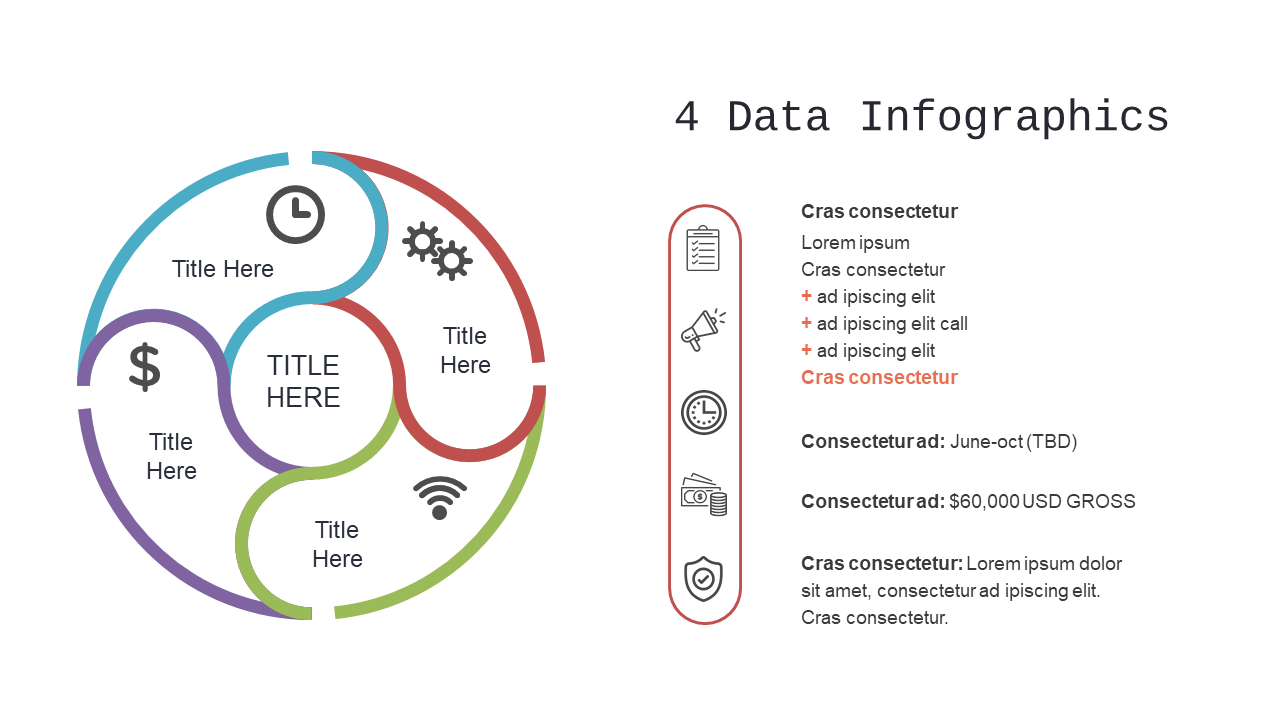
When you need to convey complex information clearly, a radial infographic can be your best ally. This slide showcases a circular design divided into four sections, each providing ample space for titles and data points. The layout invites viewers in, making it easy to compare and contrast different elements in your presentation. As a visual designer, you’ll find this slide perfect for illustrating relationships between concepts or showing a process flow. For communications leads, this slide helps clarify messages during stakeholder briefings, ensuring your key points are understood at a glance. Content strategists can leverage this design to map out content themes or campaign strategies visually, creating a memorable impact. Plus, the segments are fully customizable, allowing you to adjust colors and fonts to align with your branding seamlessly. $0.99 — add this single slide to any deck from the SlideSwift Slide Library. No subscription needed. Mix slides from any category to build your perfect deck.
Add more from this category to your custom deck