Best Business Plan PowerPoint Templates for Entrepreneurs and Strategy Teams
Your bank meeting is next Thursday. Or the board wants a Q4 strategy update. Or the investor asked to see your business plan before they commit to a second meeting. Whatever the situation, a business plan PowerPoint template is how you turn a 40-page document nobody reads into a 20-minute conversation that actually moves things forward.
The decks below are built for exactly this: circular strategy frameworks, financial overview slides, market analysis layouts, and business model diagrams — in both dark and light themes, starting at $5.99. Open in browser right after purchase and start editing, or download as PPTX for PowerPoint and Google Slides.
Each one is a complete focused deck — 19 to 20 slides built specifically for business plan presentations, not a general-purpose template pack.
Why Writing a Business Plan and Presenting One Are Two Completely Different Skills
Most entrepreneurs spend weeks on the written business plan — the financial model, the market research, the operational details — and then throw the slides together in 48 hours. The result is a presentation that has all the right information but tells no story. Slide 4 has the market size buried in a paragraph. Slide 9 has a financial table that nobody can read from across a conference table.
US lenders, investors, and board members have seen thousands of business plan presentations. What makes one stand out isn’t more data — it’s better visual organization. A circular framework that shows how the strategy holds together. A comparison chart that makes the competitive position obvious without needing to explain it. A financial summary that shows growth trajectory in one clean slide instead of three pages of tables.
A business plan PowerPoint template solves the translation problem: turning a solid written plan into a presentation that communicates the same quality of thinking as the underlying work — in a format the room can actually process during a 20-minute meeting.
Best Business Plan PowerPoint Template Decks on SlideSwift
Complete focused decks for business plan presentations — circular strategy frameworks, market analysis layouts, financial overview slides, and business model diagrams. Dark and light themes available. Starting at $5.99. Edit in browser or download as PPTX for PowerPoint and Google Slides.
Circular Business Strategy Overview PowerPoint Template — Teal Modern (Dark)
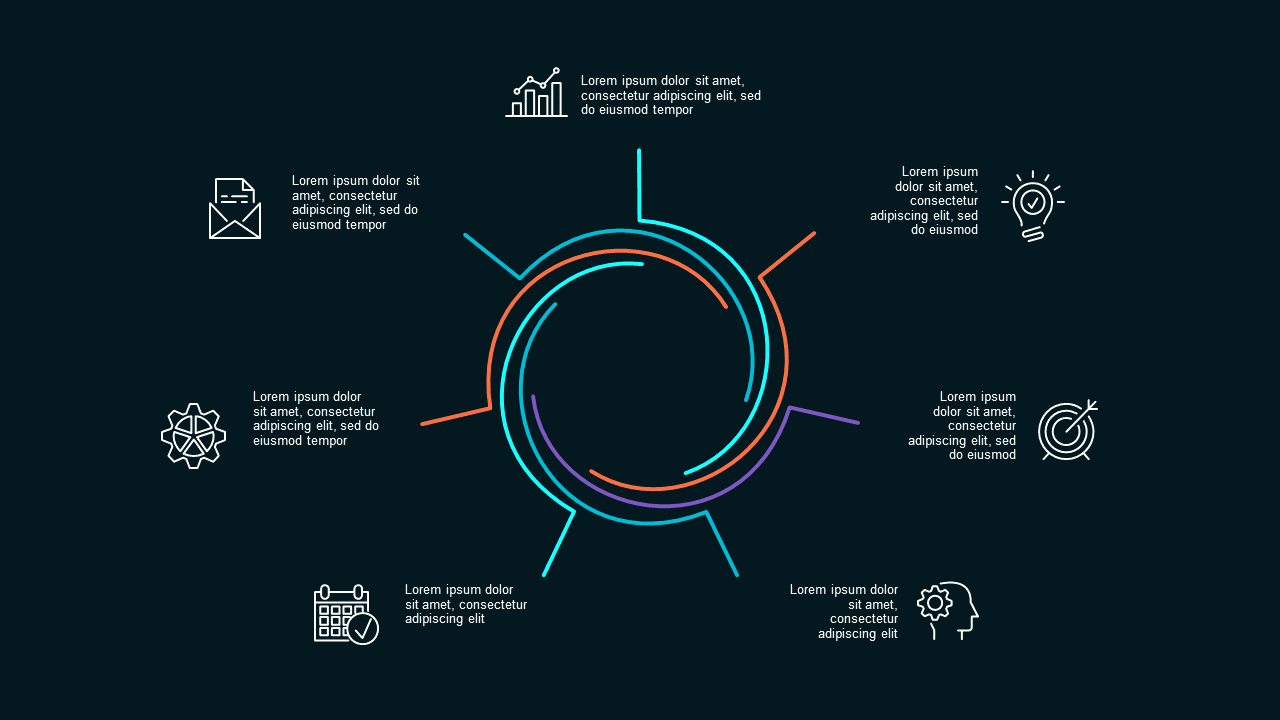
Twenty slides built for executive-level business strategy presentations — the kind where the audience is a bank credit committee, a corporate board, or a VP who has already reviewed two other decks today. The dark Teal Modern theme signals seriousness and credibility before a single slide has been read. Inside you get circular strategy diagrams that show how the different parts of your business model connect, data visualization layouts for financial and market data, and structured text slides for the narrative sections. This is the business plan PowerPoint template for formal settings where looking polished is a prerequisite for being taken seriously — bank presentations, internal board strategy reviews, corporate partnership proposals, and Q4 leadership planning sessions.
Price: $5.99 | Slides: 20 | Theme: Dark | Format: 16:9 Widescreen
Modern Circular Startup Process PowerPoint Templates (Light)
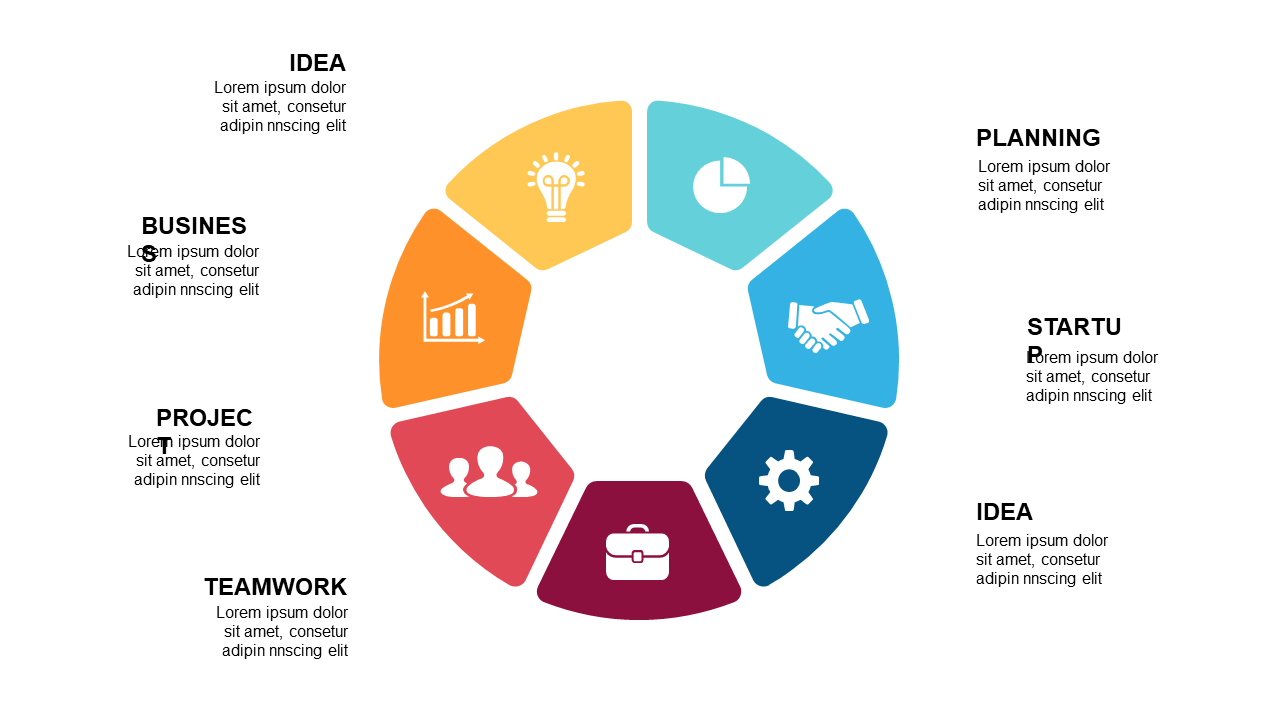
Twenty light-theme slides for startup and growth-stage business plan presentations. Where the dark deck is built for institutional settings, this business plan PowerPoint template is built for startup ecosystems — accelerator demo days, angel networks, early-stage VC meetings, and SBA loan applications where the audience wants to see entrepreneurial energy alongside financial discipline. Inside you get business model framework layouts, growth strategy diagrams, team role visuals, and financial projection charts. The circular process diagrams work particularly well for subscription, platform, or marketplace business models — where showing the compounding feedback loop visually is a stronger argument than describing it in a bullet point.
Price: $5.99 | Slides: 20 | Theme: Light | Format: 16:9 Widescreen
Clean Icons & Graphics PowerPoint Templates

Nineteen light-theme slides focused on visual data communication — the supporting business plan PowerPoint template for sections that are data-heavy: market sizing, competitor analysis, operational overview, and milestone tracking. The clean icon-based layouts make complex information scannable at a glance, which matters when your audience is reading the slide while also listening to you speak. Use this as a complement to either of the strategy decks above for the analytical sections of your business plan — or as a standalone deck for internal business reviews where the audience already knows the strategy and just needs the data presented cleanly. At $5.99, it’s the most practical option on the list when your business plan is heavy on charts and light on narrative.
Price: $5.99 | Slides: 19 | Theme: Light | Format: 16:9 Widescreen
See all Business Plan templates on SlideSwift →
Only Need One Business Plan Slide? Pick Exactly What You Need.
Your business plan presentation is mostly built — you just need a clean circular strategy diagram for slide 6, or a financial summary layout that matches the rest of your deck. Buying a full 20-slide pack for one slide is overkill.
The SlideSwift Slide Library has over 7,400 individual slides at $0.99 each. No subscription, no minimum. Pick the exact layout you need, mix in slides from other categories — SWOT, market analysis, timeline — and build the complete business plan deck you need for a few dollars total.
Browse business plan slides in the Slide Library — from $0.99 →
What a Business Plan Presentation Needs to Cover — And in What Order
The structure of your business plan deck matters as much as the content. US banks, investors, and board members process information in a specific sequence — present it out of order and they spend the entire meeting waiting for answers instead of engaging with your argument.
Executive summary first — one slide: Company name, what you do, who you serve, current stage, and what you’re asking for. Audiences form their frame of reference in the first 60 seconds. Give them the right frame before the detail slides start.
Problem before solution: If the audience doesn’t feel the problem, the solution seems unnecessary. One concrete example of a real customer experiencing the problem is more persuasive than three slides of market research describing the gap in the abstract.
Market size before financials: A $2M revenue projection means nothing without context. Show the addressable market, your realistic share, and why you can capture it — then the financial projections make logical sense instead of looking like wishful thinking.
Financials with the assumptions visible: The most common mistake in US business plan presentations is showing revenue projections without the assumptions behind them. Banks and investors always ask “how did you get to that number?” Build the answer into the slide — show the key drivers alongside the projection, not just the output.
Team slide near the end, not the beginning: A strong team slide lands better after the business logic is established. By the time you get to it, the audience is already bought into the idea — now they’re looking for confirmation that the team can execute. Putting the team slide first forces the audience to evaluate the team before they understand the opportunity.
The ask on the last slide — specific: How much, for what purpose, by when, with what result. This is the call to action of the entire presentation. “We are raising $1.5M to reach $800K ARR by Q3 2027” is an ask. “We are looking for growth capital” is not. Leave the ask slide on screen during Q&A.
Can I Edit These Without Installing Any Software?
Yes — every SlideSwift template opens in a built-in browser editor right after purchase. Add your company information, update the financial charts with your actual numbers, adjust colors to match your brand — all from your browser with nothing to install.
Download the PPTX anytime for full PowerPoint editing. Every diagram, chart, and text element is independently editable — nothing is grouped or flattened. Works on Mac and PC.
For Google Slides: download the PPTX and upload to Google Drive. Open with Google Slides for collaborative editing with your team. Both dark and light themes transfer cleanly without color drift or layout shifts.
Bank Loan vs. Investor Pitch vs. Board Review — Which Deck Fits?
Your business plan presentation changes significantly depending on who is in the room. Getting this right matters as much as getting the content right.
For a bank loan or SBA application: the audience is a credit analyst, not a risk-taking investor. They want proof of repayment capacity — cash flow projections, existing revenue, collateral, and conservative growth assumptions. The dark Teal Modern business plan PowerPoint template reads as formal and serious, which is exactly what a loan officer needs to see before they pass your application to their credit committee.
For an angel or VC investor: the audience is looking for asymmetric upside. Growth frameworks, market size, and the vision of where the business goes at scale carry more weight than conservative projections. The light-theme circular startup deck is the better fit — it shows momentum and possibility rather than institutional financial discipline.
For an internal board presentation: the audience already knows your business. Skip the market education slides and go straight to strategy, execution against last period’s plan, and next-period goals. The Icons and Graphics deck works well here — it’s data-forward and scannable for a board that reads fast and asks hard questions.
Browse All Business Plan Templates — Complete Decks From $5.99
The three decks above cover the main business plan presentation scenarios — a formal dark-theme strategic overview for corporate and lending environments, a light-theme startup-focused deck for investor and accelerator settings, and a data-forward icons deck for business plan presentations that are heavy on market analysis and charts. All fully editable, all work in PowerPoint and Google Slides, all ready within 20 minutes of purchase.
If you need a different structure, more slides, or a specific layout not covered here, the catalog has more options built for the same use case.
Browse all Business Plan PowerPoint templates on SlideSwift →