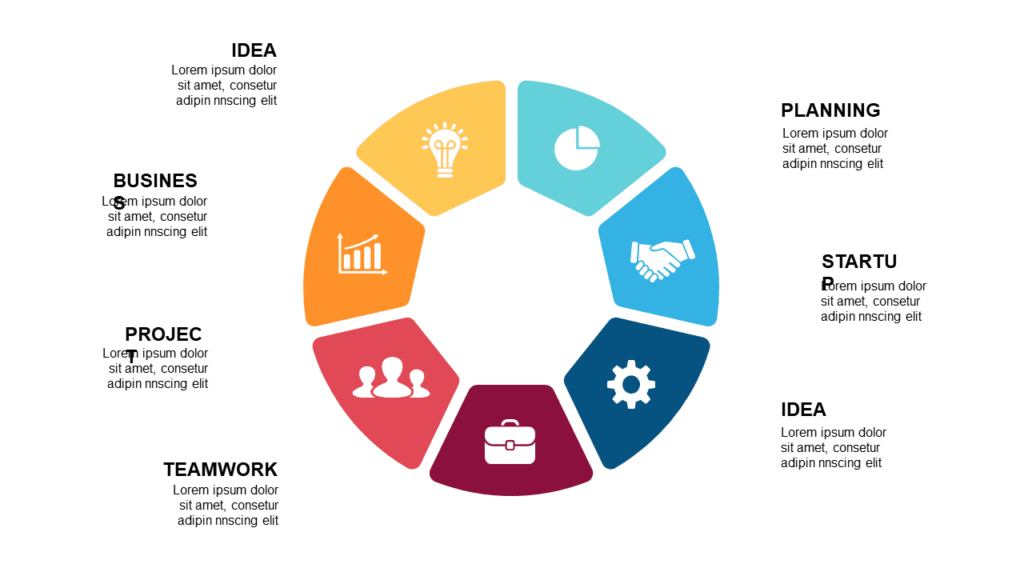
Best Pitch Deck PowerPoint Templates for Startup Founders and Investors
You have 20 minutes with an investor who has seen 400 decks this year. The numbers in your business are solid — but a pitch deck PowerPoint template is what makes those numbers land before your time runs out. Investors form their first impression in the opening five slides. If your deck looks like something thrown together in a weekend, they assume your execution will too.
The decks below are built for exactly this pressure: circular framework layouts that show business model logic visually, market analysis slides, financial projection charts, and team overview pages — all light-theme, all $5.99. Open in browser right after purchase, or download as PPTX for PowerPoint and Google Slides. No install needed.
Each one is a complete focused deck — 20 slides built for startup and investor presentations, not a random template pack.
Why Most Startup Pitch Decks Lose Investors in the First Three Slides
The standard problem with DIY pitch decks isn’t the business — it’s the visual logic. A slide that just says “Large Market Opportunity” with a big number tells investors nothing. A slide that shows the market structure, your entry point, and the size of the wedge you’re targeting — that’s a slide that gets a follow-up meeting.
The best pitch decks use visual frameworks — circular diagrams, connected layouts, layered flows — to show that the business model has real internal logic. Not just that the pieces exist, but that they work together. That’s the argument investors actually need to see to say yes.
And then there’s the time issue. Building a clean 20-slide investor deck from scratch that looks professional takes 6–8 hours. These pitch deck PowerPoint template decks cut that to under an hour — which matters when the meeting got moved up and you have tonight to finalize everything.
Best Pitch Deck PowerPoint Template Decks on SlideSwift
Complete focused decks for investor presentations — circular business model layouts, market analysis diagrams, financial projection slides, and team overview pages. All light-theme, all 20 slides, all $5.99. Edit in browser or download as PPTX.
Professional Circular Startup Process PowerPoint Templates

The pitch deck PowerPoint template to reach for when your audience is a structured investment committee, a managing partner at a fund, or a corporate VC team that has already seen your competitor’s deck this week. The “Professional” label here means the layout is formal enough to signal that the founder behind it has done this before. Inside you get circular flowcharts that show your business model as a connected system rather than a list of features, comparison diagrams for competitive positioning, infographic slides for market data, and editable charts for the financial slides. Good fit for Series A and B founders, consultants pitching corporate venture arms, or any pitch setting where looking polished is table stakes before the conversation even starts.
Price: $5.99 | Slides: 20 | Theme: Light | Format: 16:9 Widescreen
Circular Startup Process PowerPoint Templates

Twenty slides built around telling the full startup story — from mission and problem through to market size, product roadmap, and growth metrics. This pitch deck PowerPoint template is structured around the standard seed-stage narrative: why this problem matters, what the solution does, how big the market is, what traction looks like, and what the funding buys. The circular layouts show the different parts of your business as connected and reinforcing each other — which is the visual argument early-stage investors actually want to see. If you’re pitching to angels, accelerators like YC or Techstars, or seed-stage VCs, and you need a deck that covers all the bases without looking like a university assignment, this is where to start.
Price: $5.99 | Slides: 20 | Theme: Light | Format: 16:9 Widescreen
Modern Circular Startup Process PowerPoint Templates
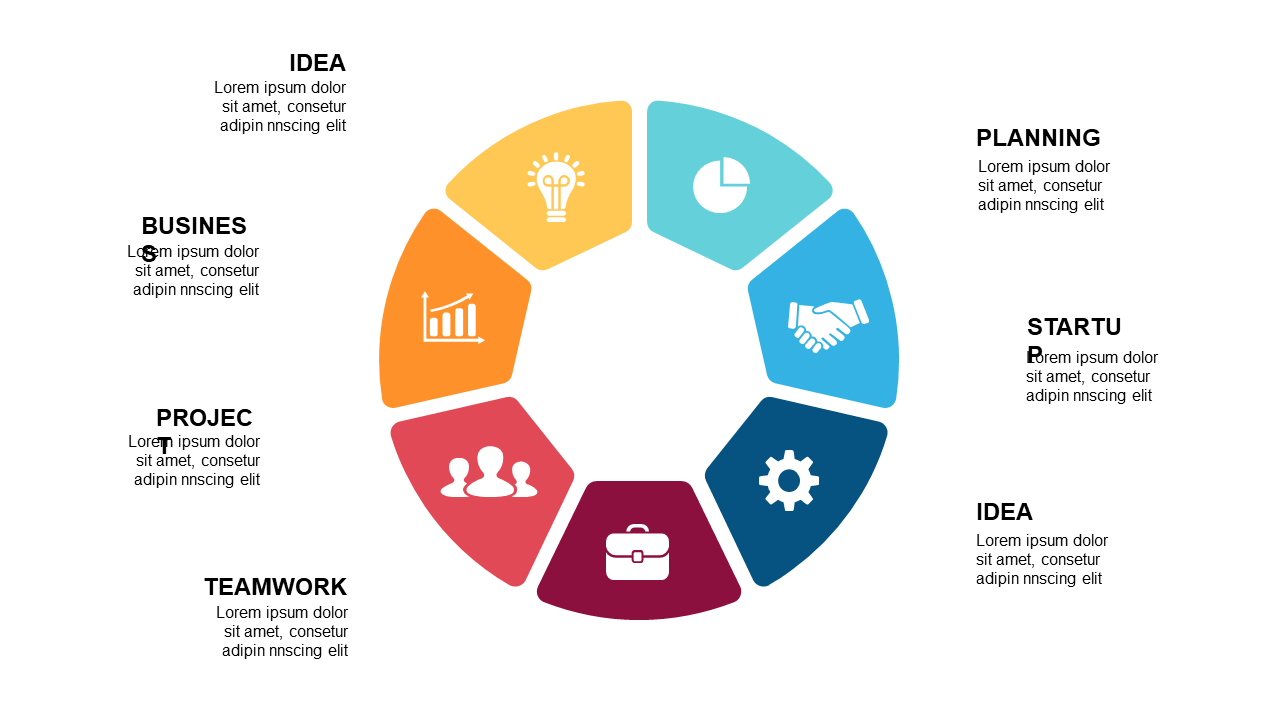
Twenty slides with a leaner, more visual design approach — the pitch deck PowerPoint template for when your audience is design-literate or when the aesthetic of your deck sends a signal about your product quality. Inside you get business model framework diagrams, growth strategy visuals, team role slides, and financial projection charts that show trajectory clearly without overwhelming the audience in numbers. The circular process diagrams are particularly effective for SaaS and platform businesses where the model has a recurring loop — usage drives data, data drives improvement, improvement drives retention. If your pitch story has that kind of flywheel logic, this deck gives you the visual structure to show it rather than describe it in a bullet point nobody reads.
Price: $5.99 | Slides: 20 | Theme: Light | Format: 16:9 Widescreen
See all Pitch Deck templates on SlideSwift →
Only Need One Pitch Deck Slide? Pick Exactly What You Need.
Your deck is mostly built — you just need a clean market size diagram for slide 4, or a circular business model visual for slide 7. Buying a full 20-slide pack for one slide doesn’t make sense.
The SlideSwift Slide Library has over 7,400 individual slides at $0.99 each. No subscription, no minimum order. Pick the layout you need, mix in a timeline or a SWOT from other categories, and build exactly the pitch deck you need for a few dollars total.
Browse pitch deck slides in the Slide Library — from $0.99 →
What Every Investor Pitch Deck Needs to Cover
US investors — angels, VCs, accelerator partners — run a mental checklist through every pitch. Here is what actually needs to be in your deck to get to the next meeting:
Problem — make it visceral, not academic: Don’t just state the problem. Show the current broken state and let the investor feel the friction before you present your solution. One real customer example failing at this task is worth more than three slides of market research.
Solution — show it, don’t describe it: A slide that says “Our AI-powered platform streamlines X” is a slide that gets skipped. A circular diagram showing how your product sits between Point A and Point B, with the user at the center, actually communicates the solution. The circular layouts in these decks are built for exactly this.
Market size — TAM, SAM, and SOM, not just TAM: Every pitch deck has a $40B TAM slide. The investors who write checks want to see your realistic serviceable market and your 3-year target. Show the funnel, not just the headline number.
Business model — one slide, completely clear: How do you make money? From whom? When? At what margin over time? This should be answerable in 30 seconds from a single slide. A circular framework communicates the revenue loop better than a text block.
Traction — the slide investors spend the most time on: Revenue, active users, retention rate, key customers, pilot results. This is where most early-stage decks are weakest. Give traction its own page, make the numbers large, and show the direction of travel — not just the current number.
The ask — specific, not vague: “We are raising $2M to hire 4 engineers and reach $500K ARR by Q2 2027” is an ask. “We are looking for strategic capital to accelerate growth” is not. Be specific about the amount, the use of funds, and the milestone it gets you to.
Can I Edit These Without Installing Any Software?
Yes — every SlideSwift template opens in a built-in browser editor right after purchase. Add your company name, swap in your actual numbers, replace placeholder content with your real pitch — all from your browser, nothing to download or install first.
Download the PPTX anytime for full PowerPoint editing. Every shape, chart, and diagram is a fully editable PowerPoint object — not a locked or flattened image. Works on Mac and PC.
For Google Slides: download the PPTX and upload to Google Drive. Open with Google Slides for collaborative editing with co-founders or advisors who want to review before the meeting. Formatting transfers cleanly with no layout drift.
Seed Round vs. Series A — Does the Pitch Deck Need to Look Different?
Short answer: yes, but not in the way most founders think.
At the seed stage, you are selling vision and team more than numbers — because most seed-stage companies don’t yet have the traction to close on metrics alone. The circular startup process decks work well here: they show the business model as a coherent system, which signals that the founder has thought through the logic even when the revenue is early.
At Series A, traction leads the narrative. Market size and financial projections carry more weight than the vision story — investors already believe the vision if you got to Series A. The Professional Circular deck with comparison diagrams and editable financial charts is the stronger format at this stage.
At both stages, the deck does not close the deal — it gets you the next conversation. Design it to get the meeting.
Browse All Pitch Deck Templates — Complete Decks From $5.99
The three decks above cover the main investor pitch scenarios — a formal structured deck for fund and corporate VC meetings, a comprehensive startup story deck for seed-stage pitches, and a modern design-forward deck for product businesses with a flywheel model. All light-theme, all 20 slides, all editable in browser or downloadable as PPTX for PowerPoint and Google Slides.
If you need a dark-theme pitch deck, a different visual structure, or specific slides like a competitive landscape map, the catalog has more options.