
Best SWOT Analysis PowerPoint Templates for Strategy Presentations
You have a strategy review on Friday and your manager just asked you to put together a SWOT slide. Should be quick, right? But then you open PowerPoint, stare at the default four-box grid, and realize you have no idea how to make it look like anything other than a homework assignment from 2011.
A good swot analysis PowerPoint template fixes this in under 20 minutes. The right deck gives you circular diagrams, visual hierarchy between components, and a flow that guides the room — rather than leaving you to explain everything out loud while people squint at a wall of bullet points.
The decks below are built specifically for this. Each one is a complete, focused presentation — not a random slide grab-bag. Open it in your browser right after purchase and start editing immediately. No PowerPoint install required, though you can always download the PPTX for PowerPoint or Google Slides.
Why the Default PowerPoint SWOT Always Looks Amateurish
The built-in SWOT layout in PowerPoint gives you four blank boxes and assumes you’ll handle the rest. What it doesn’t give you is any visual hierarchy — so every bullet point looks equally important, even when it clearly isn’t. Your critical threat sits right next to a minor operational note, and the audience has no way of knowing which one should actually worry them.
For US business audiences, that’s a real problem. A leadership team sitting through a strategy review doesn’t want to read a grid — they want to understand which weakness is the actual blocker, which opportunity is worth the capital, and what the strategic implication of the whole analysis is. A generic four-box slide forces the presenter to carry all of that verbally. A well-built deck does the visual work so you don’t have to.
And then there’s the time factor. Building something clean from scratch — consistent spacing, color-matched components, professional typography across all four quadrants — takes two to four hours if you’re not a designer. The templates below cut that down to under 20 minutes.
Best SWOT Analysis PowerPoint Decks on SlideSwift
These are complete, focused decks — not individual slides. Each one includes multiple layouts for your SWOT components, strategy summary slides, and supporting visuals. Starting at $3.99. Edit right in your browser, or download as PPTX for PowerPoint and Google Slides.
Creative Strategy Diagram PowerPoint Template — Crimson Bold (Light)
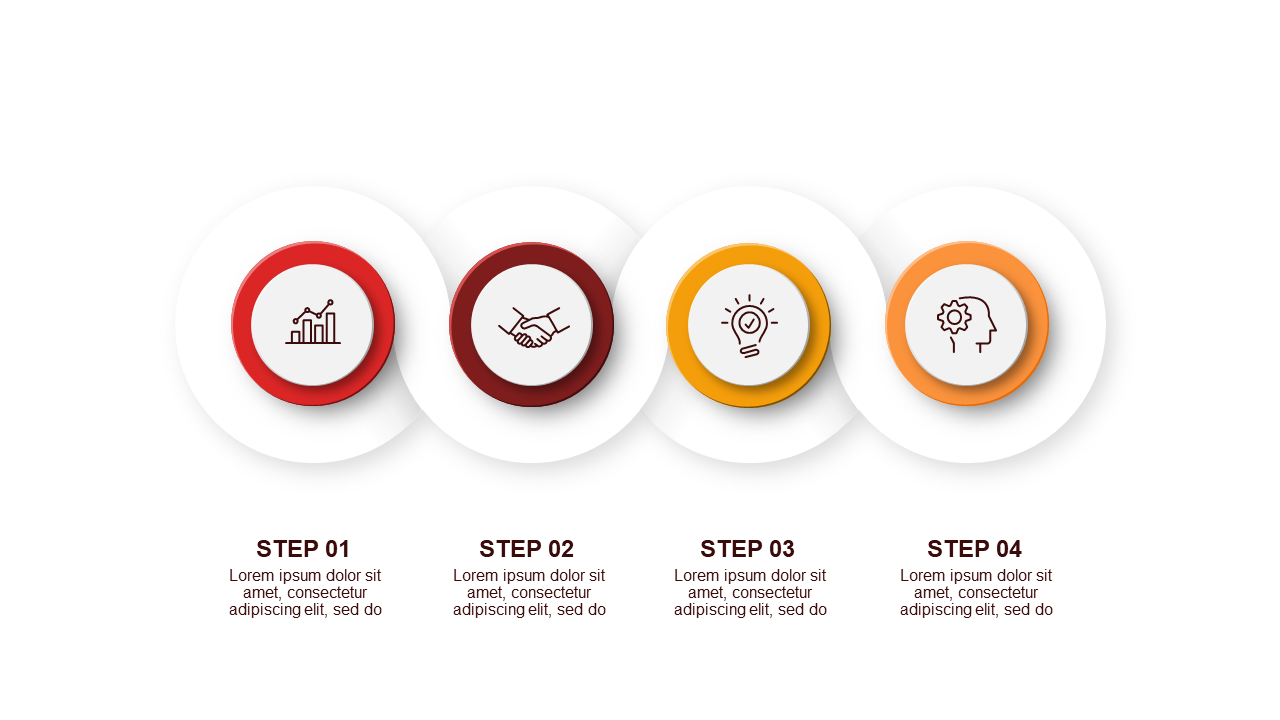
Seven slides built for strategy presentations where you need to walk a room through connected ideas — not just recite a list. The Crimson Bold light theme is clean and sharp: reads well in bright conference rooms and holds up on screen shares. Inside you get a title slide, process diagram layouts for mapping strategic logic, comparison charts for weighing options side by side, and data-backed infographic slides for the numbers that support your case. Good fit for leadership reviews, client strategy sessions, or any time you need to show your thinking — not just your conclusions — without spending half a day building slides.
Price: $3.99 | Slides: 7 | Theme: Light | Format: 16:9 Widescreen
Creative Strategy Diagram PowerPoint Template — Crimson Bold (Dark)
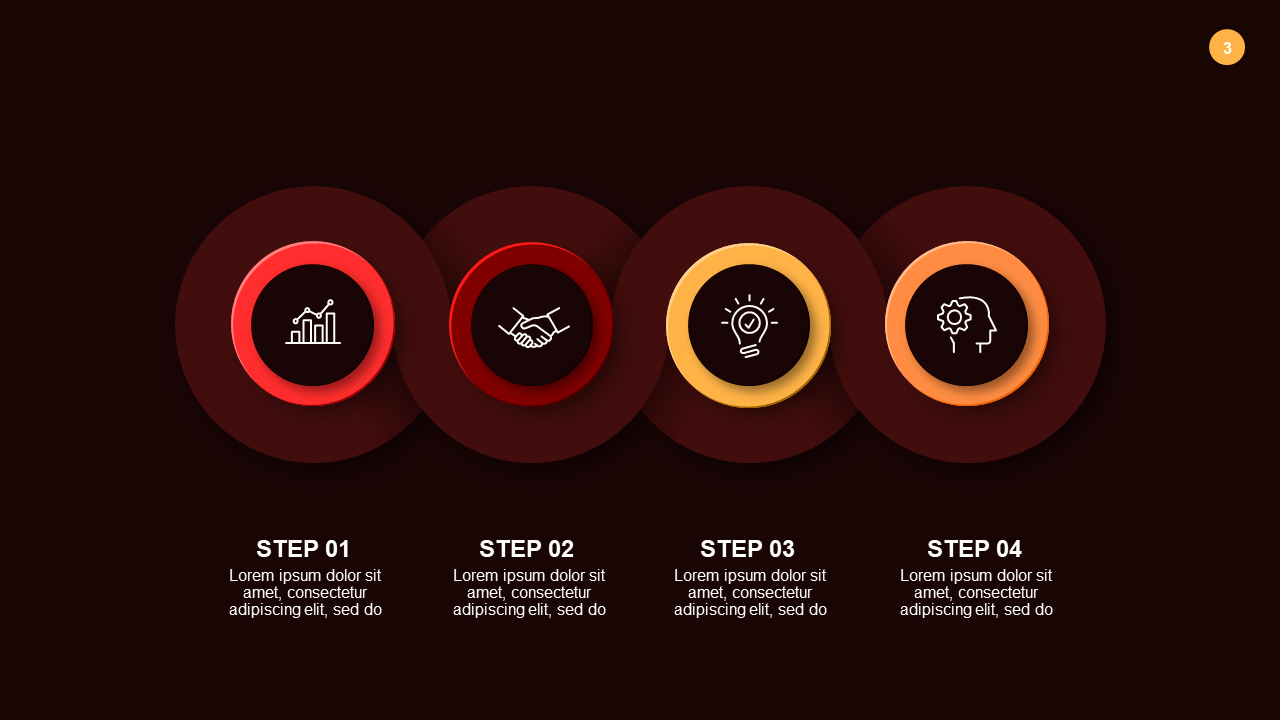
Same 7-slide structure as the light version — process diagrams, comparison charts, strategy overviews — but built for dark-mode presentations. If you’re presenting in a pitch environment, a low-light boardroom, or your company brand runs dark, this is the better call. The neumorphic design gives it a polished, modern feel that works particularly well for tech companies and startups doing investor or client strategy reviews. Same price, same editing experience, completely different visual weight. If the light version feels too corporate for your audience, try this one.
Price: $3.99 | Slides: 7 | Theme: Dark | Format: 16:9 Widescreen
Editable Circular SWOT Analysis PowerPoint Templates
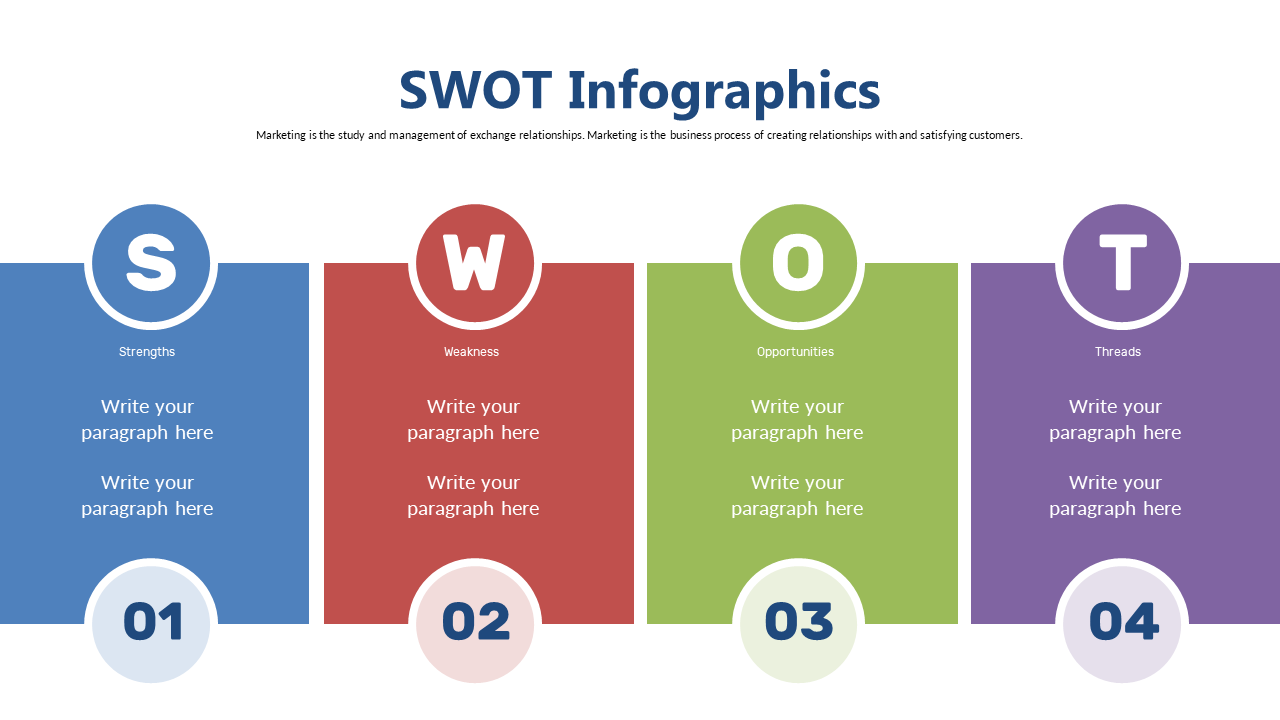
This is the full SWOT deck — 20 slides, built entirely around the SWOT framework. Circular diagrams show all four components as connected rather than isolated, which is the visual point most SWOT slides completely miss. You get layouts for each individual component, slides for strategic implications, trend charts for data support, and icon-based graphics for visual emphasis. At 20 slides you have real options: use the circular overview for your executive summary, drill into component slides for the detailed team discussion, pull in the data charts when you need numbers to back your analysis. At $5.99, this is the most comprehensive option on the list — and the one to reach for when the presentation actually matters.
Price: $5.99 | Slides: 20 | Theme: Light | Format: 16:9 Widescreen
See all SWOT Analysis decks on SlideSwift →
Only Need One SWOT Slide? Pick Exactly What You Need.
Maybe you already have a presentation built and just need one circular SWOT diagram for slide 8. Or a single strengths breakdown that matches your existing deck colors. Buying a full 20-slide pack for one slide doesn’t make sense — and you don’t have to.
The SlideSwift Slide Library has over 7,400 individual slides at $0.99 each. No subscription, no minimum order. Search for SWOT, pick the exact layout you want, and it’s yours. Mix it with slides from other categories — a SWOT on slide 4, a timeline on slide 9, a sales funnel on slide 13 — all for a few dollars total. Pick what you need, skip everything you don’t.
Browse SWOT slides in the Slide Library — from $0.99 →
What Should a SWOT Analysis Slide Actually Include?
This is where most presentations fall apart — not the design, but the content. Here’s what US strategy teams and consultants actually put in a SWOT that gets taken seriously in the room:
Strengths — specific, not flattering: “Strong brand recognition” tells the room nothing. “42% unaided brand recall in the 25–44 demographic, up 11 points year-over-year” — that’s a strength. Use data where you have it. Vague strengths read as filler.
Weaknesses — own the real ones: The fastest way to lose credibility in a strategy review is to list weaknesses so minor they’re obviously not the actual problem. Leadership already knows what the real issues are. Acknowledge them directly, then pivot to what you’re doing about them.
Opportunities — tie them to action: “Growing Southeast market” is not an opportunity slide. “Entering Southeast gives us access to 18M new potential customers at an estimated CAC 40% lower than our current primary market” — that’s one. Every opportunity should answer “so what do we do about it?”
Threats — prioritize, don’t list everything: A threats slide with 12 bullet points tells the room you haven’t decided which ones actually matter. Pick the top three. Rank them by likelihood and impact. Show your reasoning.
Implications slide: The most important slide in any SWOT deck is the one that comes after the four components — the “what does this mean and what do we do next” slide. Every template in the 20-slide Circular SWOT deck includes space for exactly this.
Consistent visual treatment: If Strengths get a polished circular diagram but Weaknesses get a plain text box, the asymmetry reads as unintentional. The templates above keep the visual weight balanced across all four components so nothing looks like an afterthought.
Can I Edit These Without Installing Any Software?
Yes — every SlideSwift template opens in a built-in browser editor right after purchase. Change the text, update the numbers, swap the colors — all from your browser. No PowerPoint license needed, and no downloads required before you can start editing.
If you prefer working in PowerPoint, download the PPTX file. Every shape, text box, chart, and color is fully editable — nothing is locked or flattened. Works on Mac and PC.
For Google Slides: download the PPTX, upload it to Google Drive, and open with Google Slides. The layout and formatting transfer cleanly. No extra steps, no reformatting required.
Board Presentation vs. Strategy Workshop — Which Deck Do You Actually Need?
Worth thinking through before you purchase: the SWOT slide you build for a board presentation is a fundamentally different thing from what you’d use in a strategy workshop, and the right template depends on which situation you’re heading into.
For a board presentation, you want one or two SWOT slides — maximum. A clean circular overview at the right altitude, followed by an implications slide. The board does not need to see 20 slides of SWOT breakdown. They need to see the strategic logic in 90 seconds and move on. The 7-slide Creative Strategy Diagram deck is the right call here — tight, professional, and it doesn’t overstay its welcome.
For a strategy workshop or offsite, the 20-slide Circular SWOT deck earns its keep. You want surface area for discussion — individual component slides to break down each element, space for the team to weigh in on priorities, and a clear path toward shared conclusions. More slides means more room for the conversation. That’s the point.
Browse All SWOT Analysis Templates — Complete Decks From $3.99
The three decks above cover the most common SWOT scenarios — a tight 7-slide strategy deck in light or dark theme for presentations where you need to be sharp and concise, and a comprehensive 20-slide circular SWOT for detailed strategy work. All fully editable, all work in PowerPoint and Google Slides, all ready in under 20 minutes of purchase.
If you need a different style, color scheme, or layout, the category page has more options — all built for the same use case, same editing experience, same pricing.