
Best Timeline PowerPoint Templates — Milestones, Roadmaps & Project Histories
A great timeline PowerPoint template starts with a clear purpose — one job: show your audience what happened, what is happening, and what comes next — in a way they can follow without reading a paragraph of explanation.
The problem is that PowerPoint’s built-in SmartArt timelines look exactly like what they are — a default template that everyone has seen a thousand times. They signal that no one spent time thinking about how to present this information. That is not the impression you want to make in front of stakeholders, clients, or investors.
Every timeline PowerPoint template on SlideSwift is a complete focused deck built specifically for timeline presentations. Not a generic business template with one timeline slide on page twelve. A deck where every slide — the horizontal milestone layout, the vertical history view, the project phase breakdown, the milestone tracker — is designed to communicate sequences, progress, and timing with clarity.
Download and edit directly in your browser after purchase — no PowerPoint installation needed. Or download the PPTX for PowerPoint or Google Slides. Your timeline presentation is ready in minutes.
Why PowerPoint’s Default Timeline Always Looks Unprofessional
PowerPoint has a built-in SmartArt timeline option. Most people searching for a timeline PowerPoint template try it once and immediately run into the same problems: Most people try it once and immediately run into the same problems: the proportions are off, the milestone labels overlap when you have more than four or five points, the default colors look nothing like the rest of your deck, and modifying anything beyond the placeholder text causes the whole layout to break.
A properly designed timeline template avoids every one of these problems. The proportions are already set correctly. The milestone spacing works with your content. The color scheme fits a professional presentation context. And because every element is a regular editable PowerPoint shape — not a SmartArt object — you can click anything and change it without the layout collapsing.
Best Timeline PowerPoint Template Decks on SlideSwift
Each deck below is a complete focused collection — every slide built around timeline presentations. Fully editable in PowerPoint, Google Slides, and directly in your browser after purchase. No software needed. All decks are 16:9 widescreen, Light theme, instant download.
Premium Timeline Infographic PowerPoint Templates
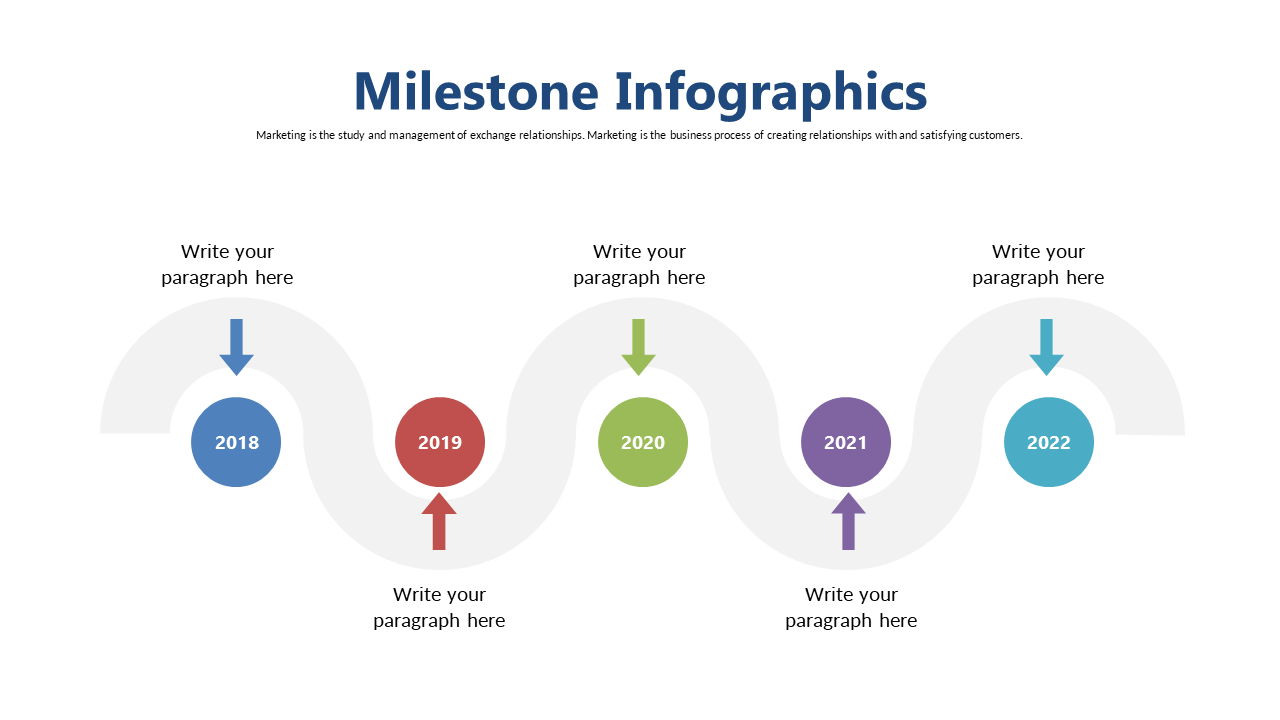
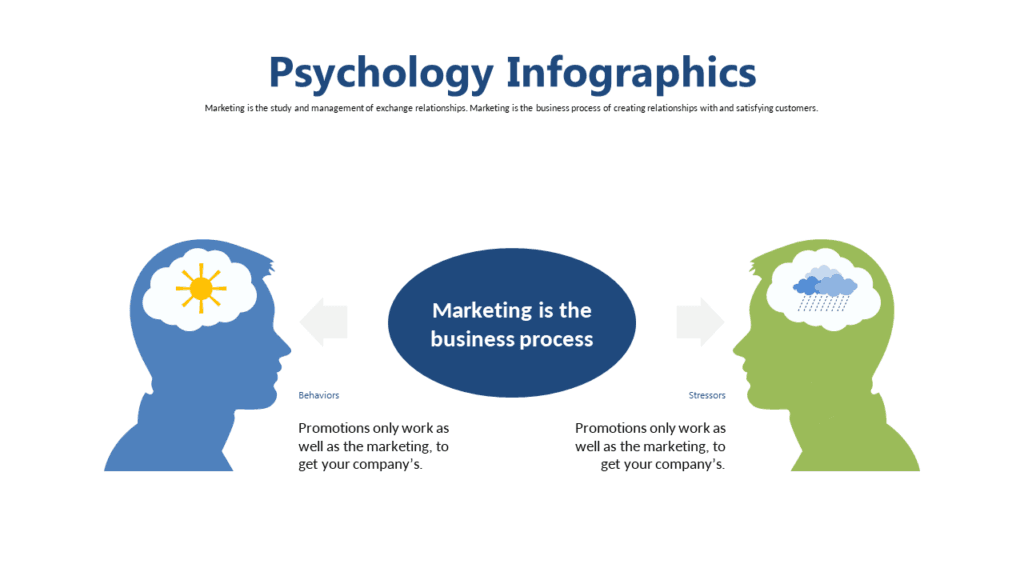
A comprehensive 20-slide timeline deck built for professionals who need to present project milestones, company histories, product development phases, or event sequences in a visually rich format. Each slide takes a different approach to timeline presentation — horizontal flows, vertical stacks, circular milestone layouts, and phase-based progress views — so you can choose the format that fits your specific timeline rather than forcing your content into a single layout. Premium design quality throughout, suitable for client presentations, executive briefings, and investor updates. At $5.99 for 20 focused timeline slides, it is the most complete timeline toolkit available at this price point.
Price: $5.99 | Slides: 20 | Theme: Light | Format: 16:9 Widescreen
Modern Timeline Infographic PowerPoint Templates
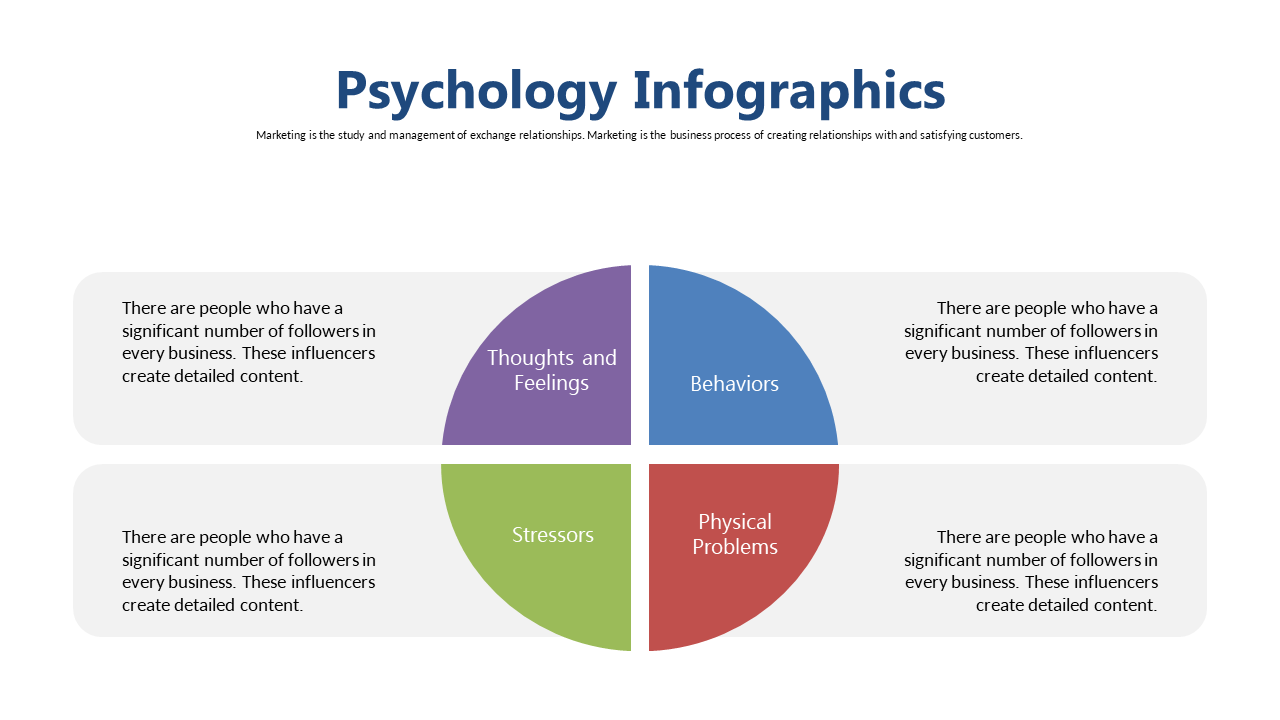
A clean modern 20-slide timeline deck with a contemporary design language that works equally well for project timelines, educational content, research presentations, and strategic planning decks. The modern aesthetic avoids the overdesigned look that dates quickly — these slides will look current in a presentation two years from now. Good for teams who present timelines regularly and need something that updates quickly without a full redesign each time. All 20 slides follow the same visual system so mixing and matching layouts within one presentation produces a completely cohesive result.
Price: $5.99 | Slides: 20 | Theme: Light | Format: 16:9 Widescreen
Stylish Timeline Infographic Design PowerPoint Template
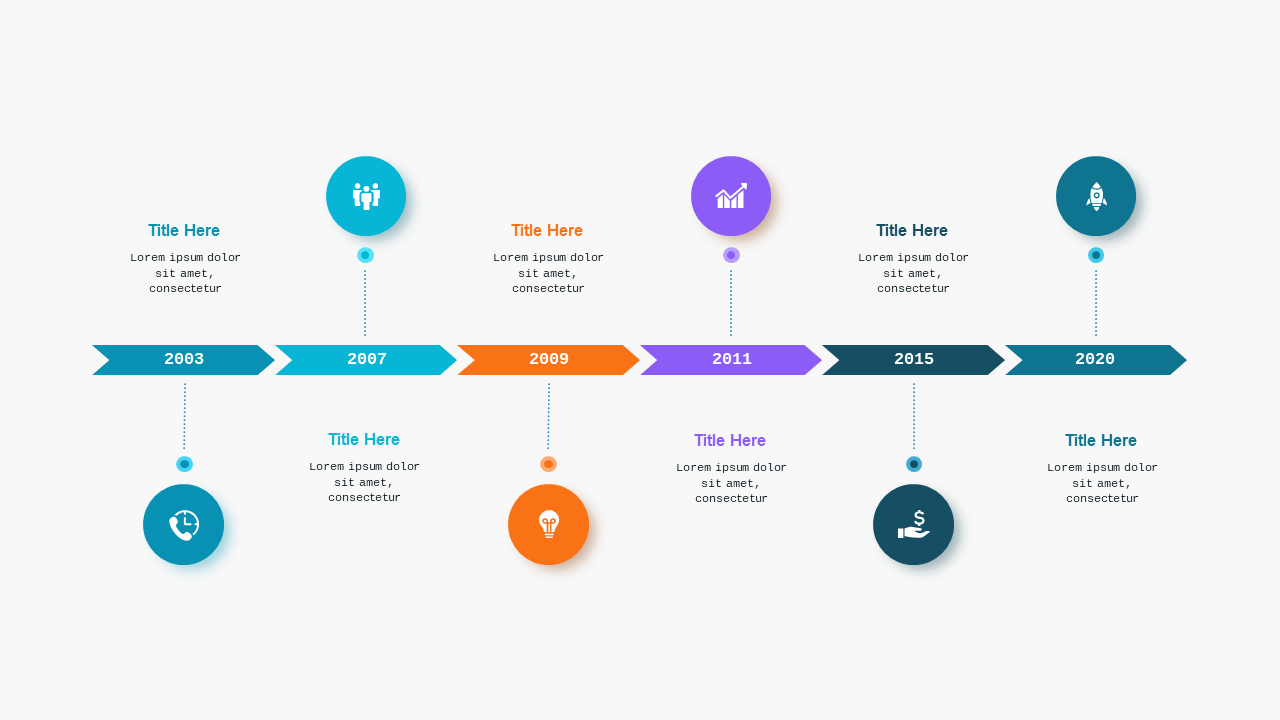
A distinctive 7-slide timeline deck in Teal Modern color scheme — designed for professionals who want a timeline that looks designed rather than templated. Ideal for project managers, educators, and marketers who need to outline processes, milestones, or event sequences in a way that captures attention. The teal color palette stands out visually without looking flashy — professional enough for a board room, engaging enough for a training session. Each of the 7 slides offers a different timeline layout giving you flexibility within a single cohesive design system.
Price: $5.99 | Slides: 7 | Theme: Light | Format: 16:9 Widescreen
See all Timeline PowerPoint decks →
Only Need One Timeline Slide? Pick Exactly What You Need.
If your presentation is mostly built and you just need one timeline slide to drop in — a milestone marker, a project phase view, a historical chronology — the SlideSwift Timeline Slide Library has individual timeline slides at $0.99 each.
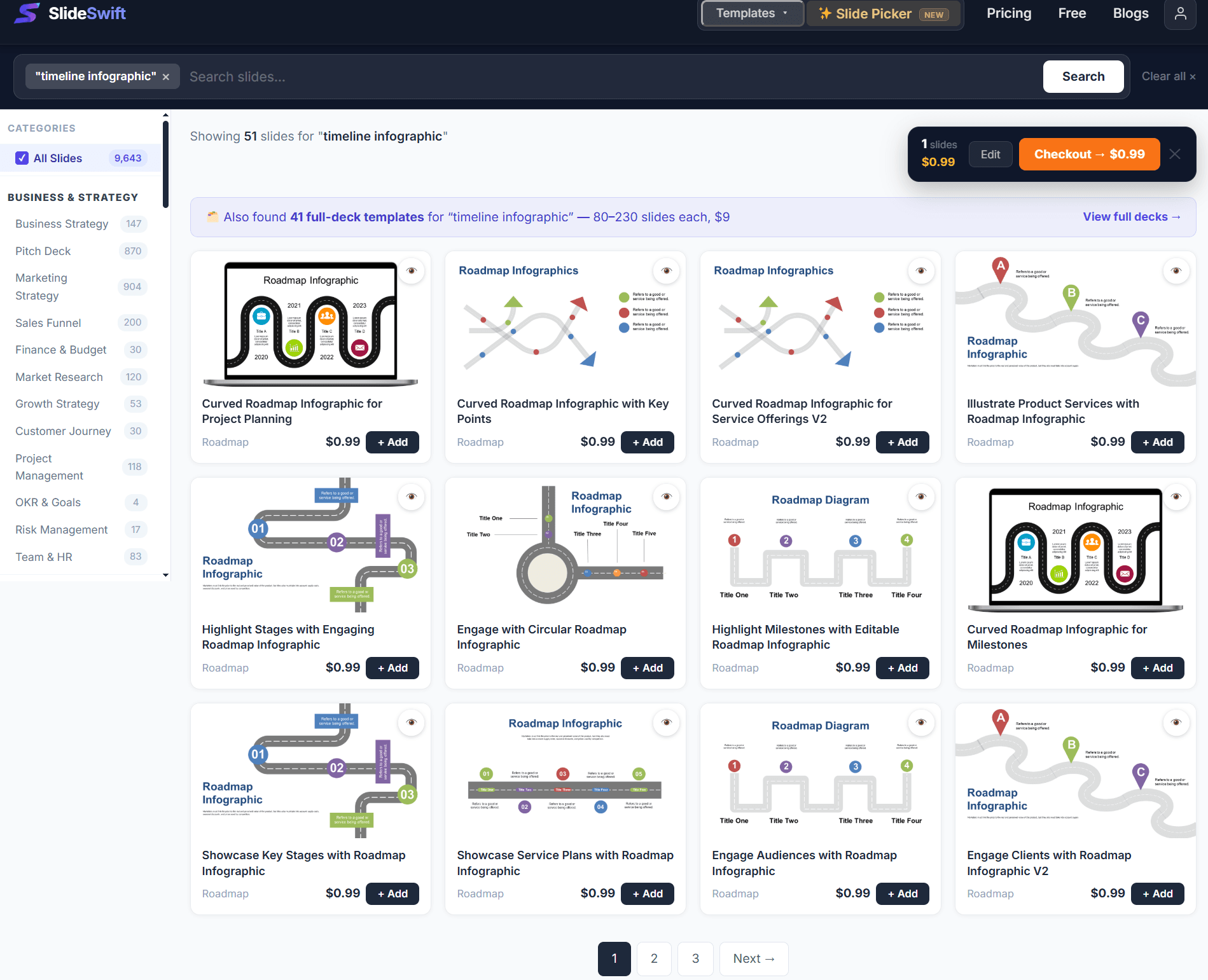
Browse 7,400+ individual slides from $0.99 — no subscription, pick exactly what you need.
No subscription. No minimum order. Pick the timeline layout that fits your existing presentation and download just that one slide.
How to Edit a Timeline Template in PowerPoint
Update milestone labels: Click any milestone text box and type your own event name, date, or description. Every label is a regular text box — nothing special required.
Adjust milestone positions: Each milestone marker is an individual shape. Drag it left or right to shift its position on the timeline. Drag the connector line to follow. For most templates, the connector and marker are grouped — click once to select the group, then click again to select an individual element within it.
Add a milestone: Copy any existing milestone group (Ctrl+C, Ctrl+V) and drag it to the right position on the timeline. Update the label and date text.
Remove a milestone: Click to select the marker group and press Delete. The timeline line stays because it is a separate shape.
Change the timeline color: Click the timeline line, right-click → Format Shape → Line → change the color. Then update the milestone markers to match using the same process.
Can I Edit These Without Installing PowerPoint?
Yes. After purchase, every SlideSwift timeline template opens in a built-in online editor directly in your browser — no software needed. Edit the milestone labels, adjust the dates, change the colors, and export without leaving the page where you bought it.
For PowerPoint users, download the PPTX and every timeline element — markers, connectors, labels, phase bars — is a regular editable shape. For Google Slides, upload to Google Drive and open with Google Slides. Everything transfers cleanly.
When to Use a Timeline Slide (And When Not To)
Use a timeline when: You are presenting a sequence where the order and timing actually matter to the audience — a project schedule, a company history, a product development roadmap, an event sequence, an onboarding process. The timeline format communicates “this happened, then this, then this” instantly and without words.
Skip the timeline when: The items you are presenting do not have a meaningful order or the timing between them does not matter. A list of product features, a set of team values, or a comparison of options — these do not benefit from a timeline format and often look forced when squeezed into one.
For project timelines specifically: Keep the audience-facing version simple. Show the major phases and key milestones — not every task. Your project management tool has the full detail. The presentation slide should answer “where are we and where are we going” in thirty seconds.
Browse All Timeline Templates — Complete Decks From $5.99
The next time you need to present a project schedule, a company history, a product roadmap, or any sequence of events, you should not be spending an hour trying to make SmartArt look professional.
Start with a timeline PowerPoint template that is already built for the job. Update the milestones and dates, and spend the rest of your time on the content — not the layout.
Browse all Timeline PowerPoint template decks on SlideSwift →