Editable Waterfall Chart PowerPoint Templates

Product Description
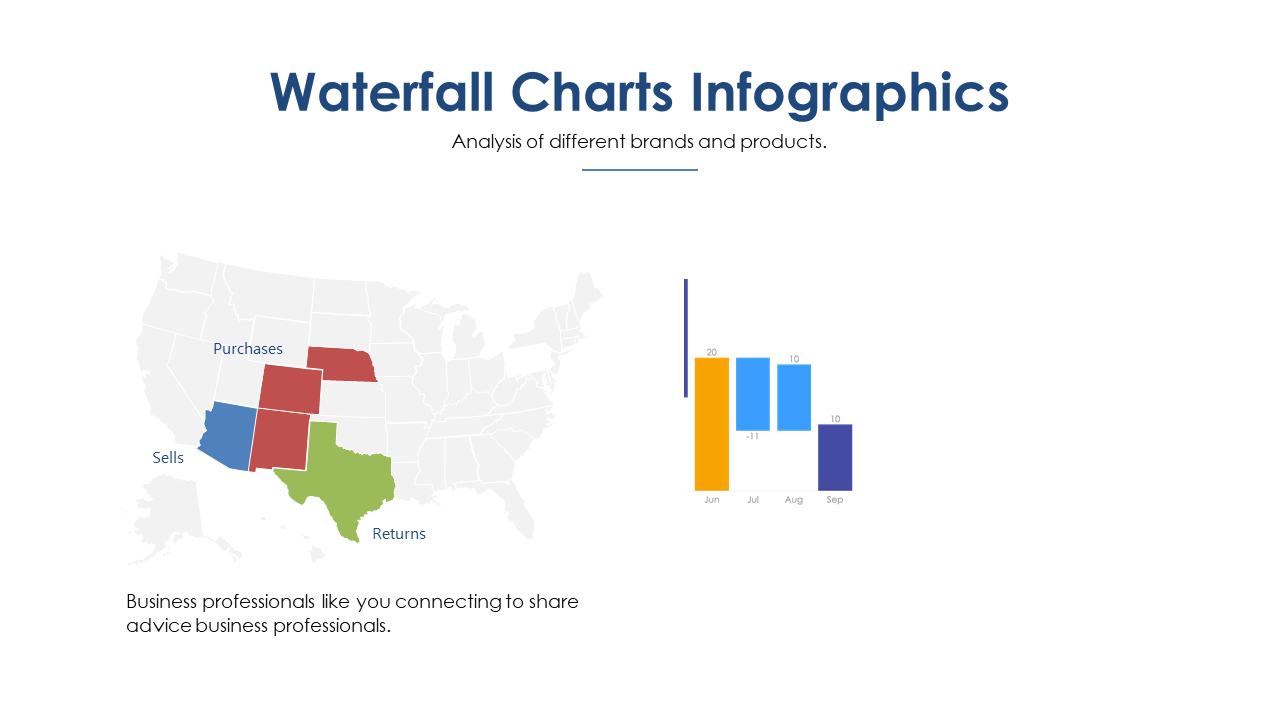
Finding the right way to visualize your data can be a challenge, especially when you need to convey complex information clearly and concisely. If your presentations often struggle with clarity or fail to effectively communicate changes over time, this editable waterfall chart template is exactly what you need. It brings a polished and professional look that helps you present your data in a way that everyone can understand.
This template is perfect for financial analysts presenting quarterly reports, project managers showcasing progress updates, or marketing teams analyzing campaign performance. Whether you’re in a boardroom meeting, a virtual presentation, or sharing updates via email, these charts will help bring your data to life and ensure your audience stays engaged. No matter your industry, this template is designed to fit seamlessly into any professional context.
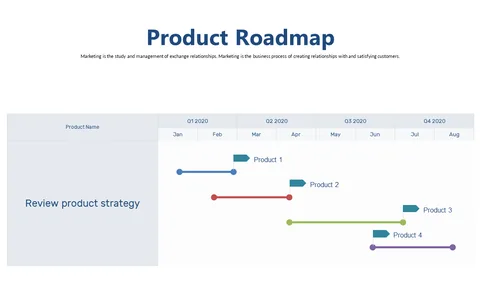
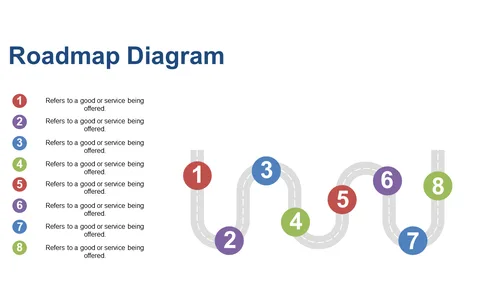
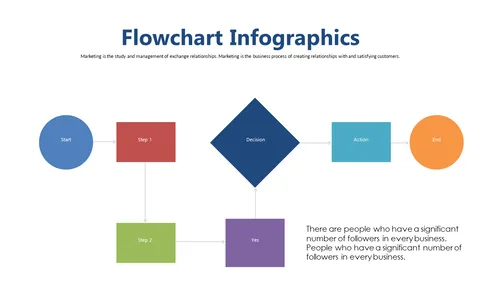
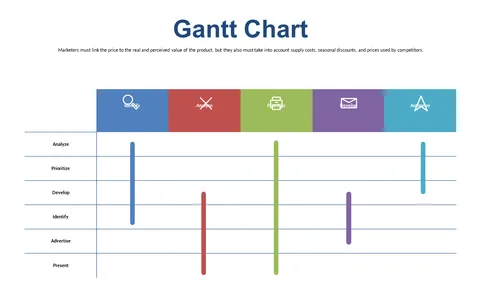
With 20 editable slides included, you’ll have everything you need right at your fingertips. The clean and light background makes it visually appealing, whether displayed on a screen or printed out. Editing is straightforward and can be done in minutes, allowing you to focus on your content instead of wrestling with the design. Best of all, it’s just $3.99, making it an easy investment for enhancing your business presentations.
🛡 7-Day Money-Back Guarantee