Circular Progress Chart PowerPoint Templates
Product Description
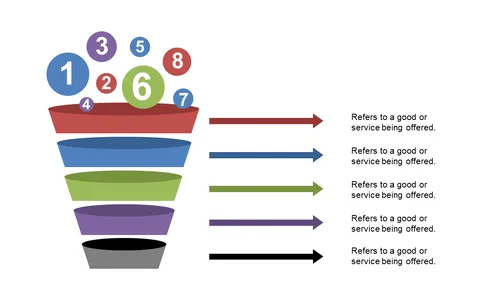
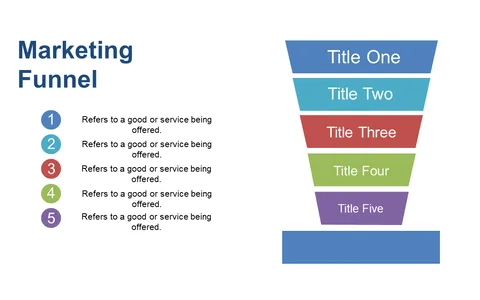
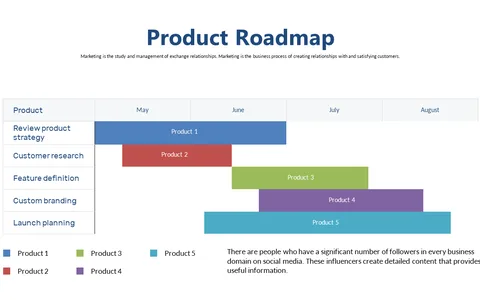
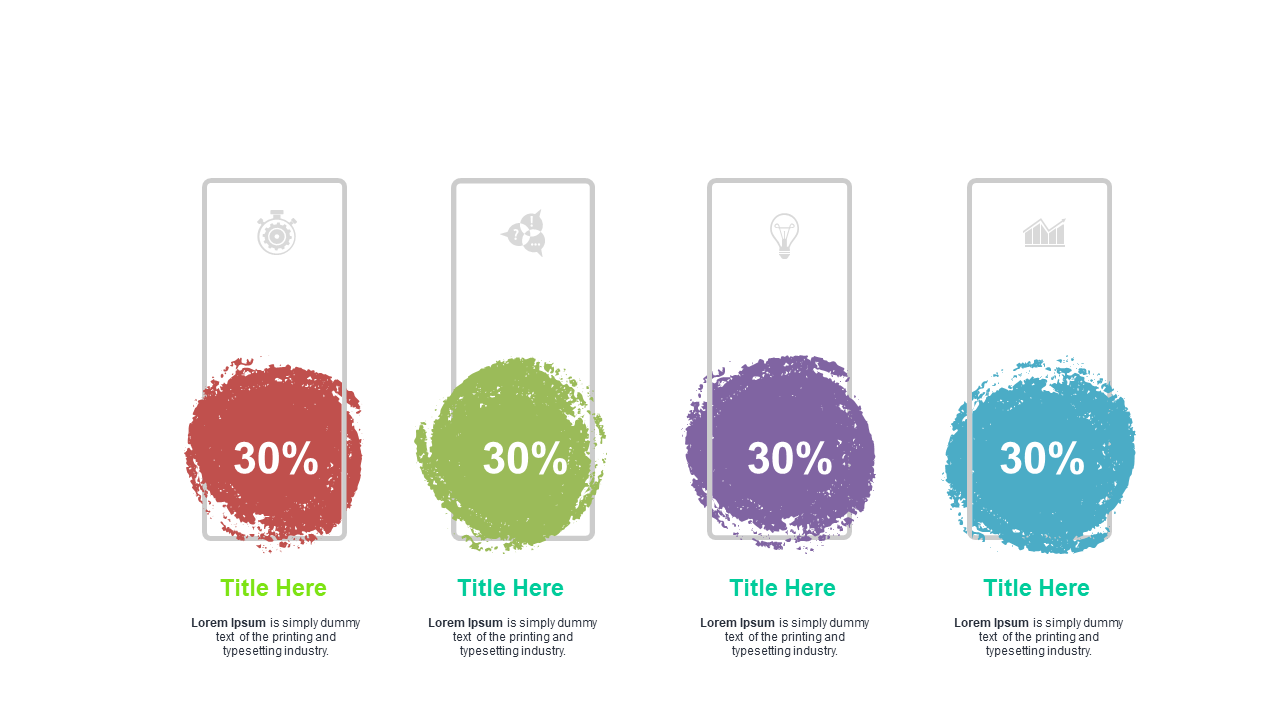
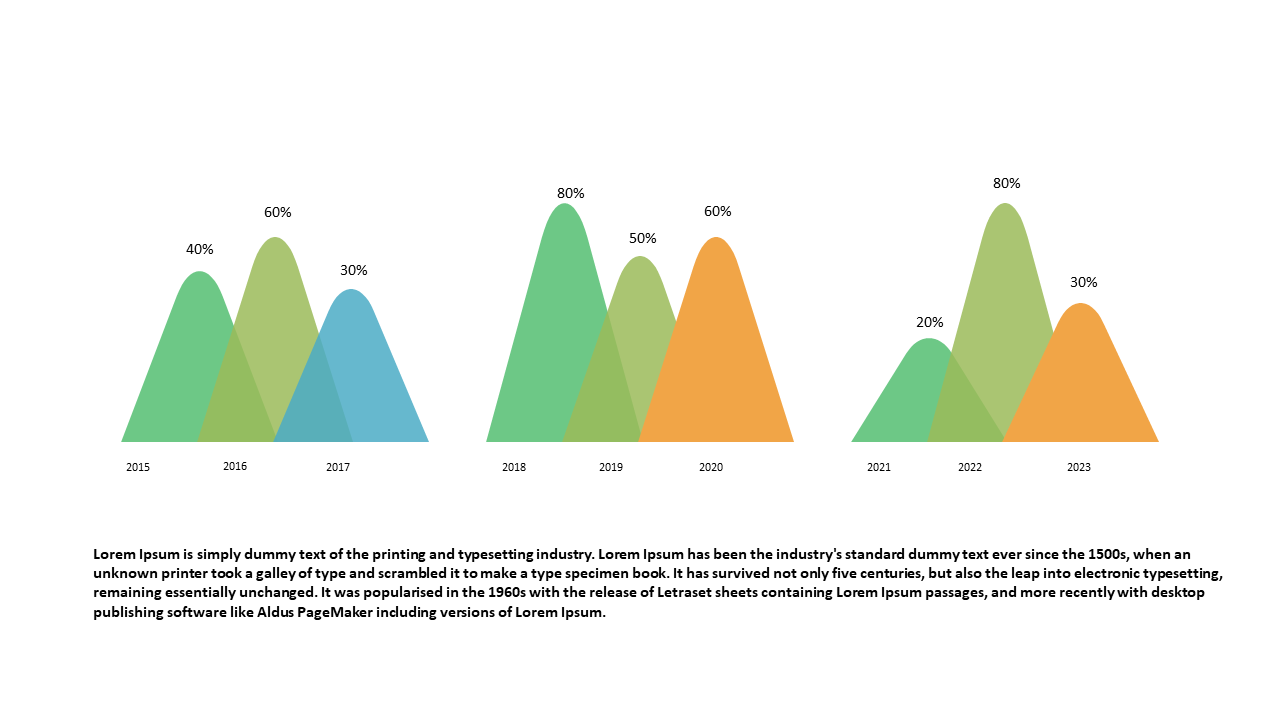
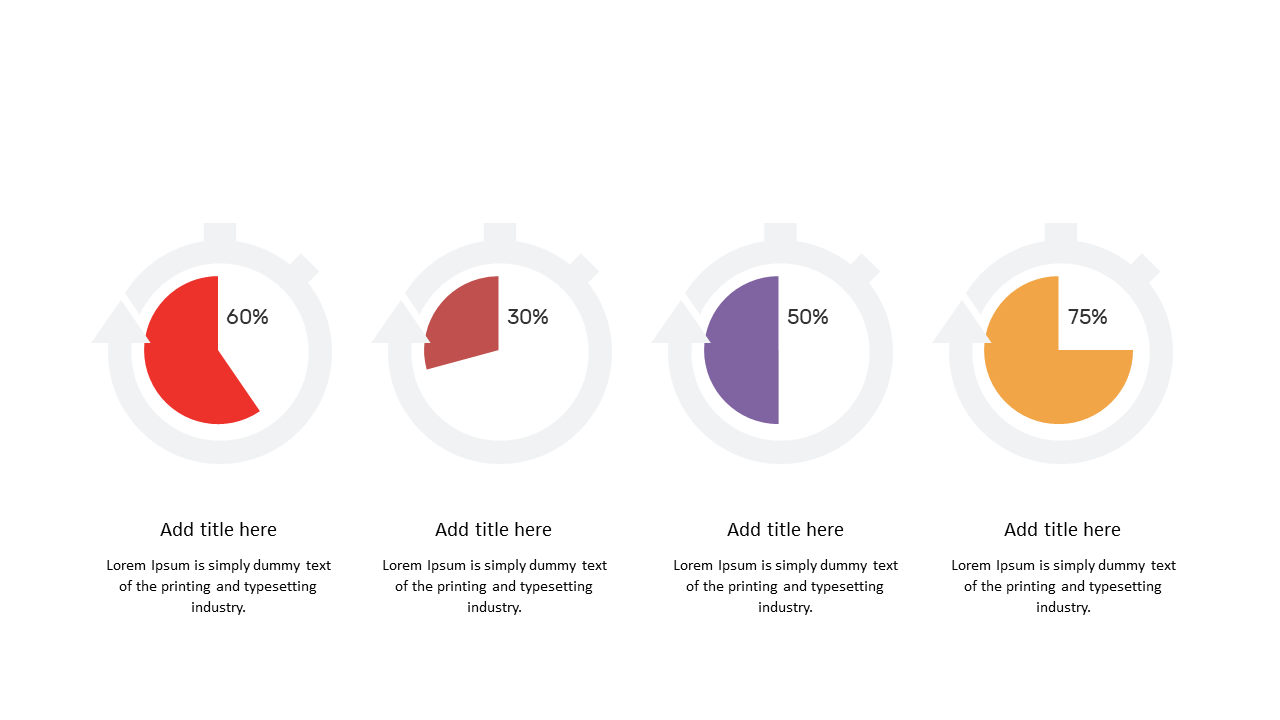
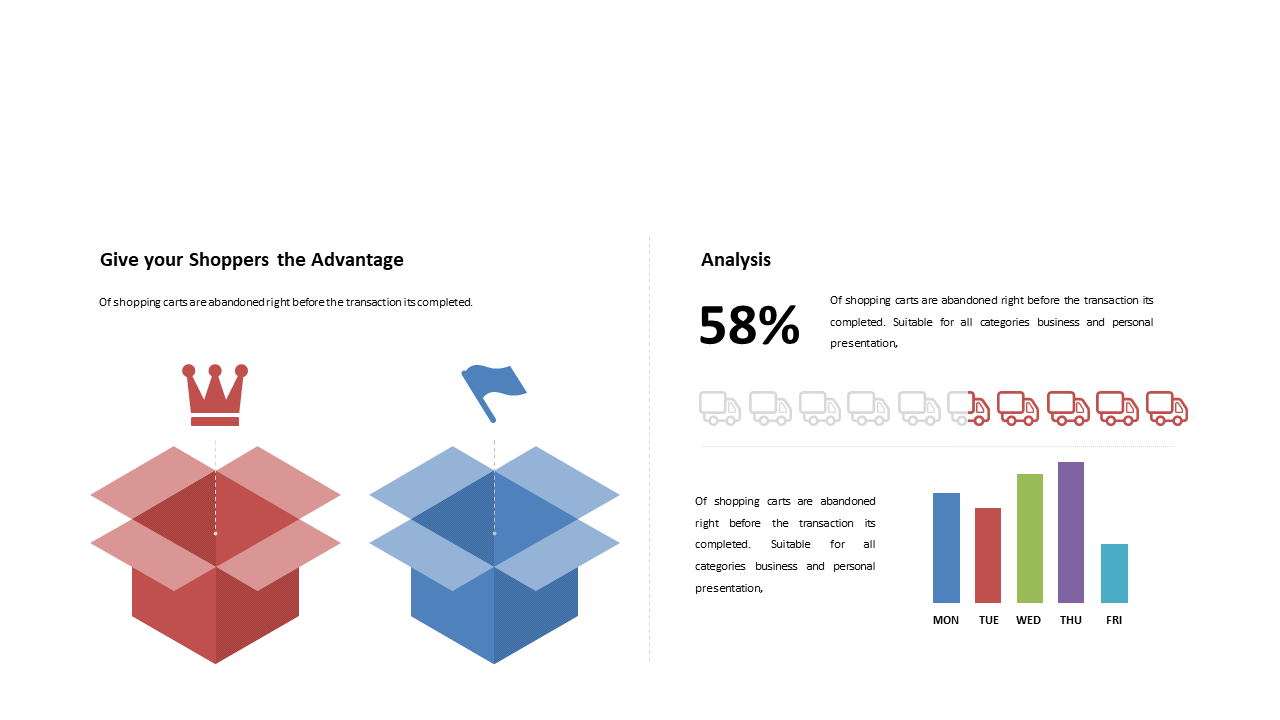
You know how challenging it can be to convey progress or metrics in a visually engaging way during your presentations. It often leaves your audience struggling to grasp the data, which can hinder your message’s impact. This Circular Progress Chart template eliminates that frustration, providing a clean and polished way to showcase your information.
This template is perfect for project managers presenting status updates, marketing analysts reporting campaign metrics, or sales professionals tracking quarterly goals. Whether you’re delivering a performance review to your team or presenting at a client meeting, these charts help you break down complex data into easy-to-understand visuals. With 20 versatile slides, you can customize your presentation according to your specific needs and audience.
When you download this template for just $3.99, you gain immediate access to a professional design that’s ready to impress. Editing it is a breeze, allowing you to focus on your content rather than the layout. You’ll have a polished presentation in minutes, ensuring that your data is not only clear but also visually appealing.
🛡 7-Day Money-Back Guarantee