✦ Slide Picker: Pick individual slides from 7,486+ designs — $0.99/slide. No subscription. Mix any category. Explore → | ✏ Edit Online After Purchase — No software needed
Home›Excel Charts›Editable Monthly Calendar PowerPoint Templates

Editable Monthly Calendar PowerPoint Templates

☀️ Light
Preview PDF
Preview 1
Preview 2
Preview 3
Preview 4
Preview 5

Product Description

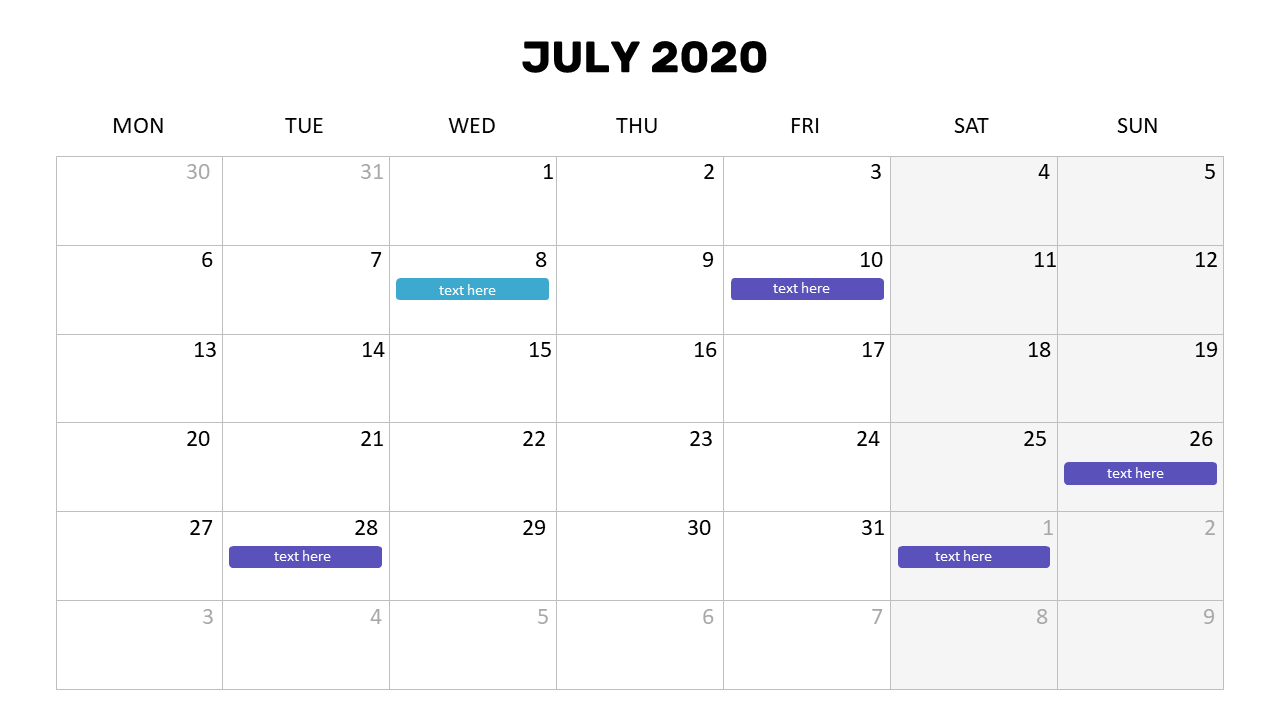
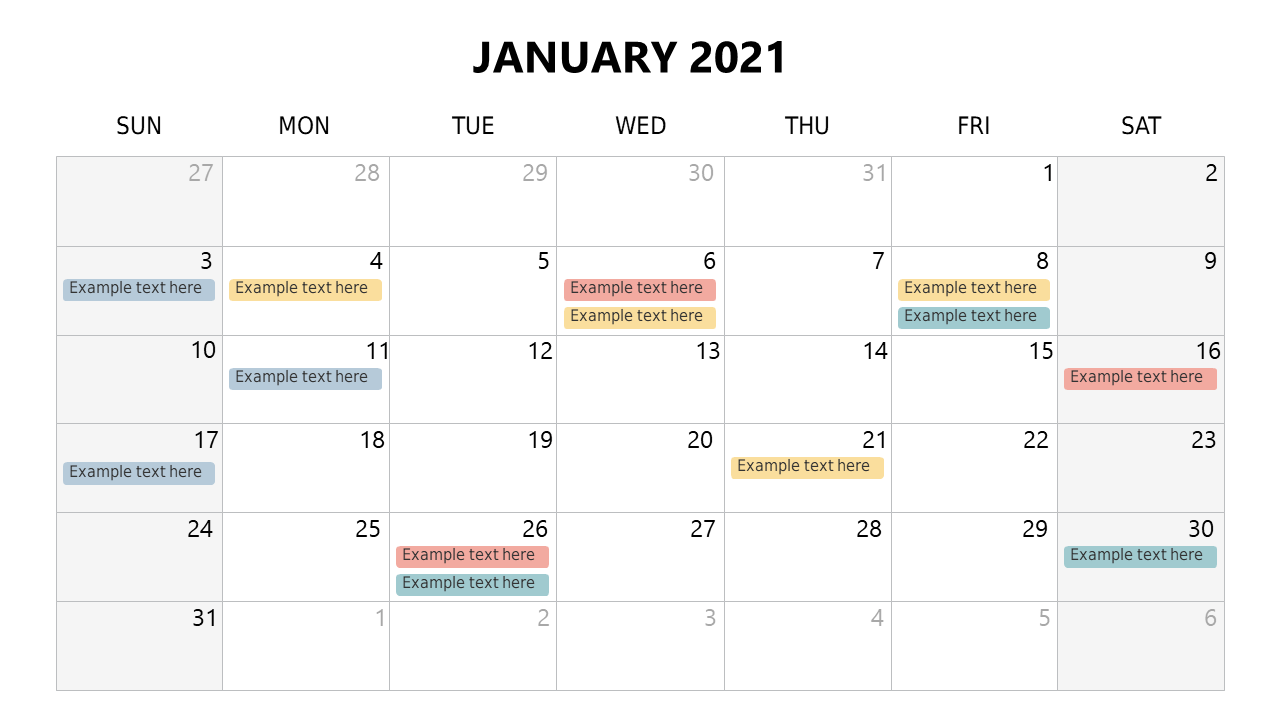
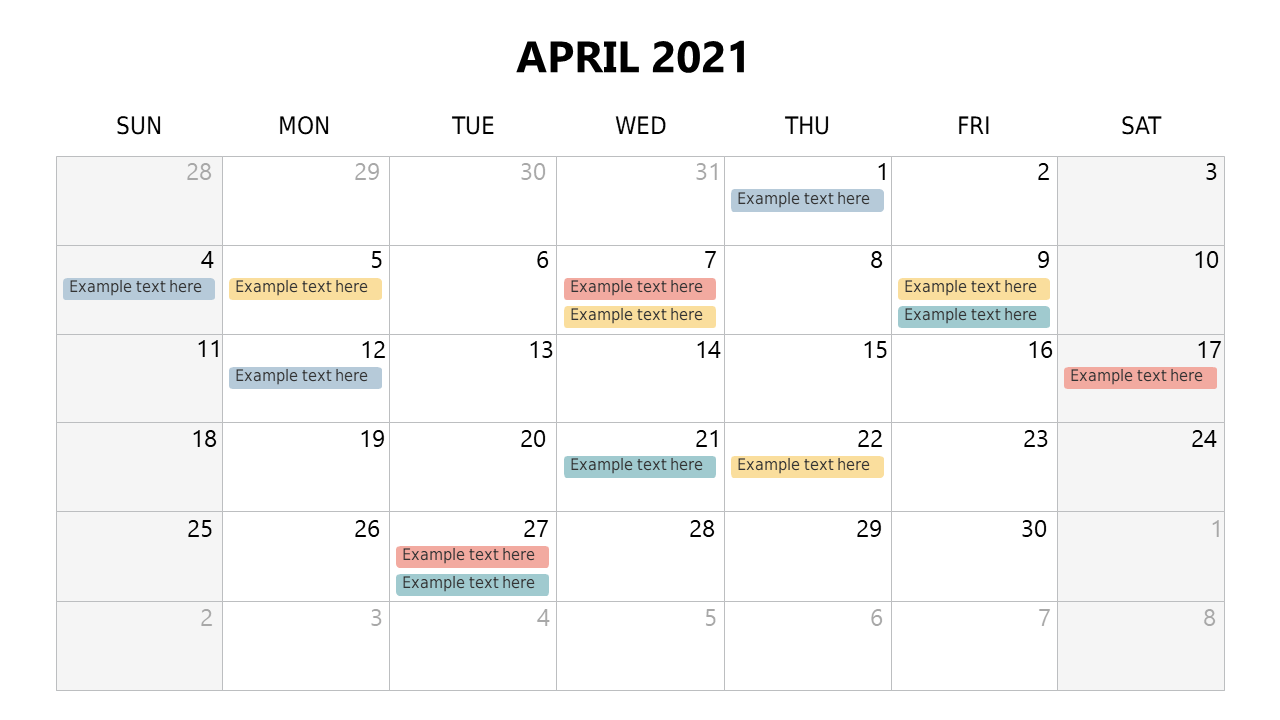
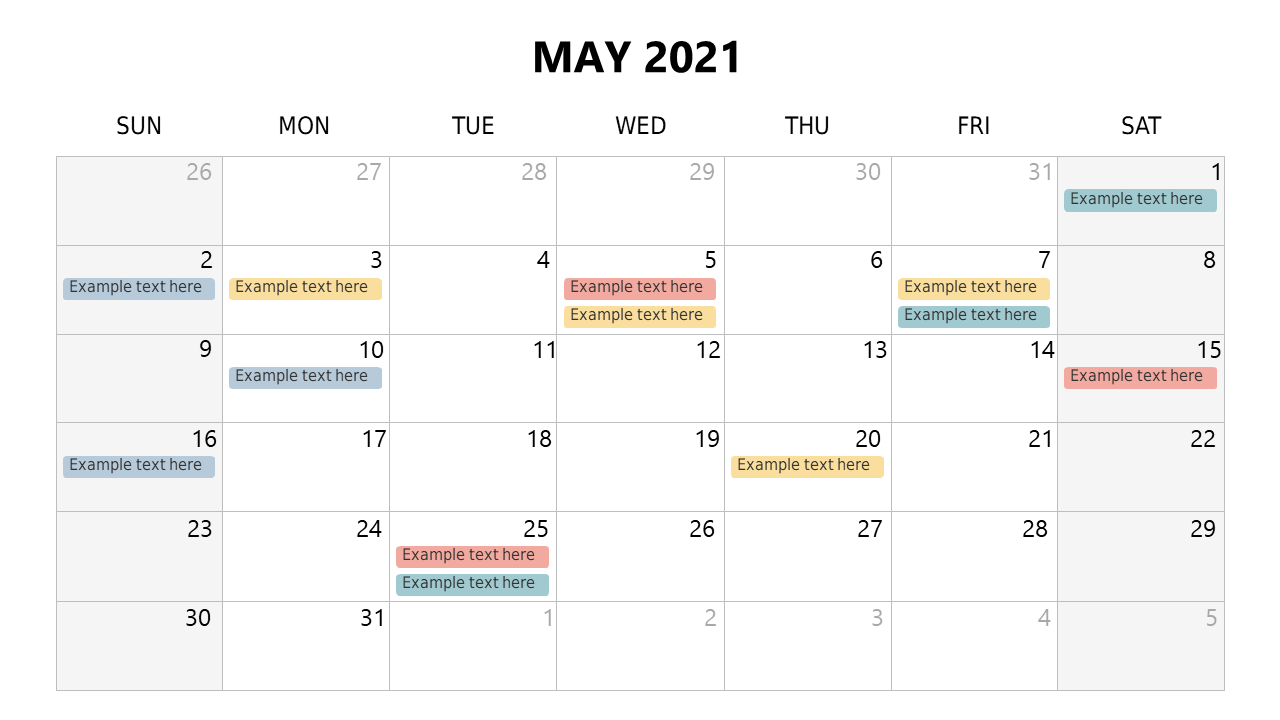
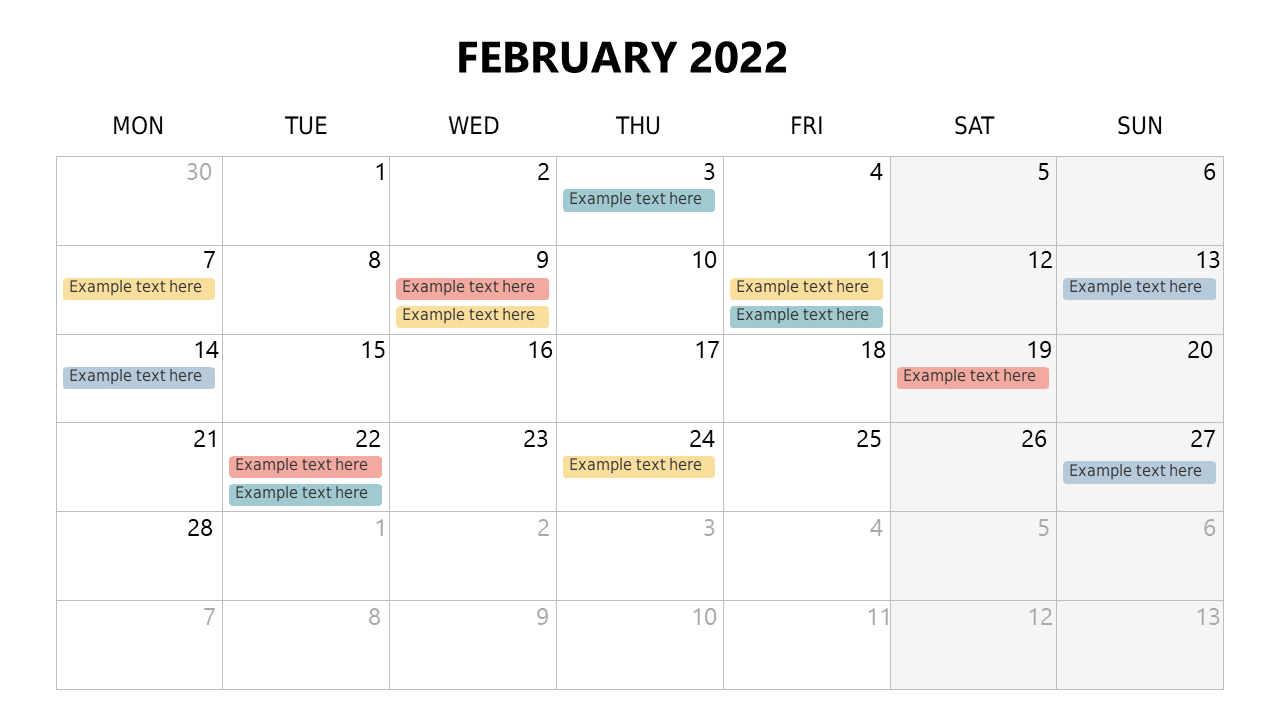
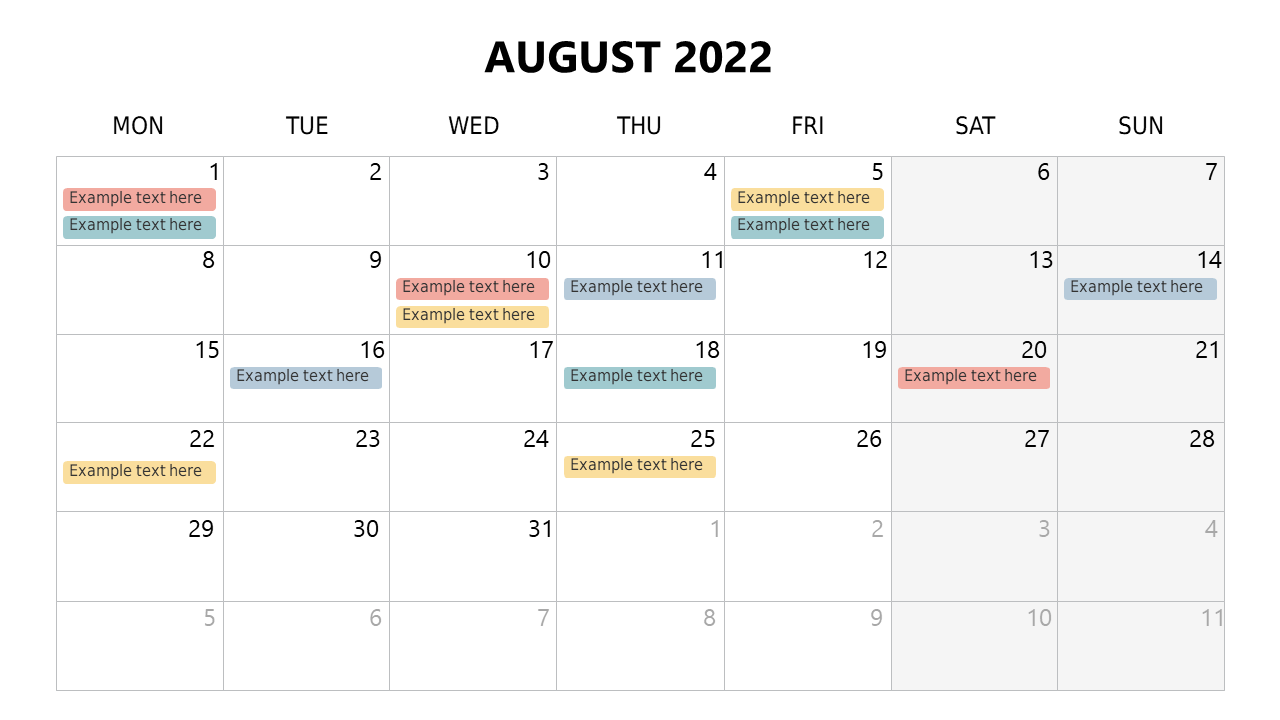
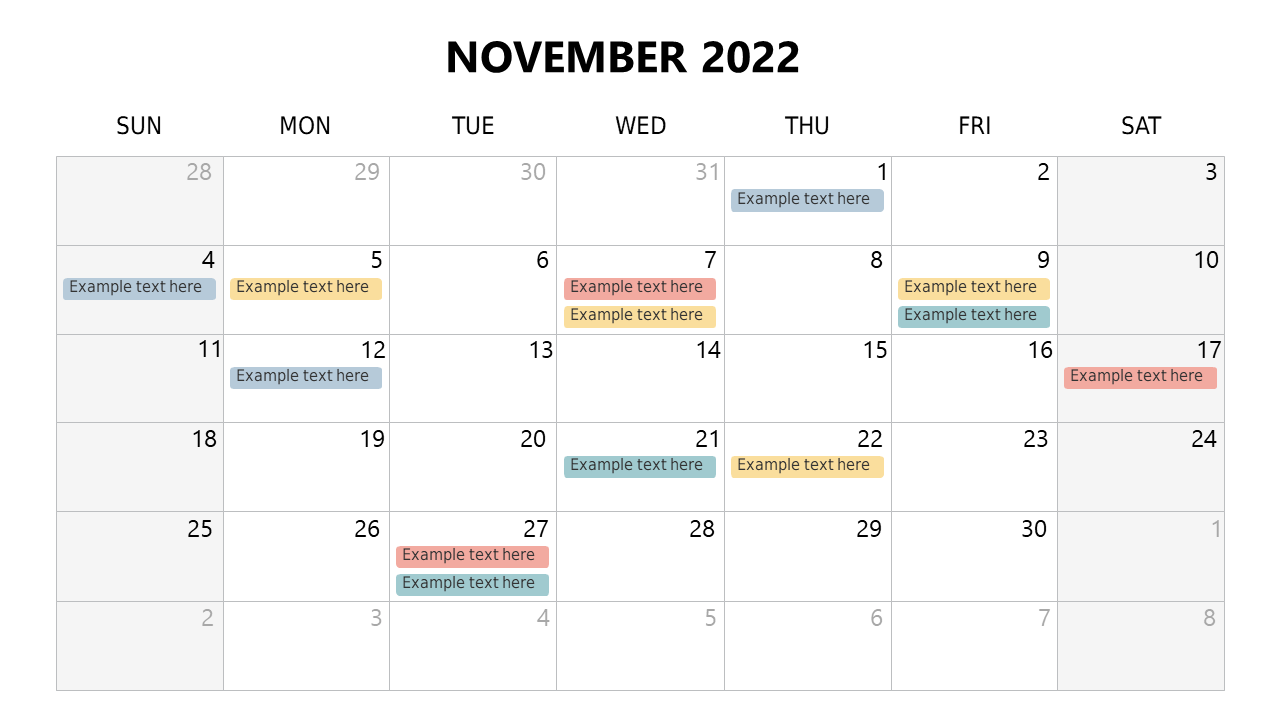
Keeping track of important dates and deadlines can be a real challenge, especially when you’re juggling multiple projects and meetings. If you find yourself scrambling to remember appointments or struggling to convey schedules during your presentations, this monthly calendar template can save you time and keep you organized. It provides a clear and polished visual that allows you to highlight key dates and deadlines effortlessly.

This template is perfect for project managers who need to present timelines to their teams, sales professionals outlining quarterly goals, or HR representatives sharing training schedules. Whether you’re in the tech sector, finance, or education, this adaptable design suits any business environment and enhances your communication during monthly reviews, strategic planning sessions, and team meetings. It allows you to present a clear overview, making your points more impactful and memorable.

With multiple slides included in the download, you have the flexibility to customize the calendar to fit your specific needs. Editing is straightforward, so you can quickly input your data and get back to what matters most. At just $3.99, you’ll have a professional presentation ready in minutes, enabling you to impress your audience and keep your projects on track.

$3.99
One-time purchase · Instant download

🛡 7-Day Money-Back Guarantee

Theme ☀️ Light
Category Excel Charts
Color Slate Blue
Format PPTX / Google Slides
Slides Light: 6 slides
Aspect Ratio 16:9 Widescreen
Last Updated Sep 8, 2026
Downloads 0+
Not sure yet?
Preview all slides (PDF)
Opens a PDF preview of all slides (6 slides) · you get an editable .pptx file (Light theme) after purchase

Frequently Asked Questions