✦ Slide Picker: Pick individual slides from 7,486+ designs — $0.99/slide. No subscription. Mix any category. Explore → | ✏ Edit Online After Purchase — No software needed
Home›Arrows & Steps›5-Step Process Flow Diagram PowerPoint Template (Royal Purple)

5-Step Process Flow Diagram PowerPoint Template (Royal Purple)

☀ Light 🌙 Dark
Preview PDF
Preview 1
Preview 2
Preview 3
Preview 4
Preview 5

Product Description

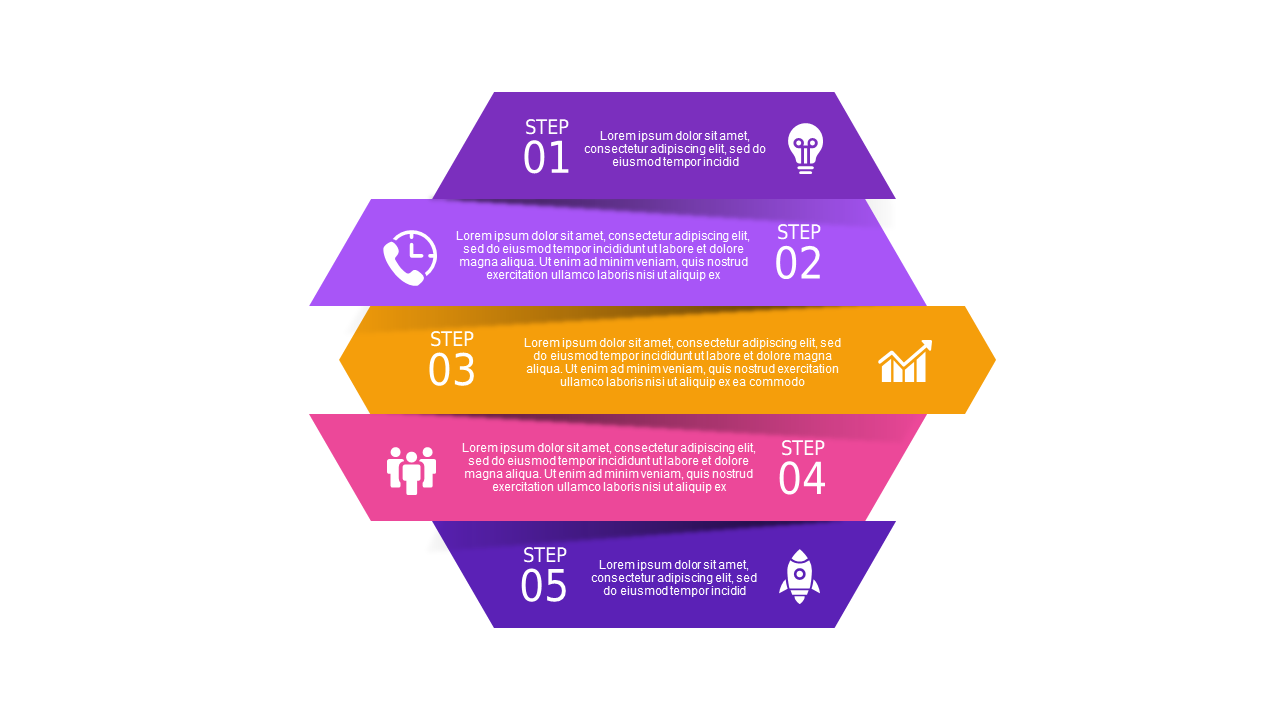
Are tight deadlines giving you stress when preparing for a board meeting? It can be frustrating trying to communicate your processes clearly without design skills. This 5-Step Process Flow Diagram PowerPoint Template is designed to save you time and deliver clarity, making sure your ideas come across effectively while maintaining a professional appearance.

This professional template contains 14 slides with a default color palette of royal purple, ensuring a clean and engaging look. You’ll find various layouts, including detailed process diagrams, step-by-step flowcharts, and easy-to-read charts that help you outline your process in a visually appealing manner. Whether you need to show a complex workflow or a simple checklist, these slides empower you to illustrate complex information simply and effectively while keeping your audience engaged.

This template is perfect for project managers who need to present updates clearly, consultants creating a polished client proposal, or team leaders preparing for a strategic planning session. Additionally, it suits any professional who desires to stand out while presenting ideas or processes. For just $3.99, you can instantly download this template. You’ll be ready to edit and customize your slides in PowerPoint right away, ensuring you’re prepared for your important meeting.

$3.99
One-time purchase · Instant download

🛡 7-Day Money-Back Guarantee

Theme
☀ Light 🌙 Dark
Category Arrows & Steps
Color Royal Purple
Format PPTX / Google Slides
Slides Light: 14 slides
Aspect Ratio 16:9 Widescreen
Last Updated Sep 3, 2026
Downloads 0+
Not sure yet?
Preview all slides (PDF)
Opens a PDF preview of all slides (14 slides) · you get an editable .pptx file (Light theme) after purchase

Frequently Asked Questions