SlideSwift
By Category
💼Business 📊Infographics □Minimal 🕐Timelines ✨Neumorphic 🗑Diagrams 🔄Flow Charts ✨Glassmorphism 🎨Creative 🌍Abstract 🔄Cycle Diagrams 💎Isometric 🖼Illustrations 📱Social Media 🗺MapsBy Slide Type
🚀Pitch Deck 📌Roadmap 🔍SWOT Analysis 📅Timeline 📈Gantt Chart 🏢Org Chart 📋Funnel ⚖Comparison 📄Case Study 📋Agenda ⭐Icons & Lists 👏Thank You
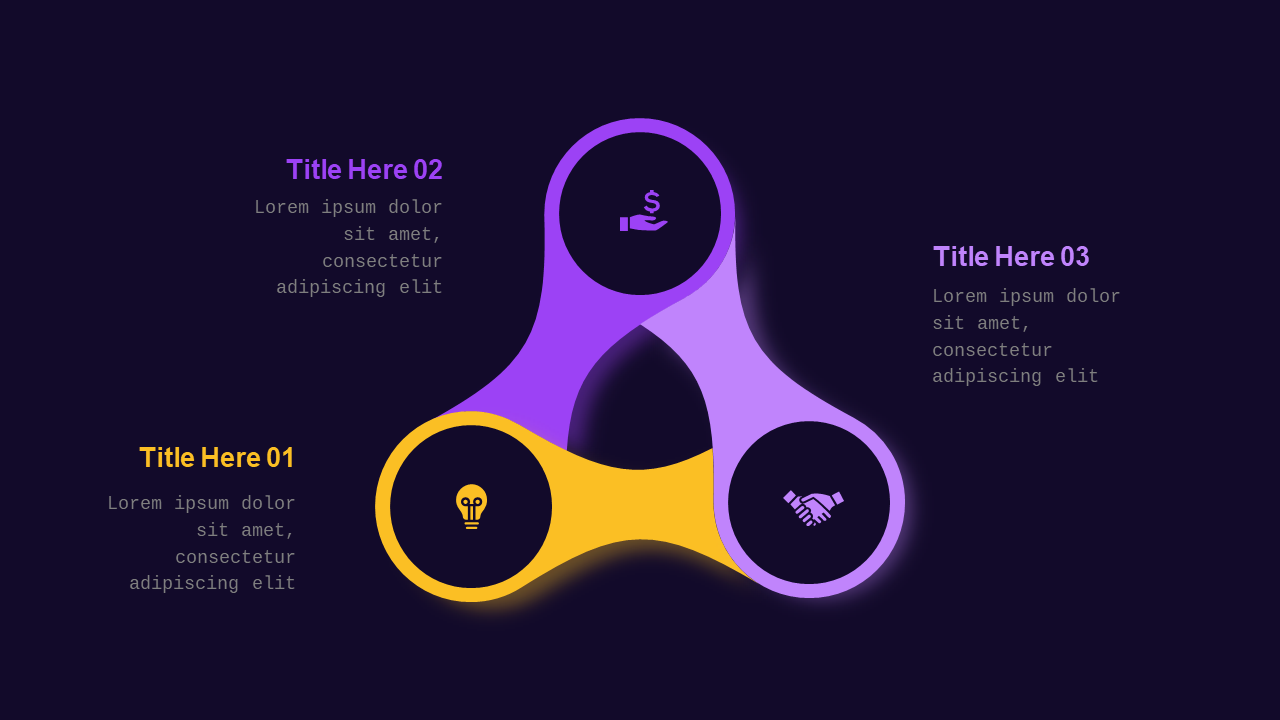
You’re racing against the clock, juggling multiple deadlines, and suddenly, your board meeting is right around the corner. Your usual slide deck feels outdated, and you can’t afford generic-looking slides that fail to impress your audience. The Triangular Infographic Diagram PowerPoint Template in its default royal purple color offers a speedy solution to your presentation woes. This 7-slide deck combines visual impact with professional design to effectively communicate your key points and keep your audience engaged.
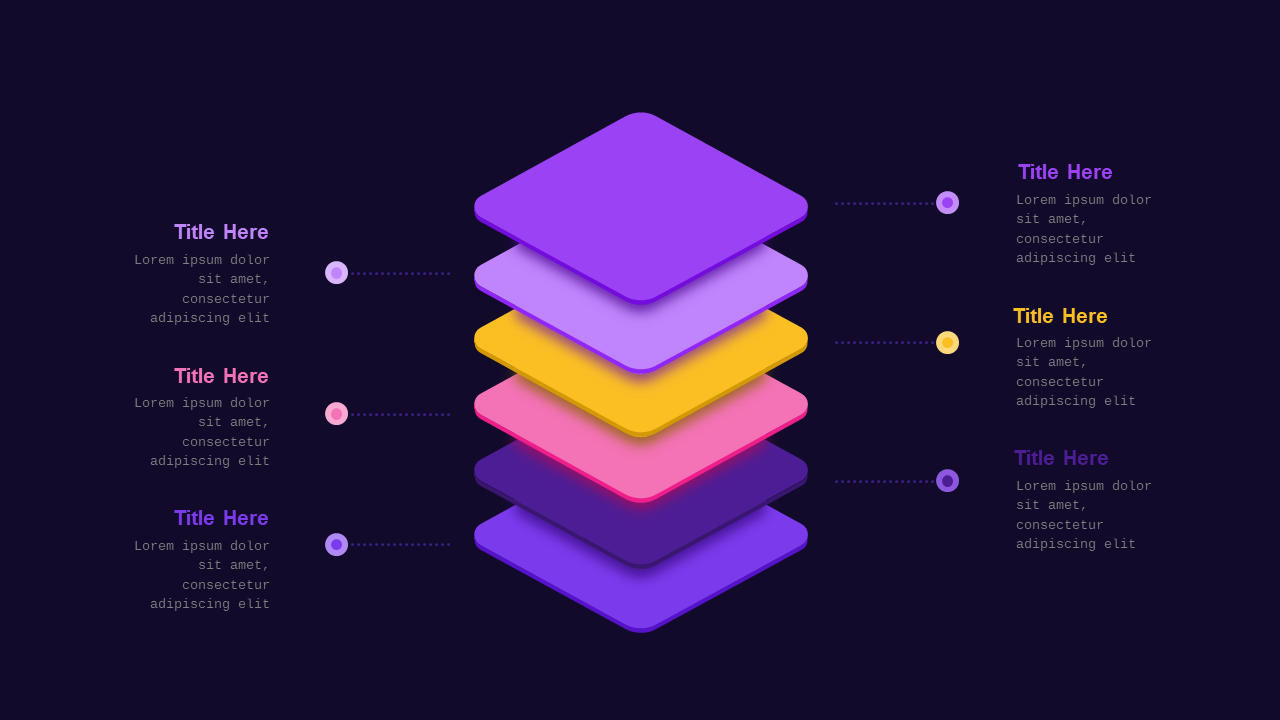
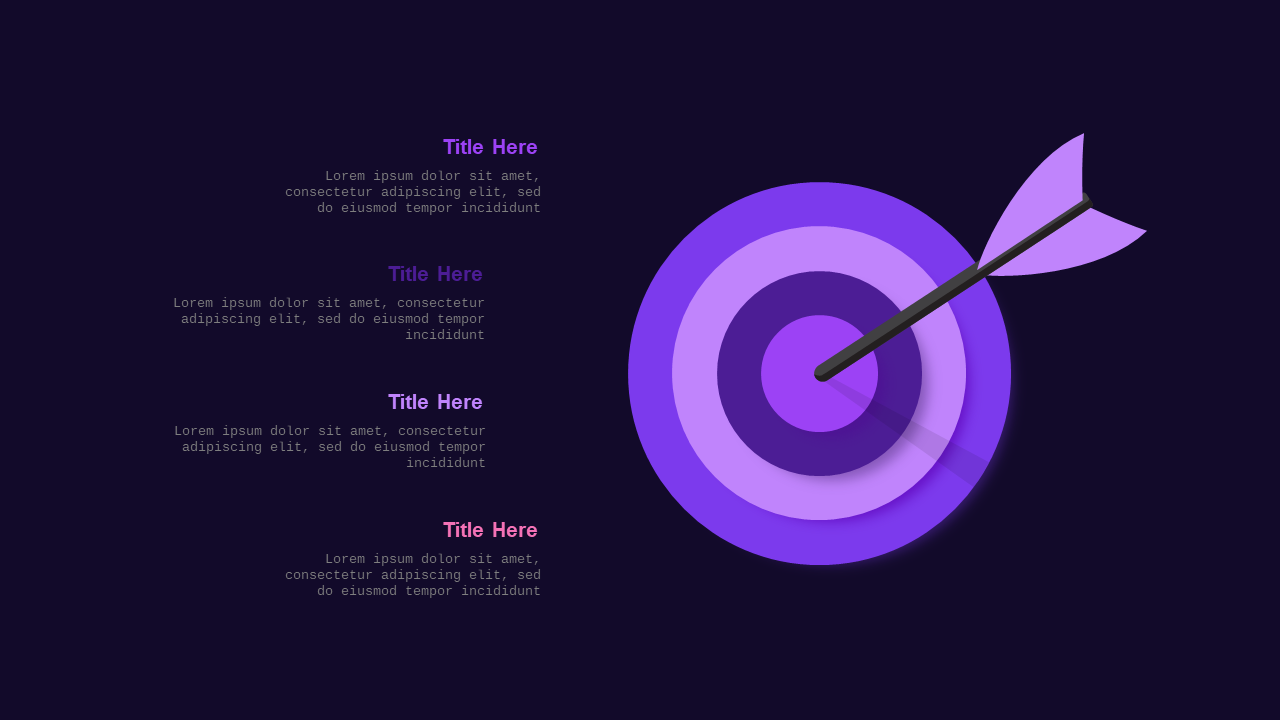
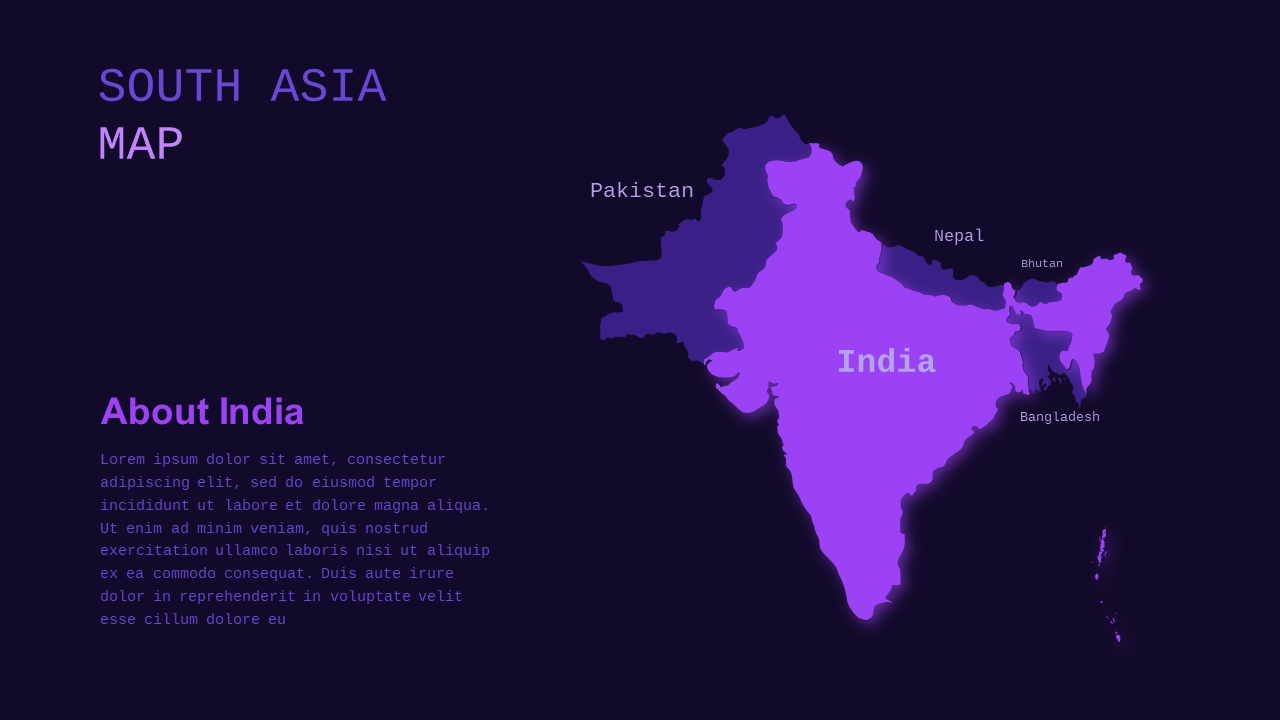
Inside, you’ll find a variety of layouts, including a sleek title slide, a data-driven infographic slide, and a process diagram to outline your strategic insights. The default color palette ensures consistency with your branding while providing stunning visual appeal that stands out. With easy-to-edit diagrams and charts, you can quickly customize your content to make a strong impression. These slides allow you to clearly present performance metrics, innovative ideas, or even competitive analysis with ease.
This template is ideal for professionals like a sales manager preparing for a board review, a consultant crafting a client proposal, or a startup founder pitching to investors. No matter the role, this template equips you with the tools you need to create a compelling narrative. For just $3.99, you can download it instantly. Get started editing in PowerPoint today and transform your next presentation into one that commands attention.
🛡 7-Day Money-Back Guarantee
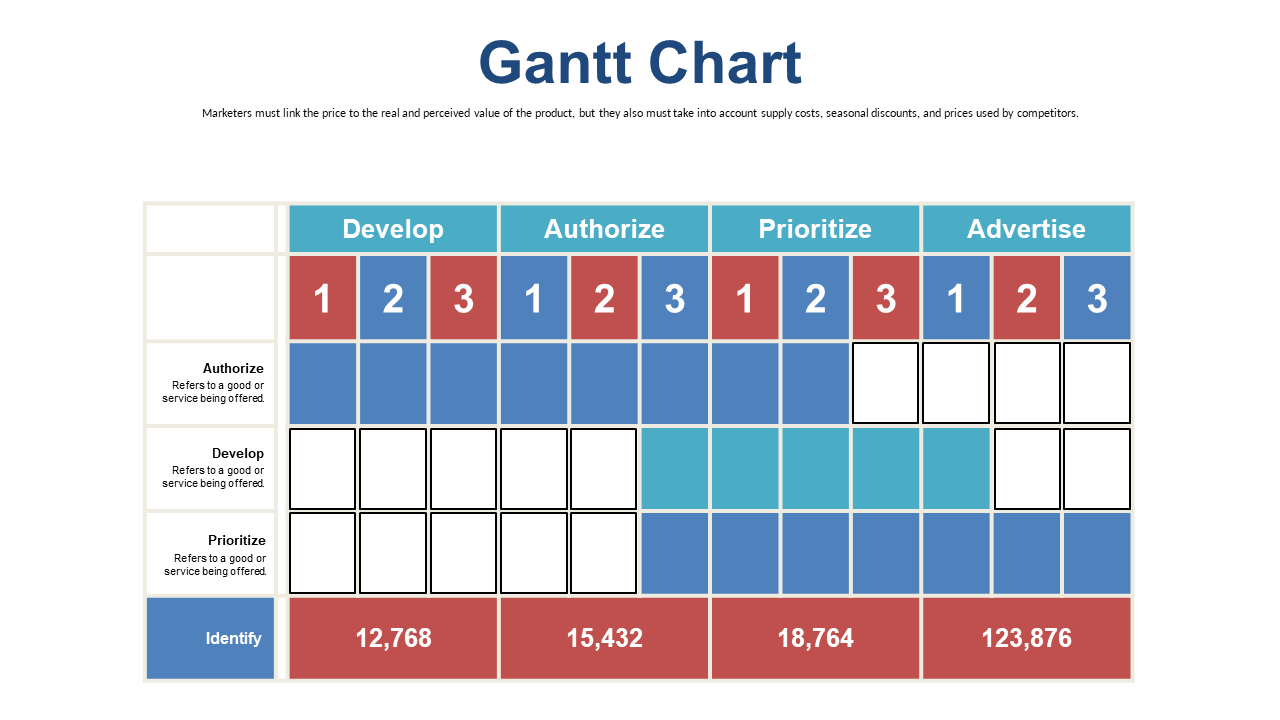
Yes — every element in the Gantt Chart slides including text, colors, icons, shapes, and layouts is 100% editable in Microsoft PowerPoint 2016 and above. No design skills or additional software required.
Yes. Import the downloaded Gantt Chart PPTX file into Google Slides from Google Drive. All layouts, fonts, and formatting transfer correctly — no manual fixes needed.
You get one fully editable PPTX file (Dark theme) — downloadable immediately after payment. No subscription, no waiting. Open it in PowerPoint or Google Slides and start editing right away. A full PDF preview of all slides is also available before you purchase so you know exactly what you are getting.
This template includes 7 professionally designed Dark theme slides. Each slide covers a different layout so you can pick exactly the ones that fit your presentation without redesigning anything from scratch.
Yes — all bars, task labels, date markers, and phase colors in these Gantt Chart slides are fully editable PowerPoint shapes. No Excel linking, no macros, and no add-ins required. Click any element and edit it directly.
Yes — your $3.99 purchase includes a full commercial license for the Gantt Chart template. Use it for client presentations, business pitches, agency projects, and paid work with no attribution or royalty requirements.
Contact us and we will fix it within 24 hours — whether the file is not downloading, not opening, or not matching what you saw. Before purchasing, you can also preview every slide as a PDF so there are no surprises. If we cannot resolve the issue, we will make it right.