Illustrate Sequential Concepts with a Triangular Process

Product Description
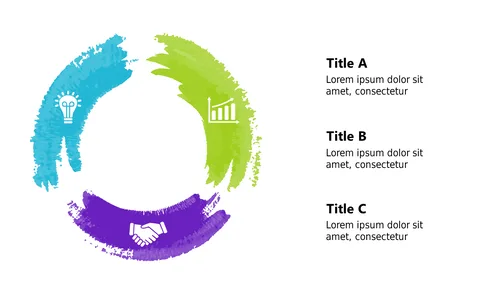
Explaining sequential concepts can often feel like a chore, especially when trying to keep your audience engaged. This triangular process layout simplifies complex ideas by breaking them down into digestible steps, enhanced with icons that visually represent each theme. You’ll find it easier to communicate your message when using this clean and organized format.
Trainers and educators can leverage this design during workshops or lectures to guide learners through a process. Business professionals presenting new workflows or strategies will find it equally useful, making it a versatile tool in your communication arsenal.
Whether you’re detailing a project timeline or outlining a training module, this slide is tailored to fit. For just $0.99, you can instantly download this template and make it your own. Editing is straightforward and compatible with both PowerPoint and Google Slides, allowing you to customize colors and text in just minutes.
$0.99 – Purchase Checkout
Added to cart