Organize Multi-Category Presentations with Grid Layout V2
Product Description
It’s tough to keep your audience engaged when you have multiple topics to cover in one presentation. Without a clear structure, your message can easily get lost.
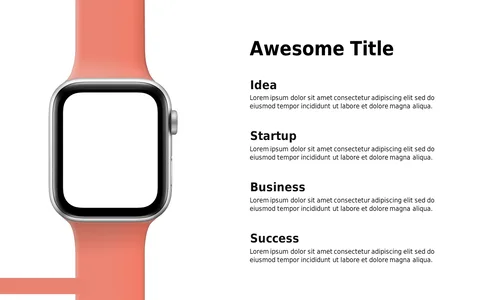
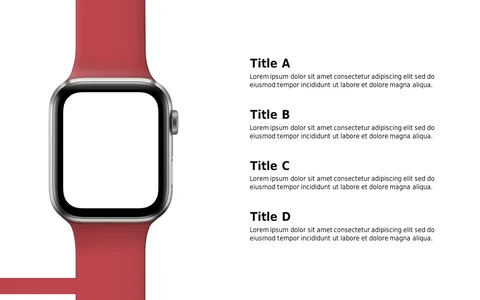
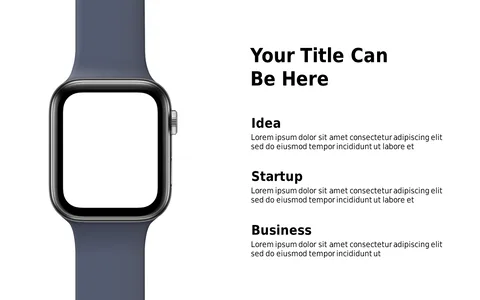
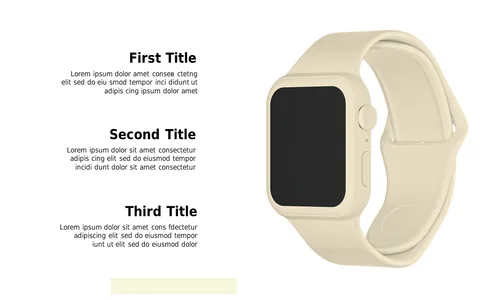
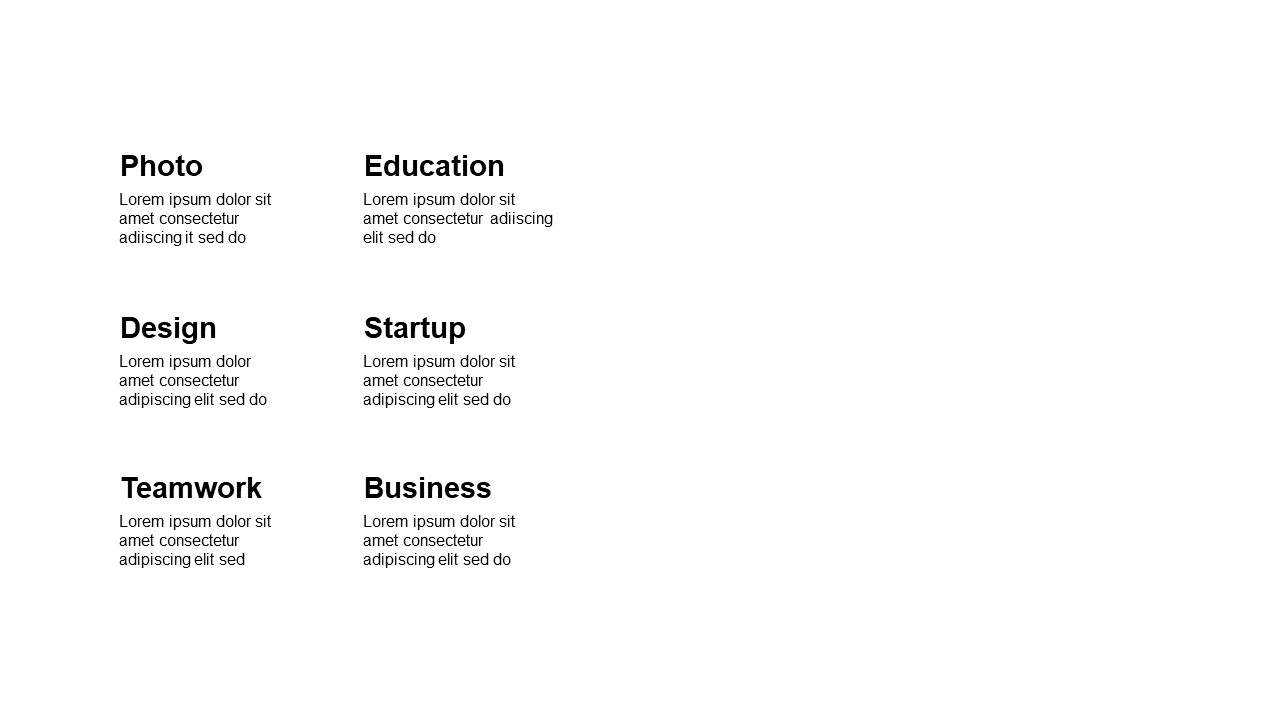
This grid layout helps you break down information into digestible sections so that you can communicate diverse ideas more effectively. Consider using this slide when you’re a product manager presenting new features, an HR professional discussing team responsibilities, or an educator outlining various lesson plans. This layout is adaptable for team meetings, classroom settings, or client presentations—any situation where clarity is crucial.
Available for just $0.99, this slide is ready for instant download, and you can easily edit it in PowerPoint or Google Slides. You’ll have everything set up quickly so you can concentrate on delivering your insights confidently.
$0.99 – Purchase Checkout
Added to cart