Highlight Key Points with Callout Shapes
Product Description
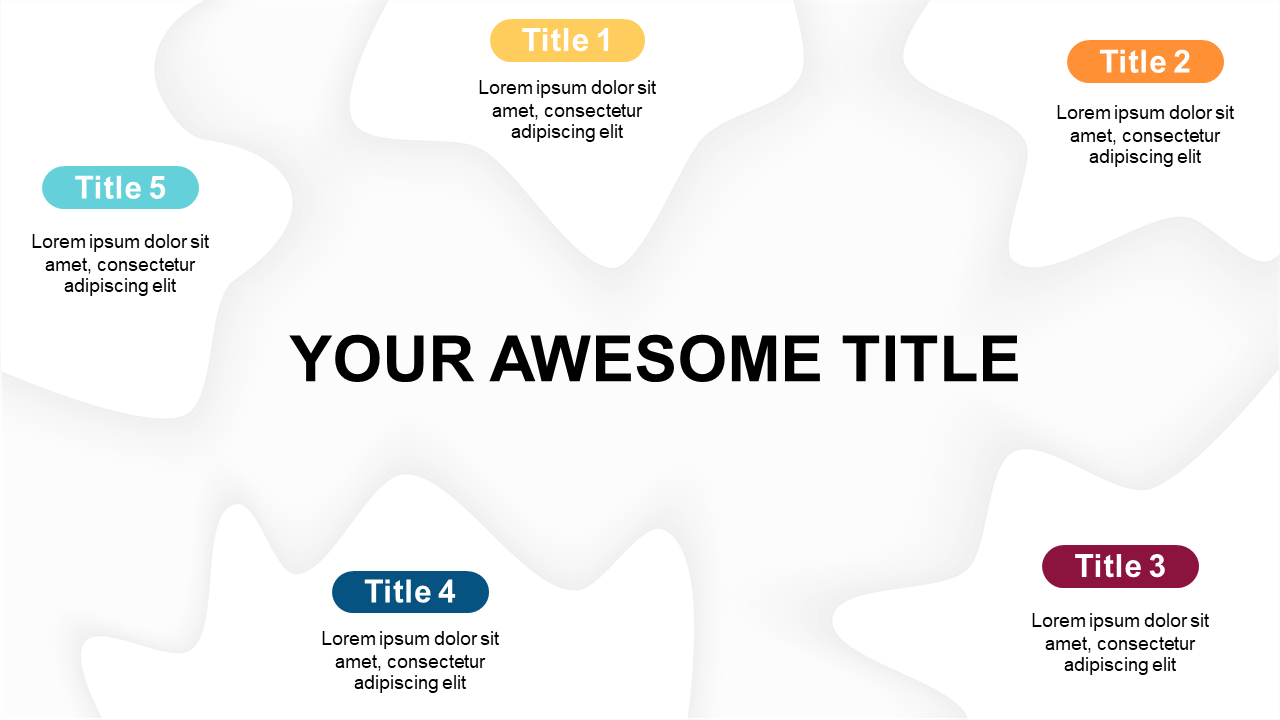
Getting your key points across effectively is vital, but it can often be a struggle to ensure your audience never misses the essential details. This slide uses callout shapes to help highlight your main ideas, making them impossible to overlook and adding visual interest to your presentation.
Ideal for project managers presenting updates, educators breaking down complex lessons, or trainers leading workshops, this slide can enhance your ability to communicate essential information. The central title surrounded by distinct callout shapes allows you to clarify your message in a clean and engaging format.
For just $0.99, you can download this slide instantly, making it easy to edit in both PowerPoint and Google Slides. You’ll be able to customize it quickly, so you can focus on what matters: delivering your content effectively.
$0.99 – Purchase Checkout
Added to cart