Define Roles with RAPID Decision-Making Chart Template

Product Description
Ambiguity in team roles can lead to delays and missed opportunities in decision-making. When you can’t clearly define who does what, the entire process can feel chaotic.
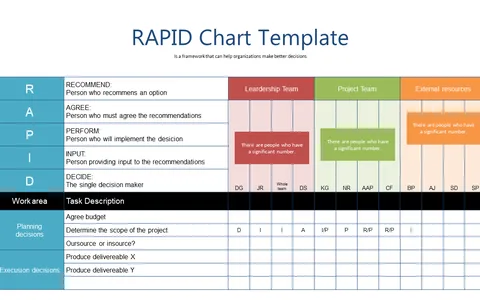
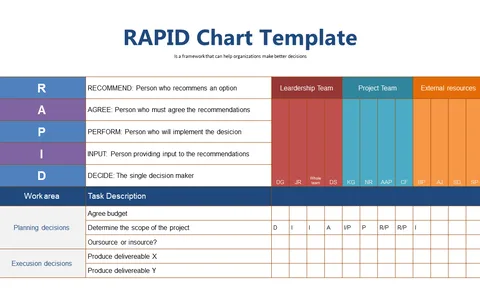
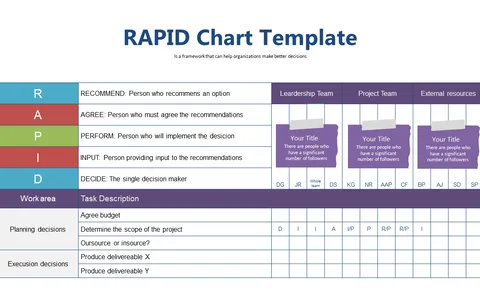
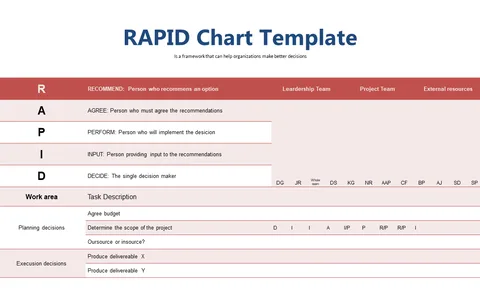
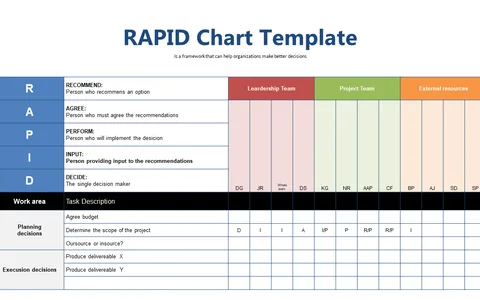
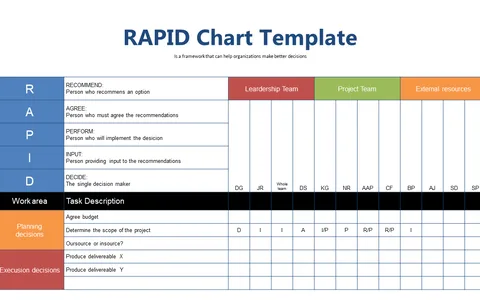
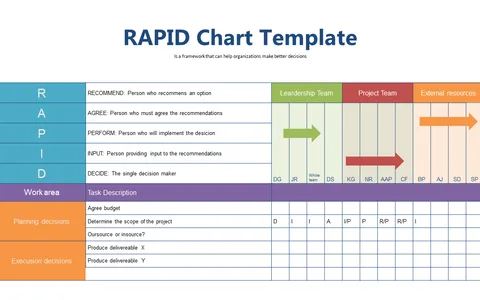
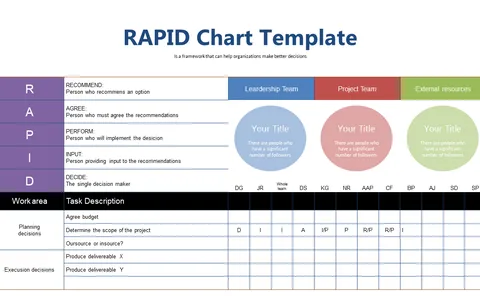
This RAPID Decision-Making Chart slide offers a clear visual framework that delineates roles and responsibilities, ensuring everyone knows their part in the decision-making journey. Ideal for project managers, small business owners, and department heads in any industry, this slide can be particularly useful during team huddles or performance reviews. You’ll find it invaluable when you need to address miscommunication and align your team around a common goal, reducing the chances of confusion.
Available for just $0.99, this slide is a quick and easy addition to your presentation materials. Once downloaded, it’s fully editable in PowerPoint and Google Slides, allowing you to tailor it to your specific needs instantly.
$0.99 – Purchase Checkout
Added to cart