Assign Roles Clearly with RAPID Framework Chart
Product Description
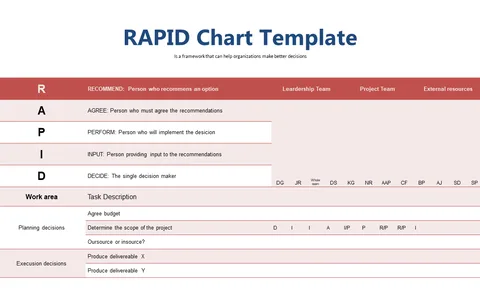
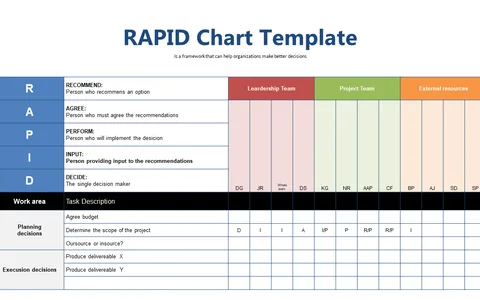
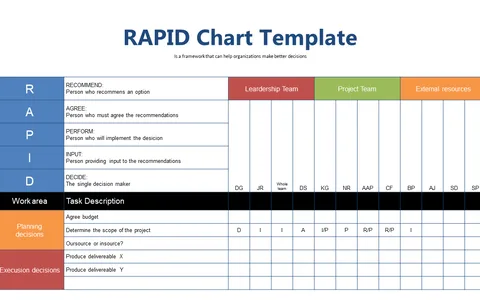
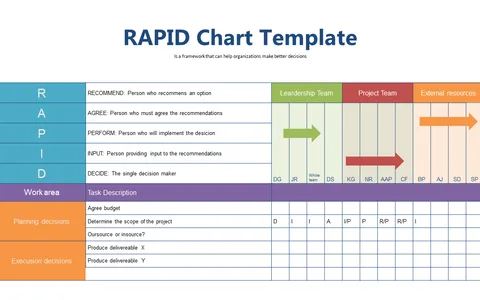
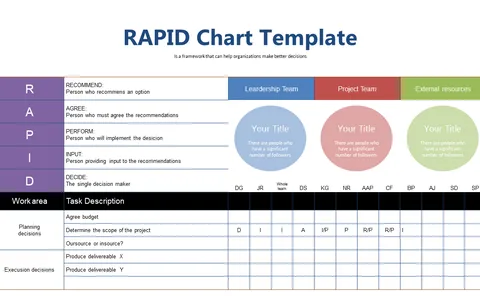
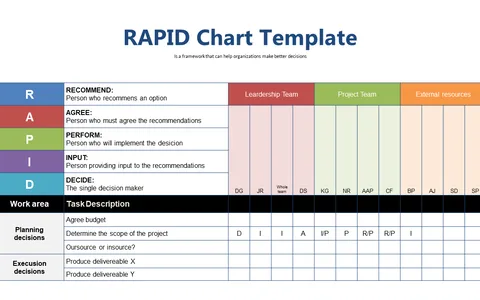
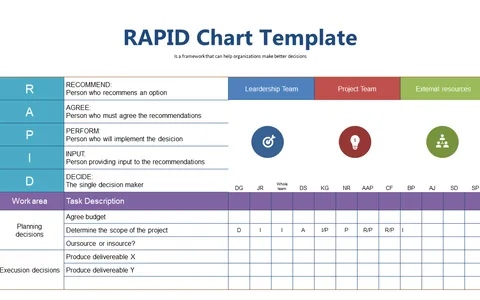
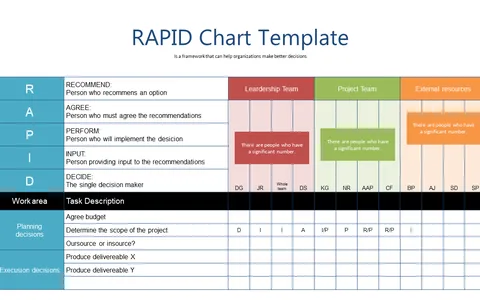
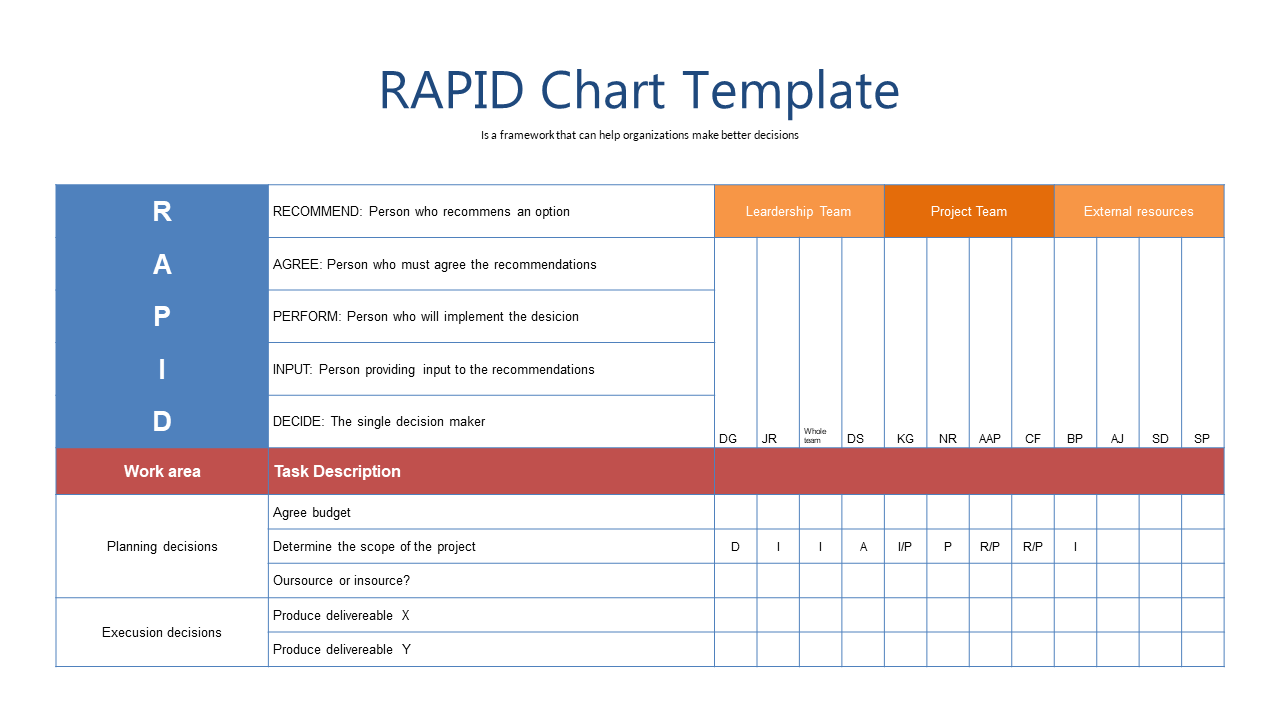
When team members are unclear about their roles, it can lead to confusion, delays, and ultimately, project failure. The RAPID Framework Chart addresses this challenge by visually representing key roles in the decision-making process.
It makes it easy to assign responsibilities, helping to keep your project on track. This slide is perfect for team leaders, HR managers, and operations specialists who routinely engage in project planning or performance reviews. By using this chart in your meetings, you can clearly define who is accountable for what, whether you’re managing a cross-functional team or overseeing a critical project rollout.
For only $0.99, you can download this slide instantly, and it’s ready to edit in PowerPoint or Google Slides. With just a few clicks, you’ll enhance your presentations and eliminate confusion in your decision-making processes.
$0.99 – Purchase Checkout
Added to cart