Two Column Icons for Complementary Information
Product Description
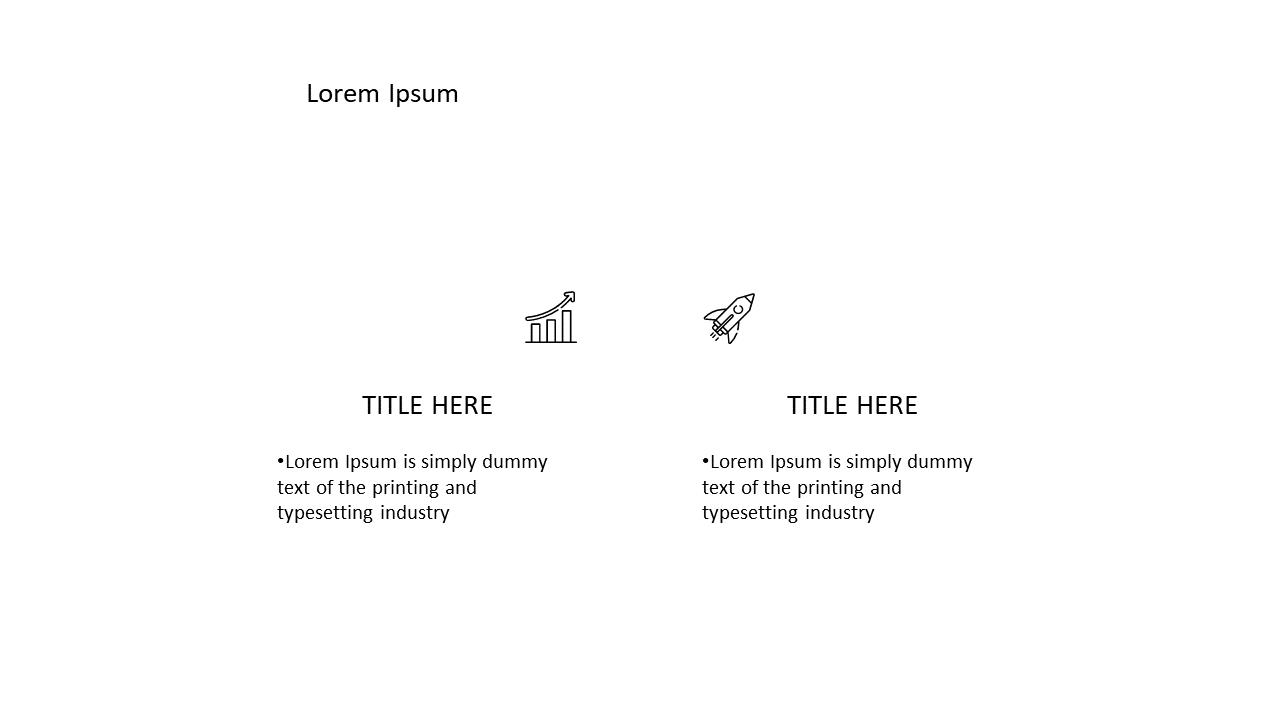
With so much information to present, it can be challenging to make your key points stand out. Clarity is essential when discussing complementary or contrasting ideas, and this two-column layout allows you to do just that. By utilizing icons, this slide visually enhances your message, making it easier for your audience to absorb the content.
This slide is ideal for marketing professionals comparing campaign strategies or product managers discussing features side by side. Educators can use it to highlight differing viewpoints on a subject, while financial analysts might find it useful for comparing performance metrics.
Whatever your field, this template helps clarify your message in a visually appealing way. Available for just $0.99, this slide can be downloaded instantly and edited to fit your presentation style. It’s compatible with both PowerPoint and Google Slides, allowing for quick customization in just minutes.
$0.99 – Purchase Checkout
Added to cart