Clarify Decision-Making with Branching Flowchart
Product Description
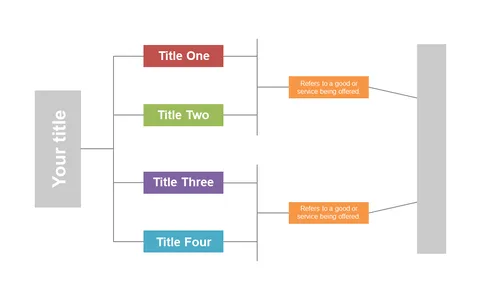
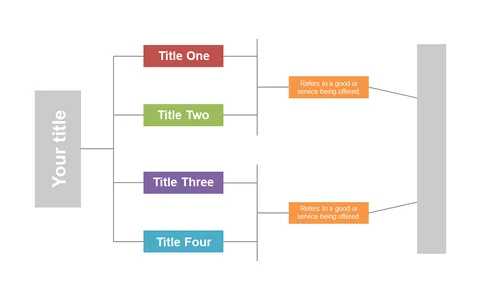
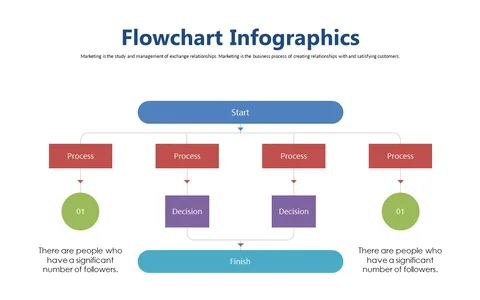
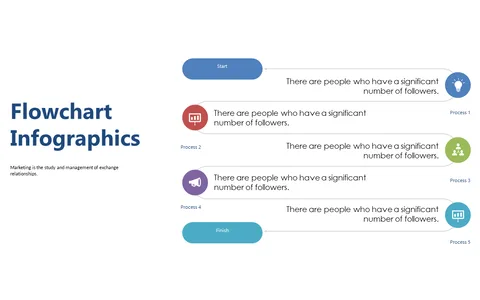
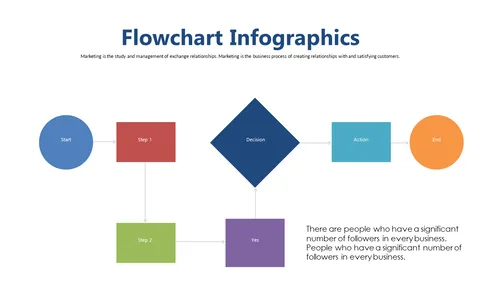
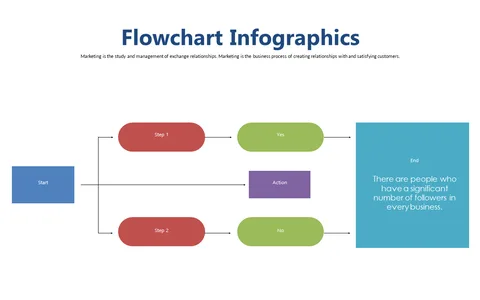
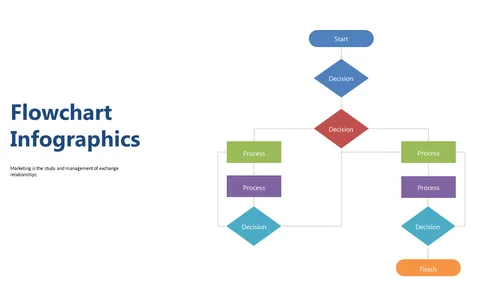
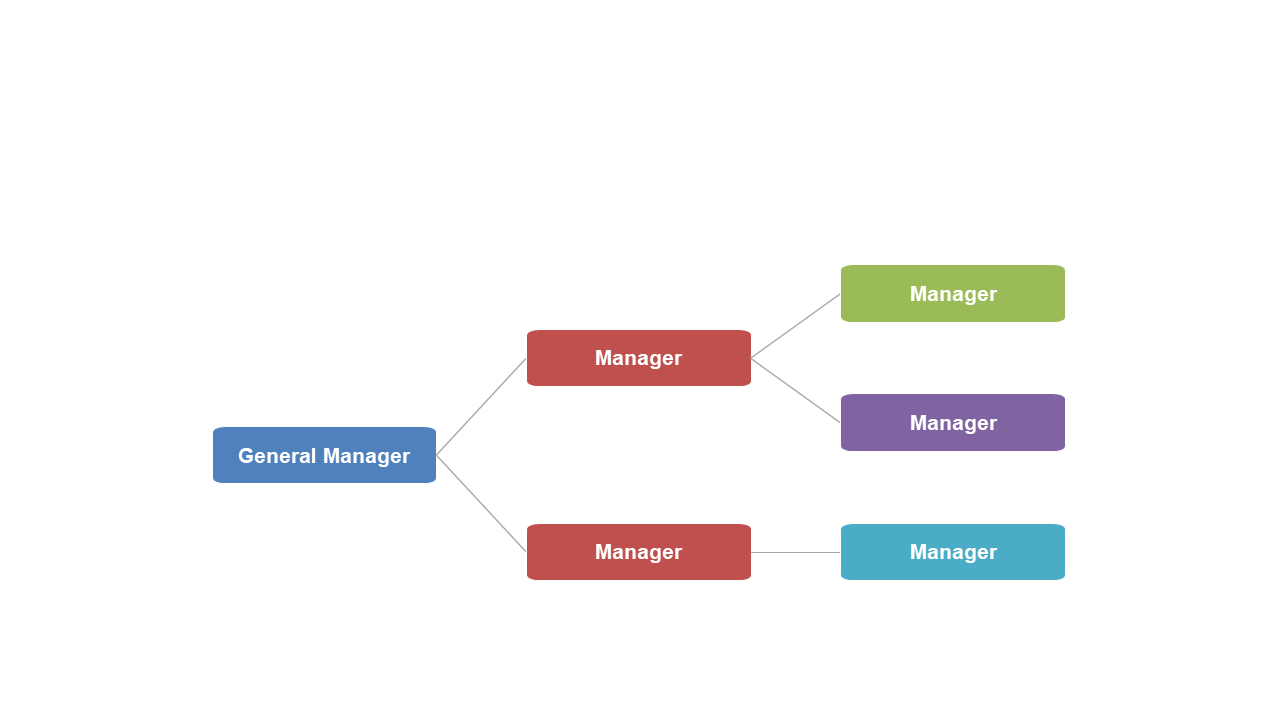
Decision-making can be convoluted, leaving your audience struggling to understand the options at hand. Using this clear branching flowchart slide, you can break down complex processes into manageable, visual segments that guide viewers through each decision path.
It simplifies communication, making it easier for everyone to grasp the available choices. This slide is perfect for team leaders in tech who need to explain software development choices, financial advisors presenting investment options, or educators discussing curriculum decisions. No matter your field, this template helps clarify the decision-making process, ensuring everyone can engage with your content effectively.
At just $0.99, this slide is ready for an instant download. It’s customizable in PowerPoint and Google Slides, so you can edit the layouts and colors to match your presentation needs in no time.
$0.99 – Purchase Checkout
Added to cart